Quick to learn
Simple taps make the core loop easy to pick up on a phone.
 Colony Flow
 Ant colony puzzle guides
Find a calm, practical route through every colorful board. Use level videos when a cube stack gets tight, then return to the game with a safer move order.
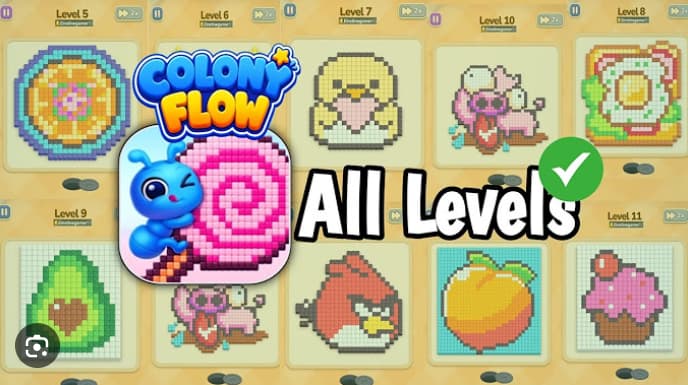
Browse published walkthroughs by level range, then open the video route when a cube sequence needs a closer look.
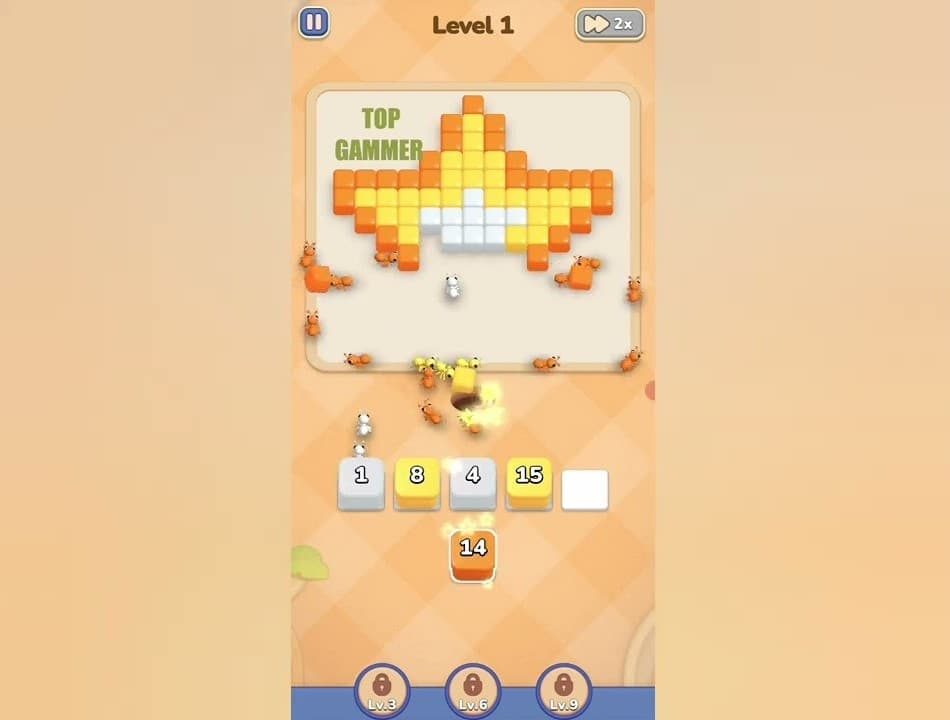
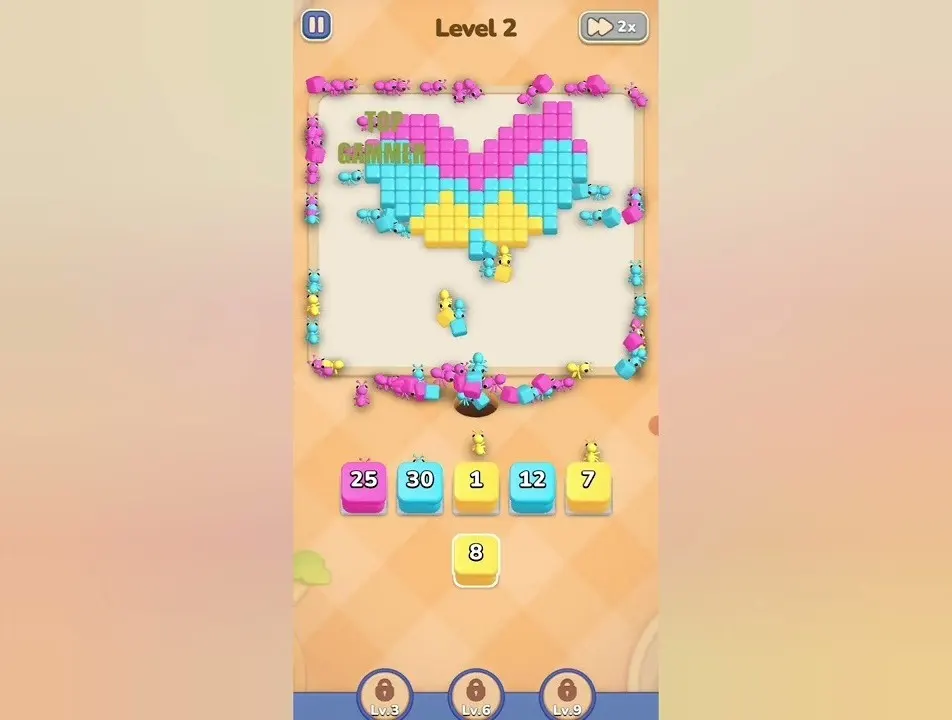
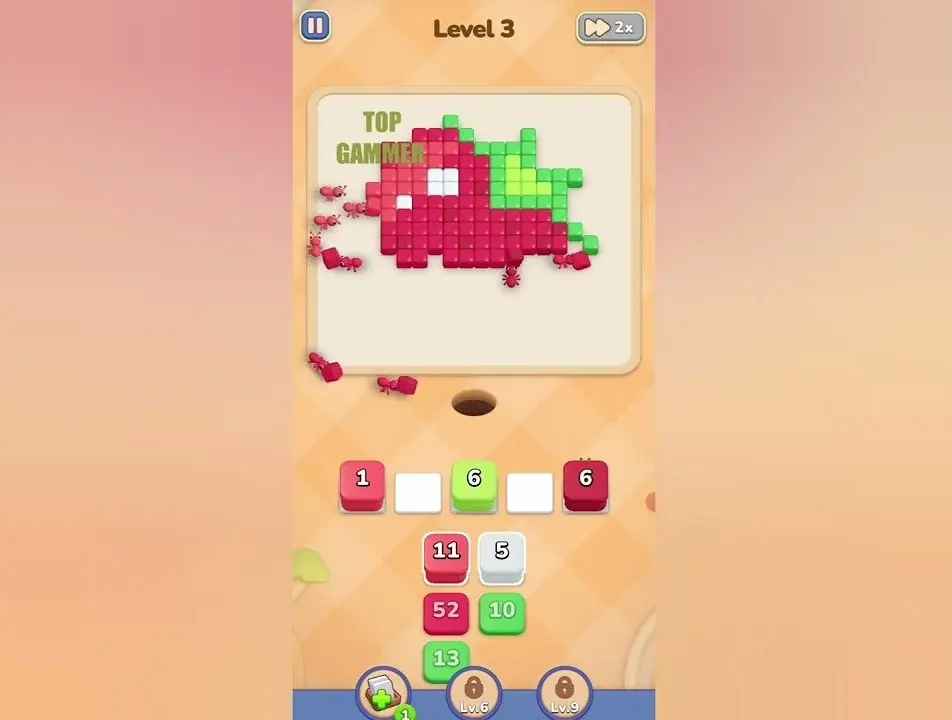
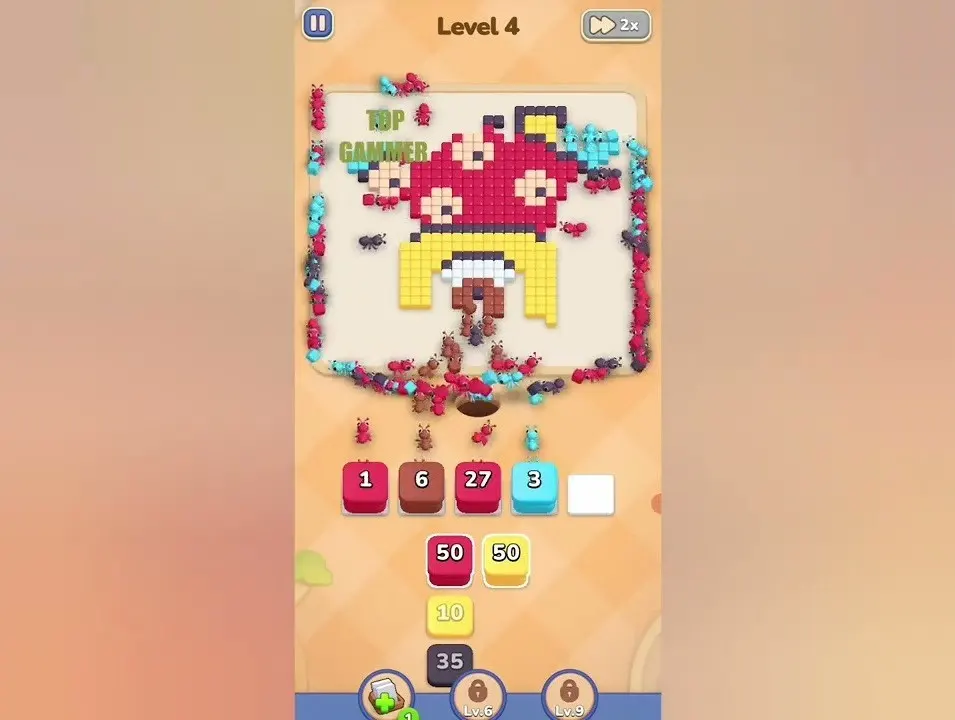
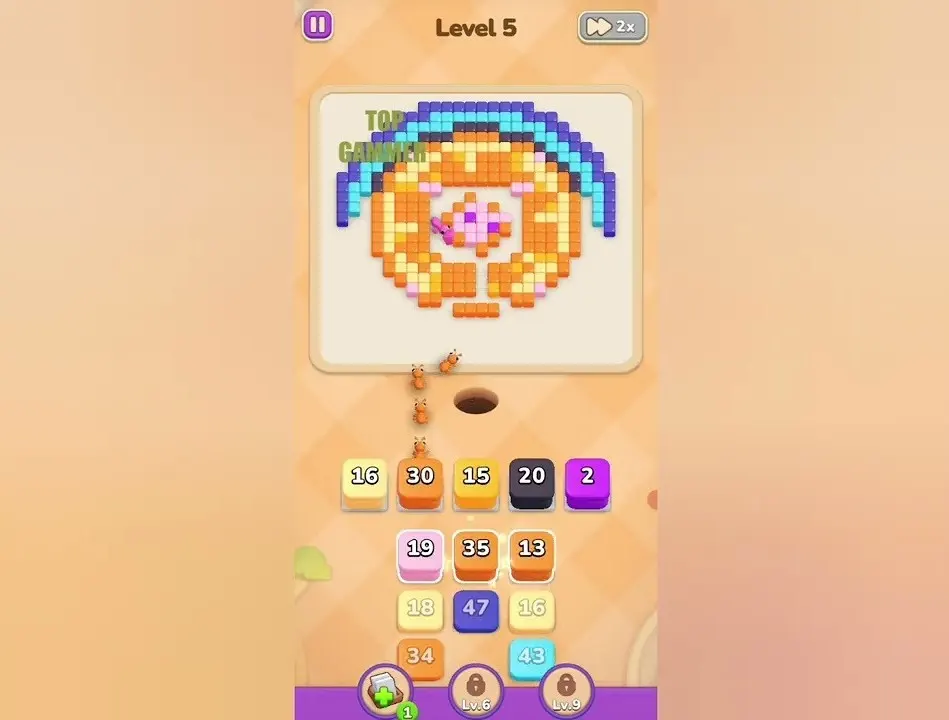
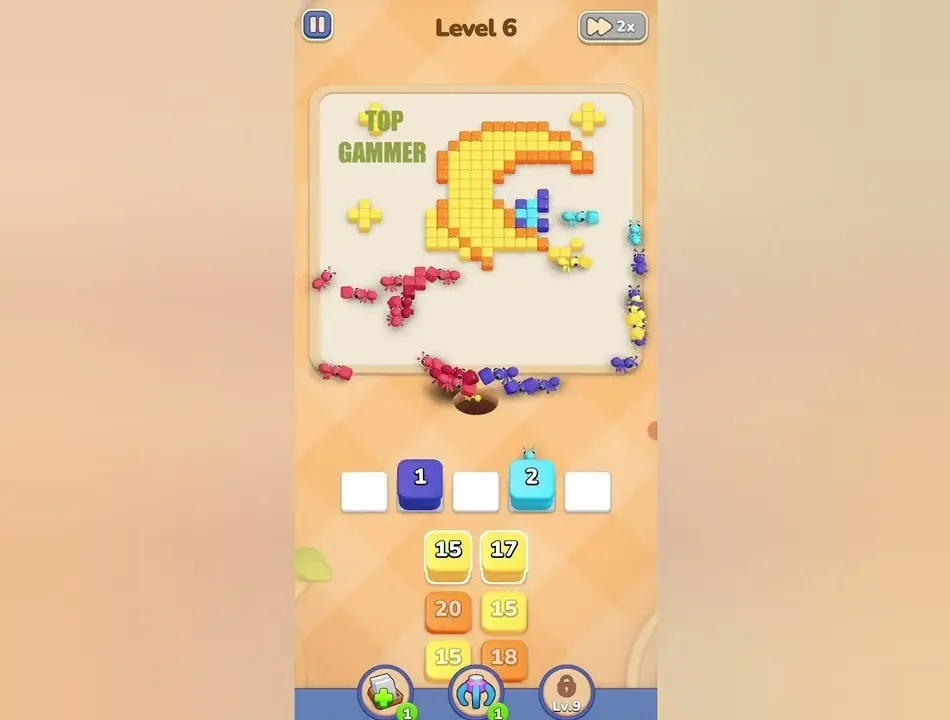

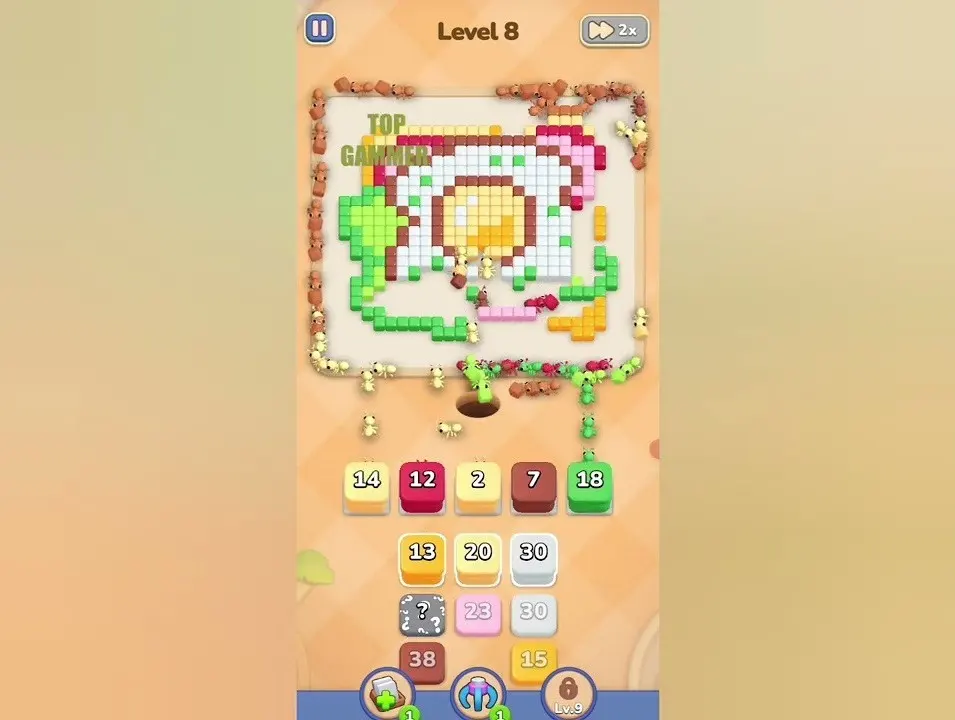
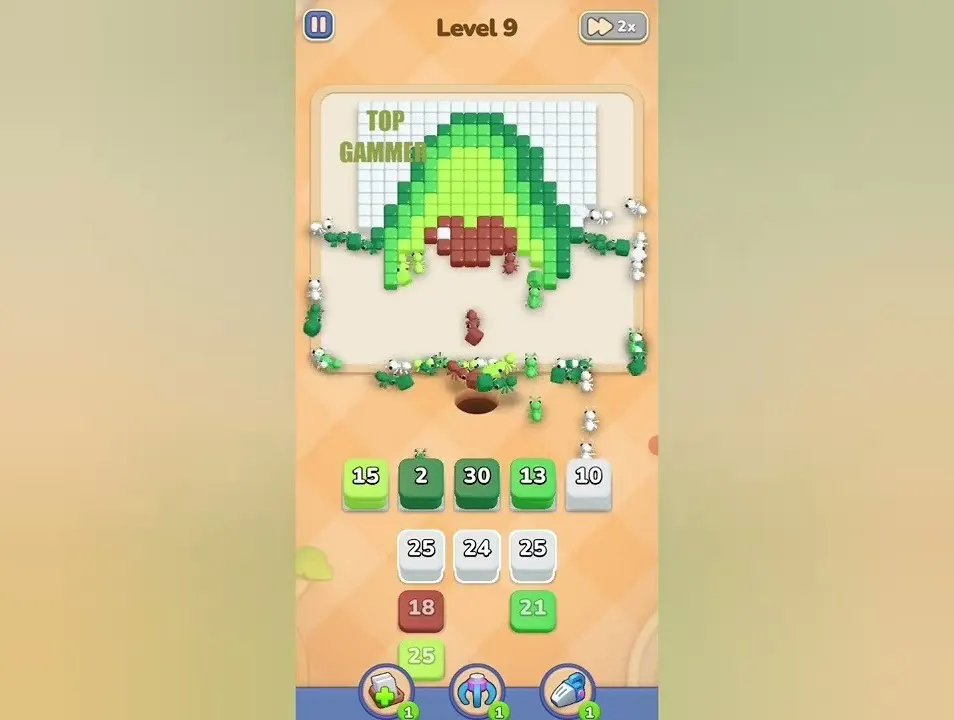
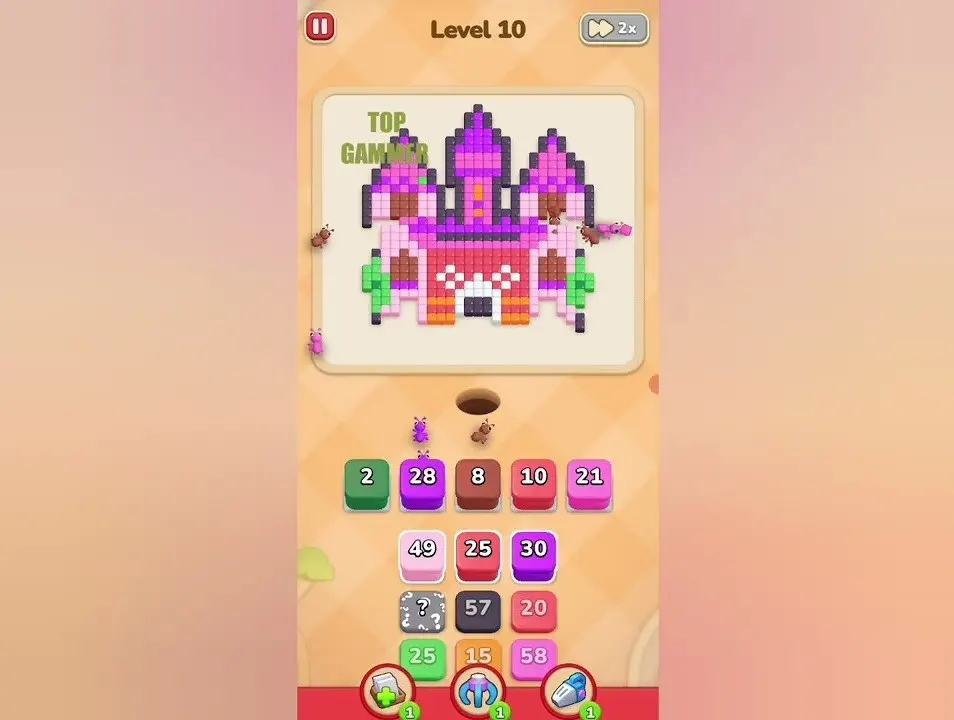
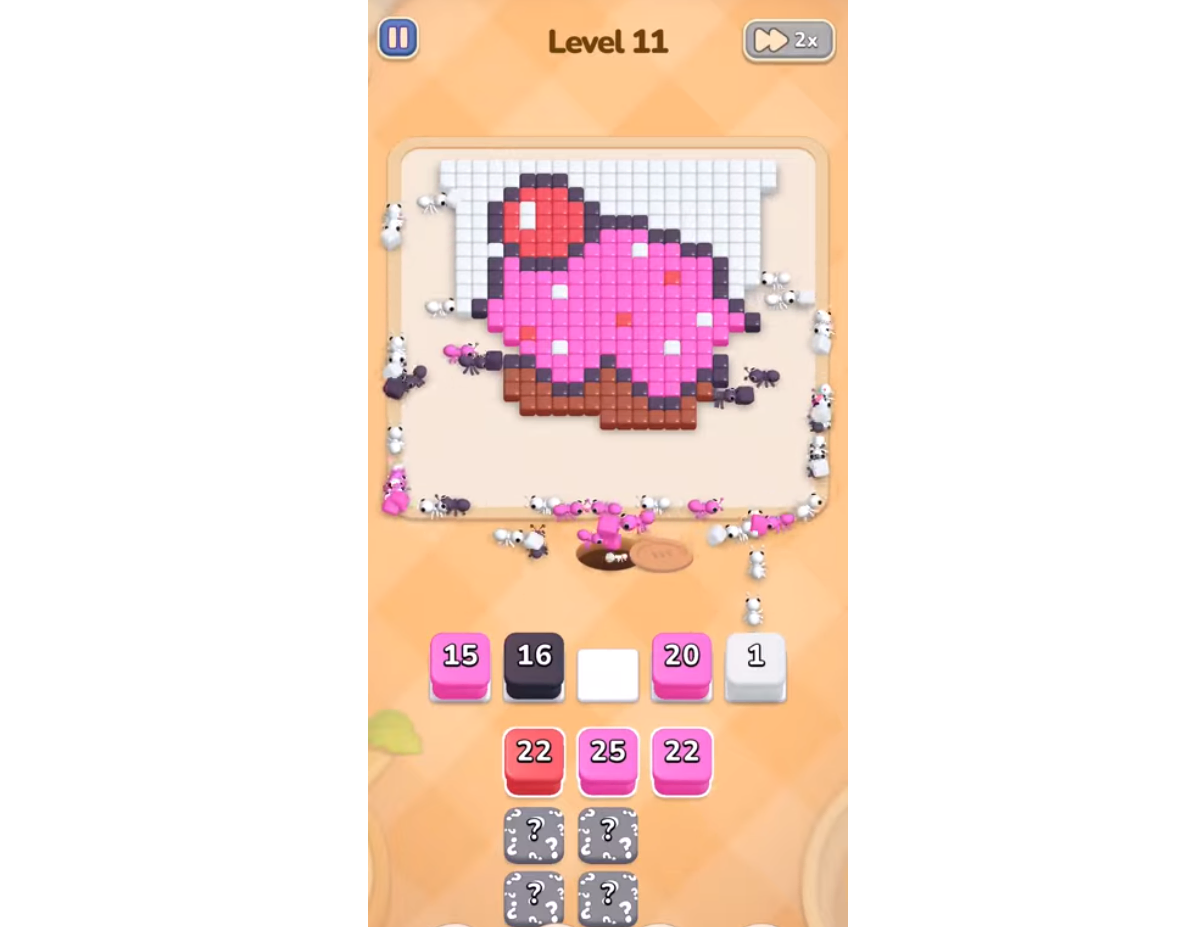
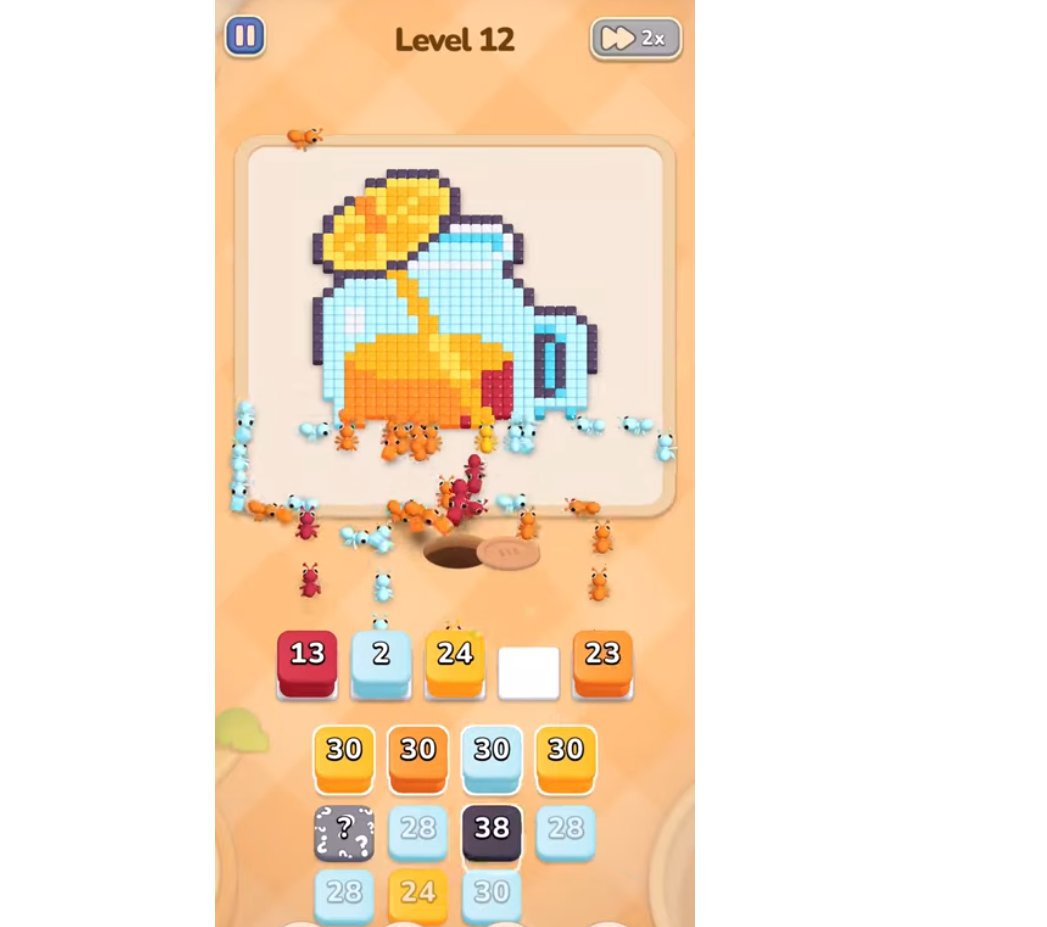
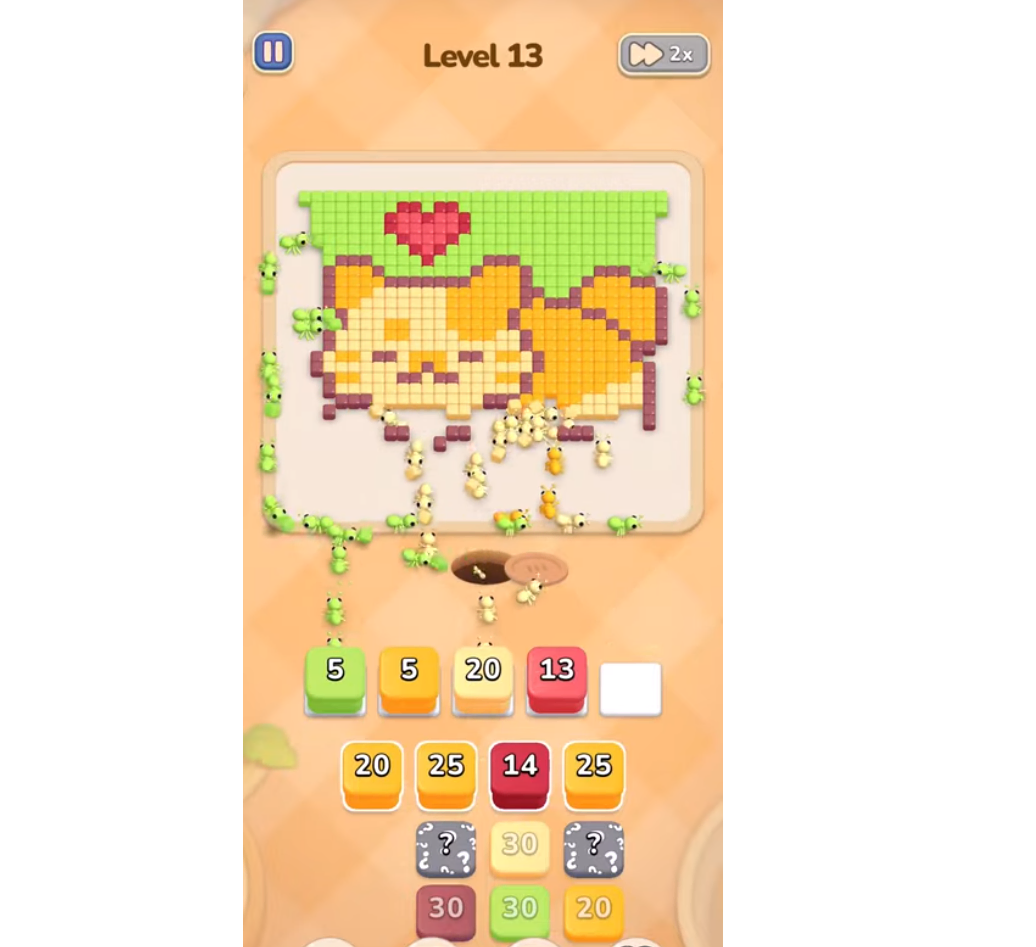
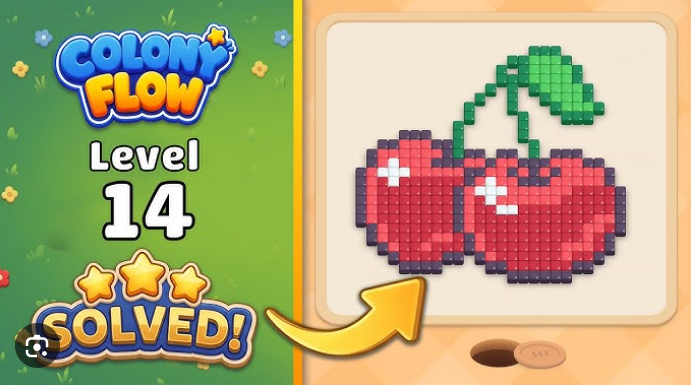
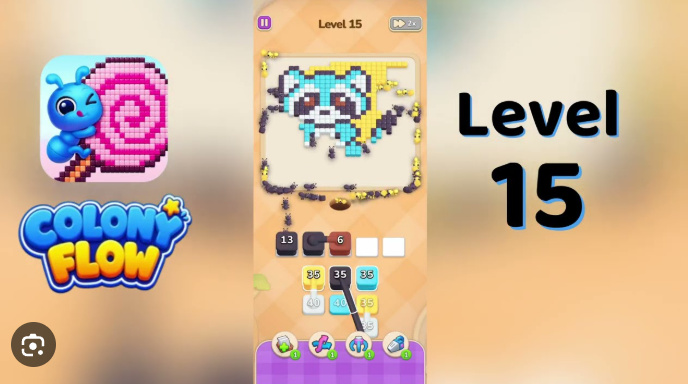
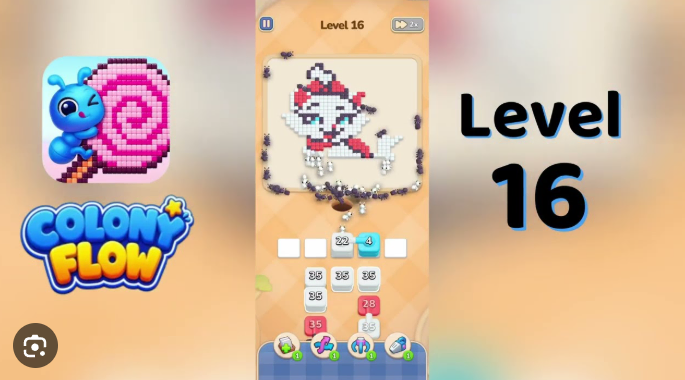
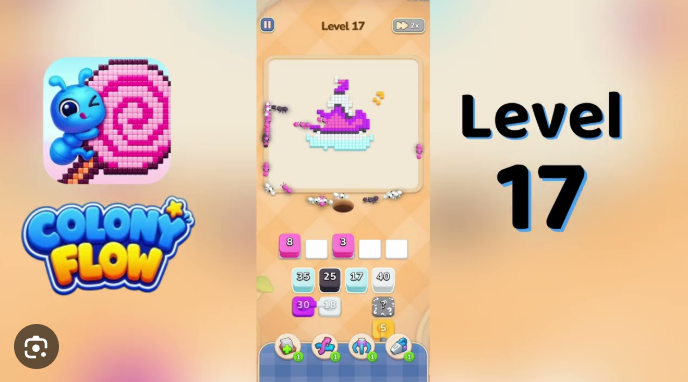
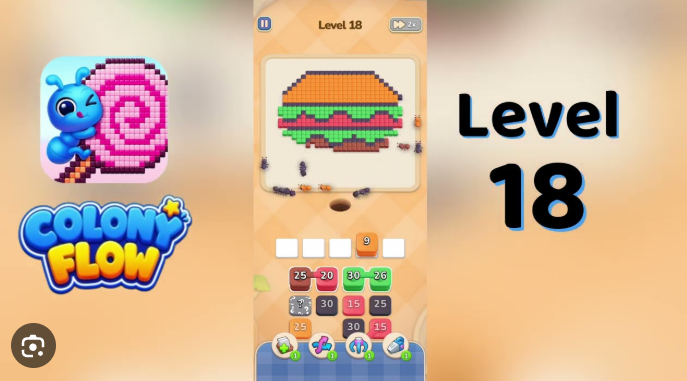
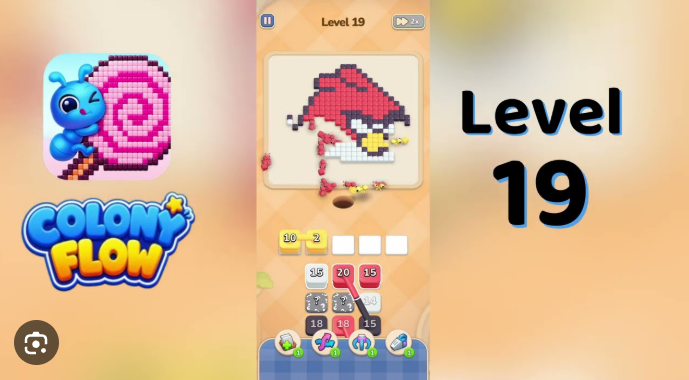
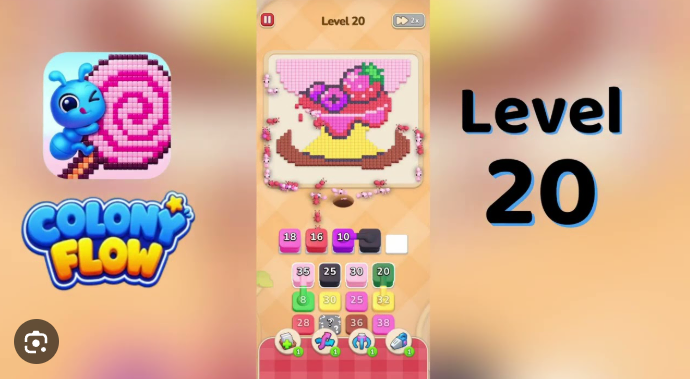
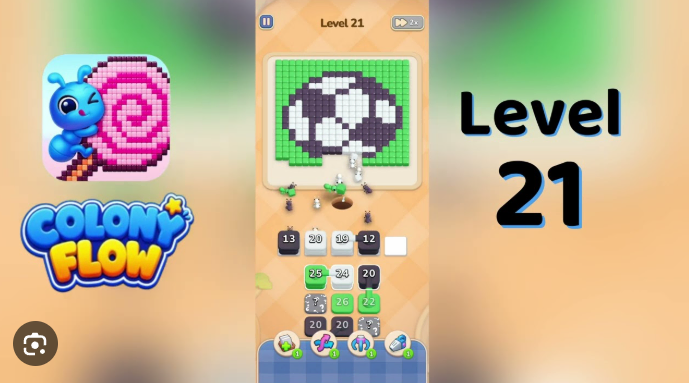
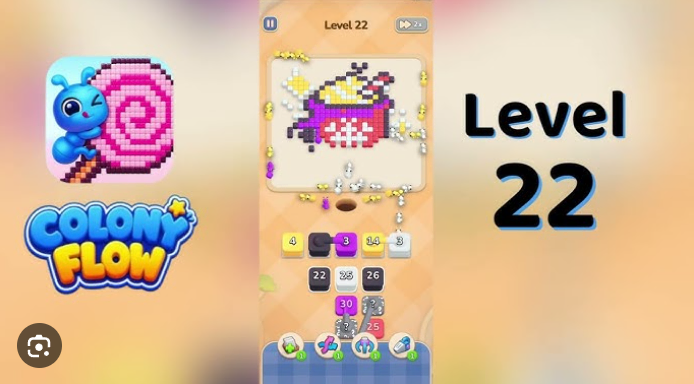
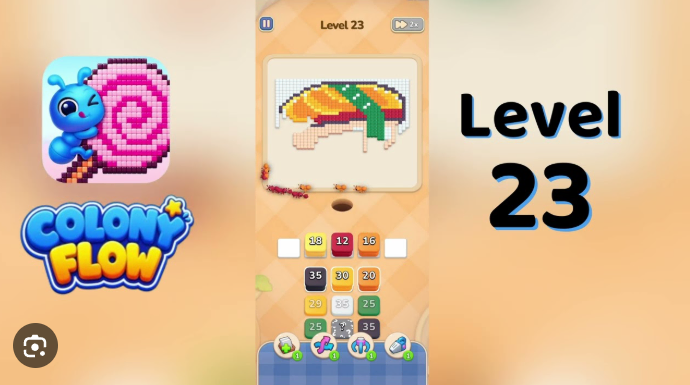
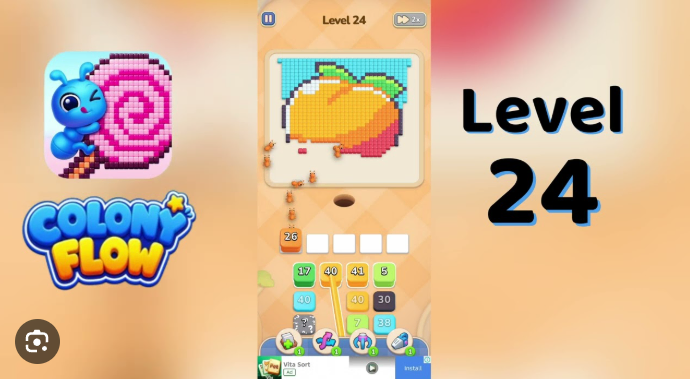
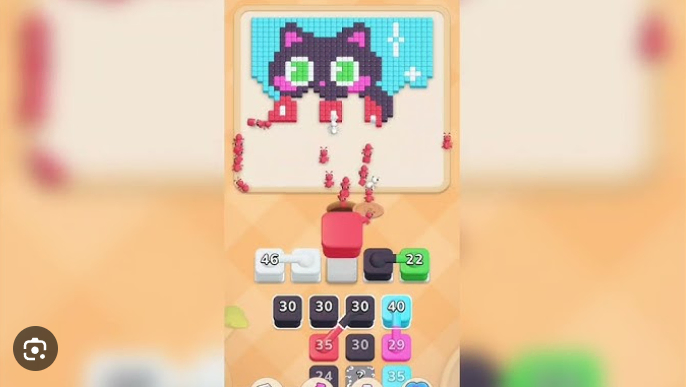
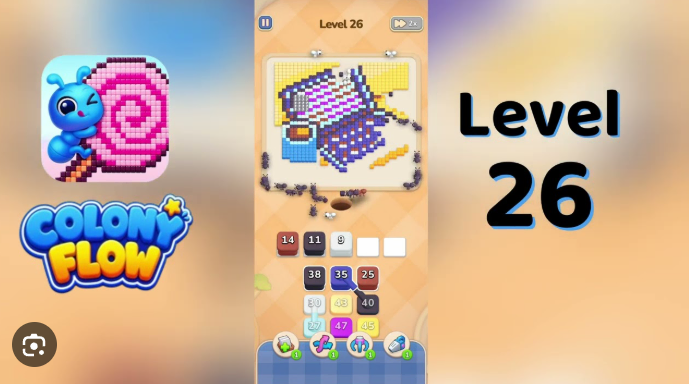
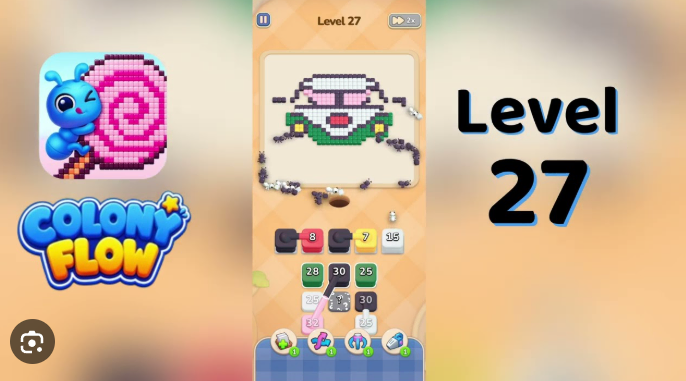
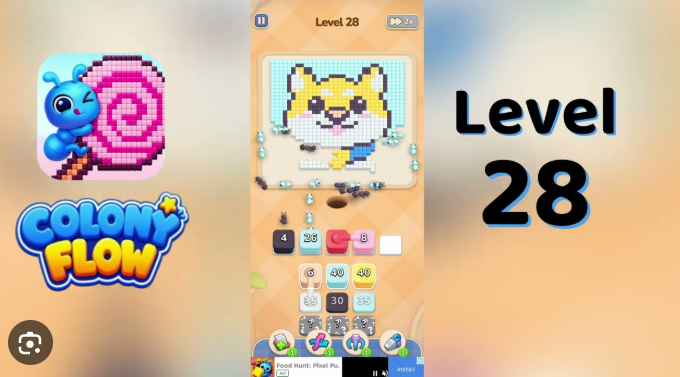
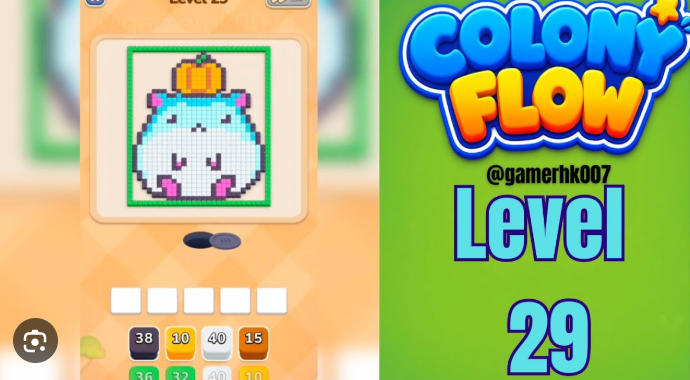
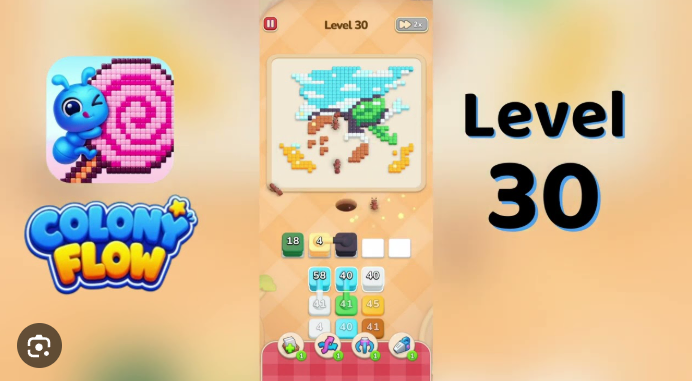
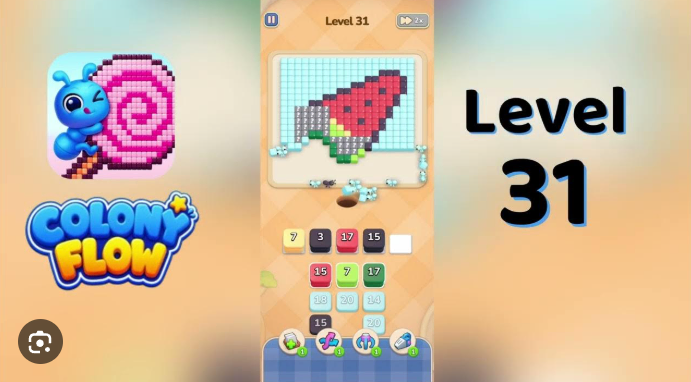
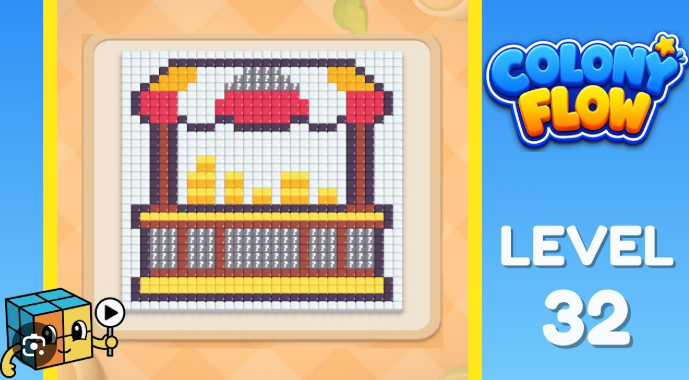
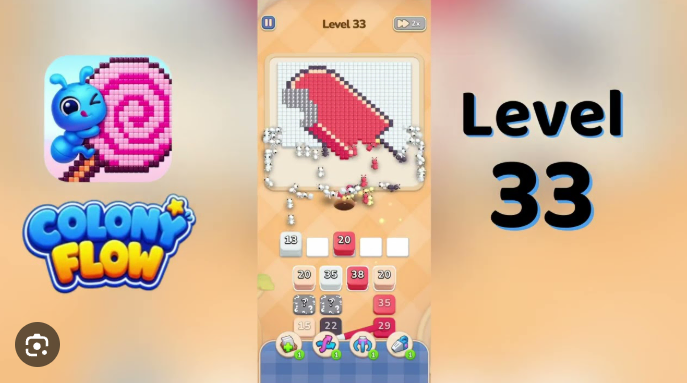
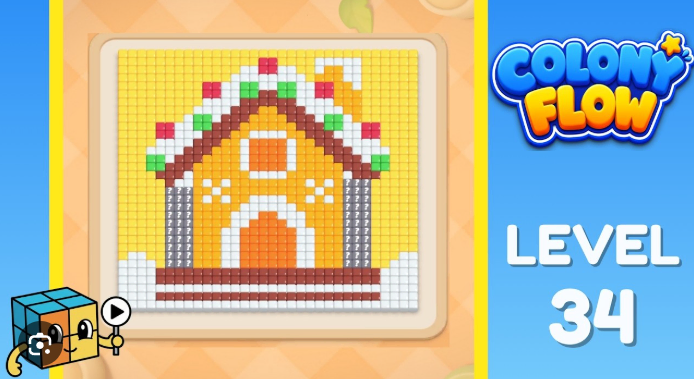
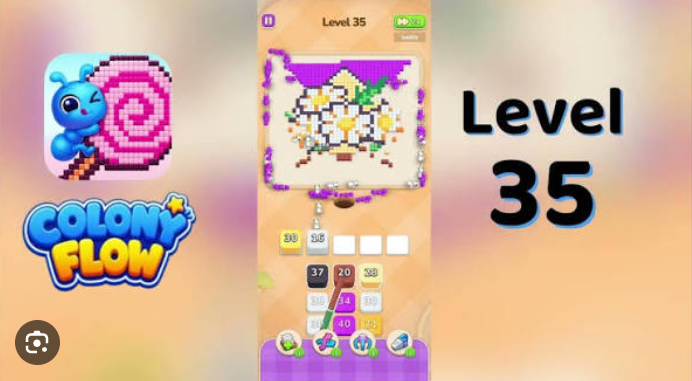
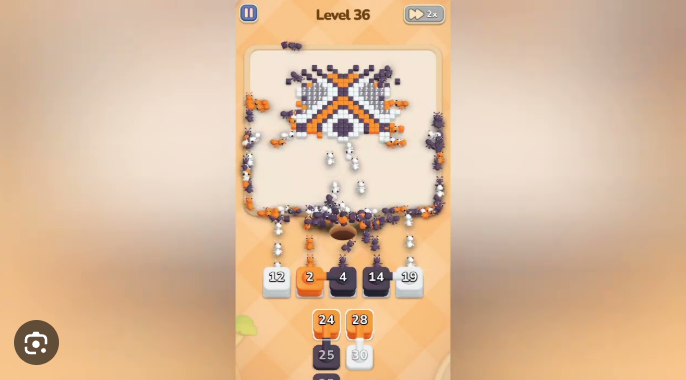
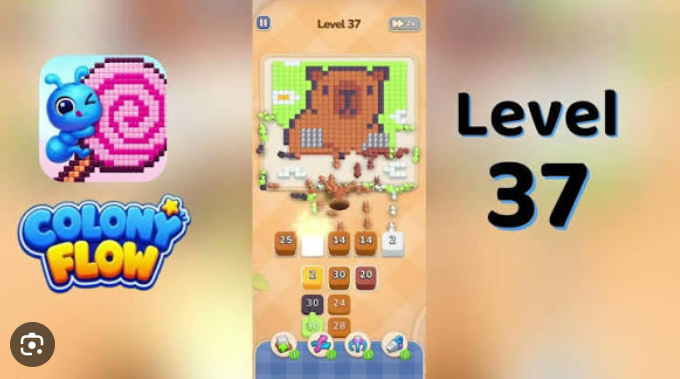
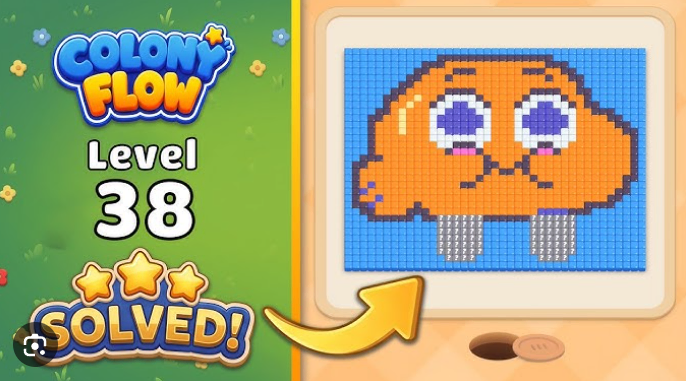
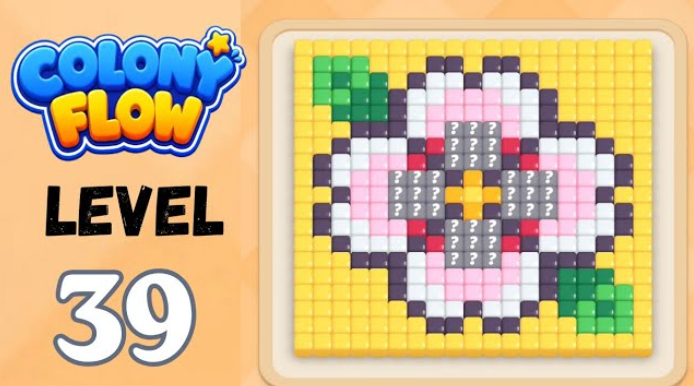
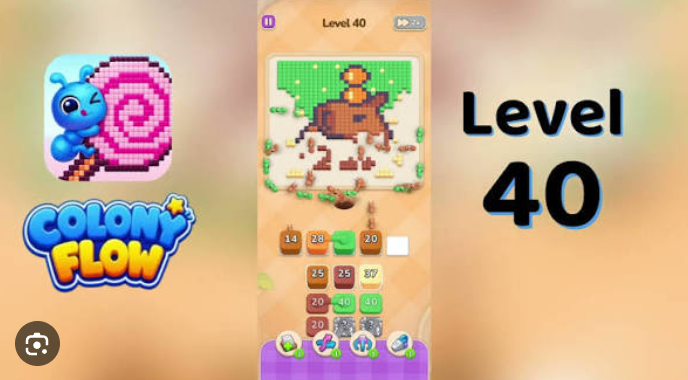
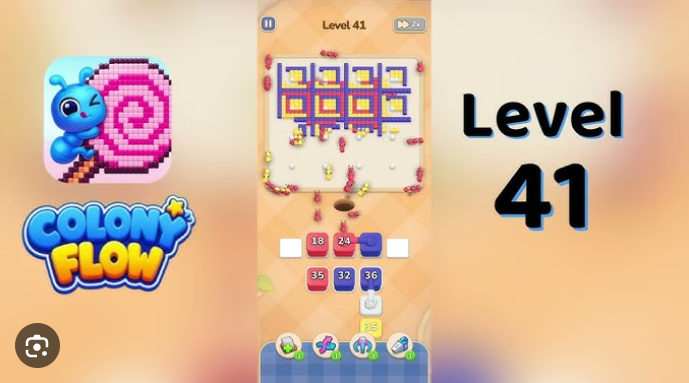
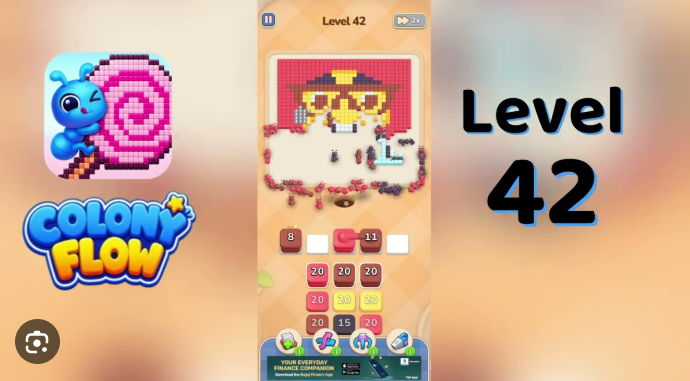
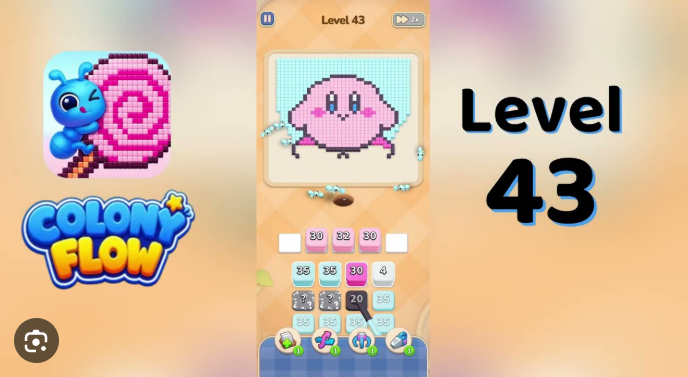
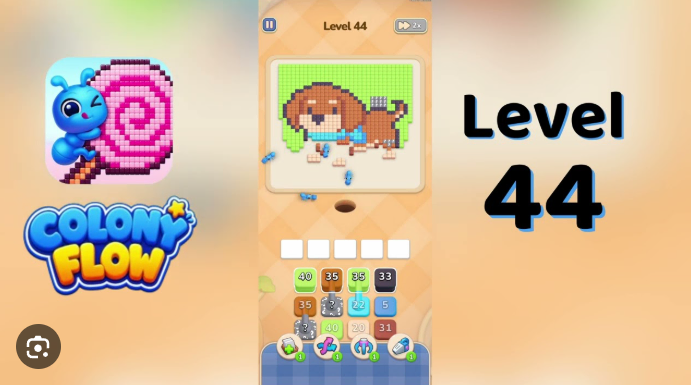
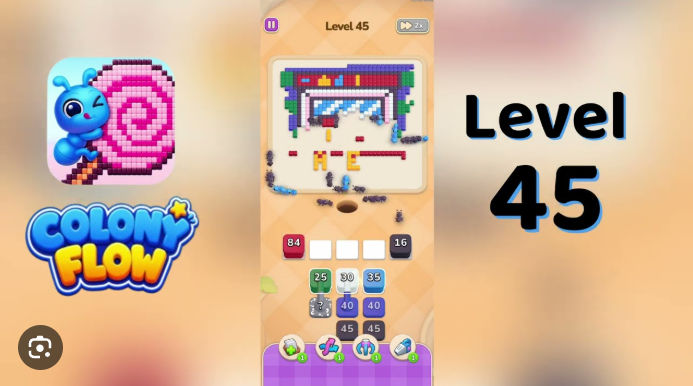
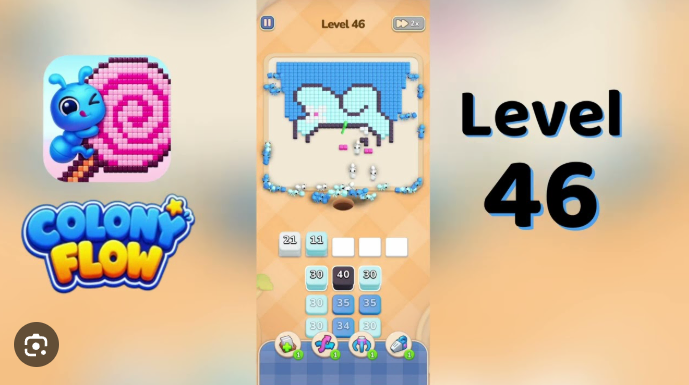
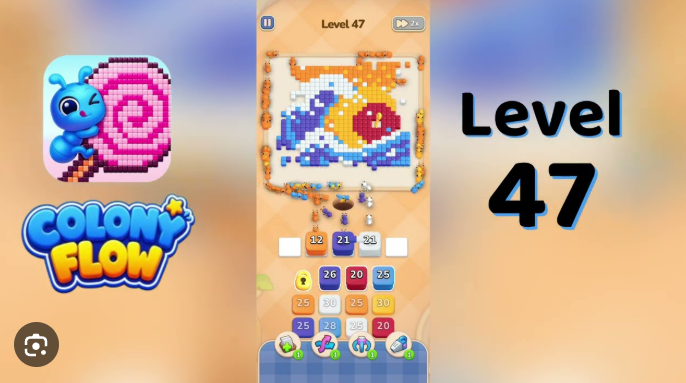
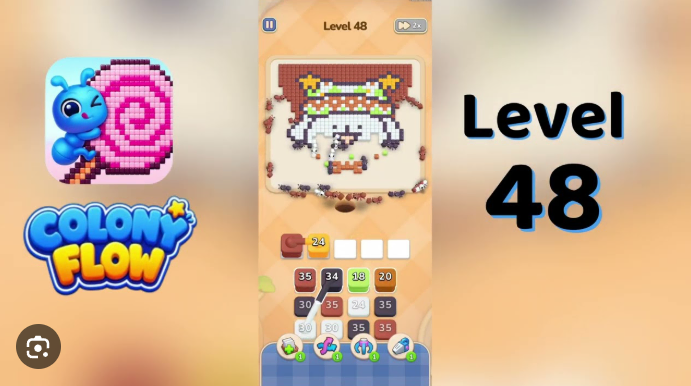
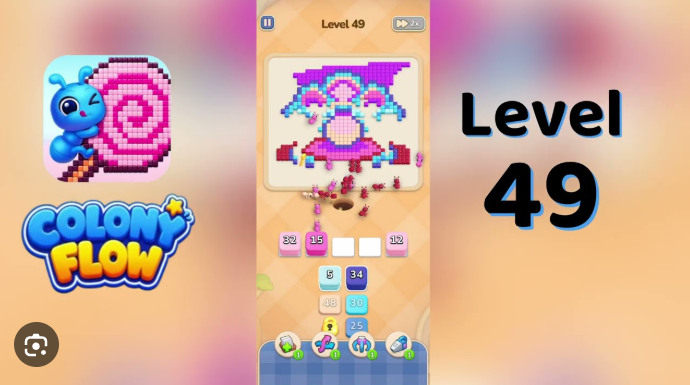
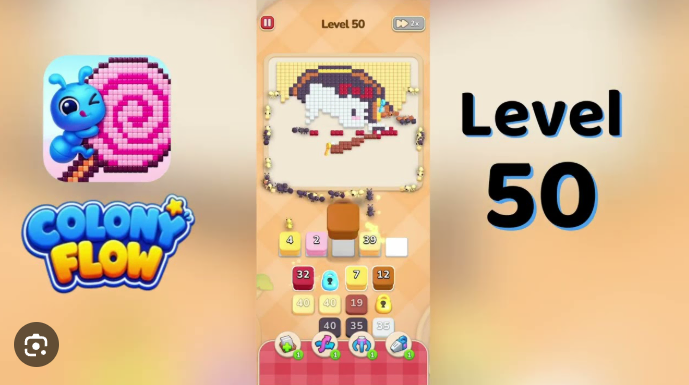
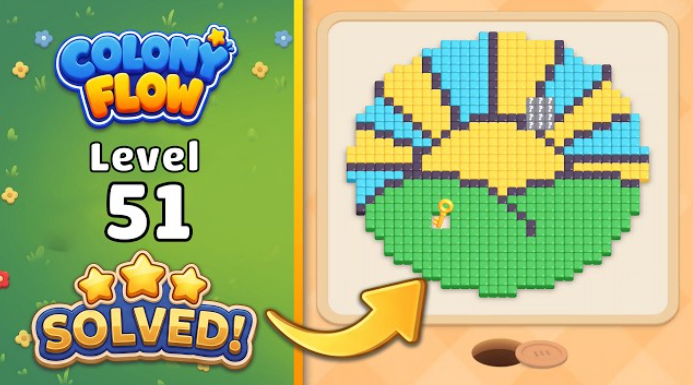
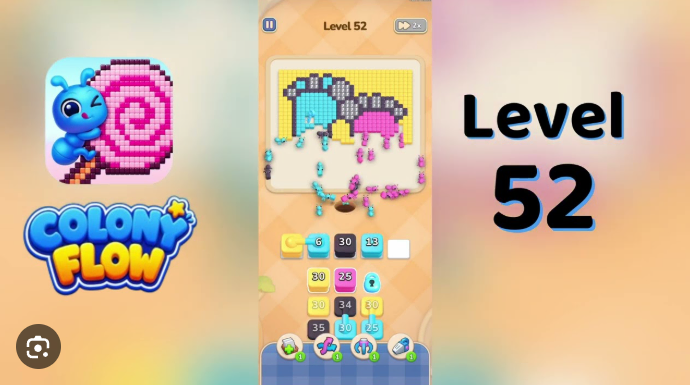
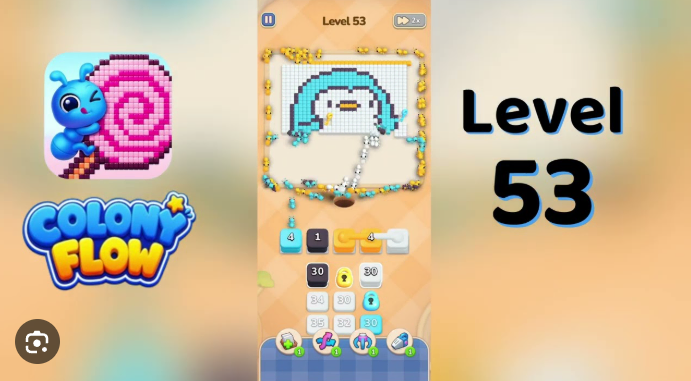
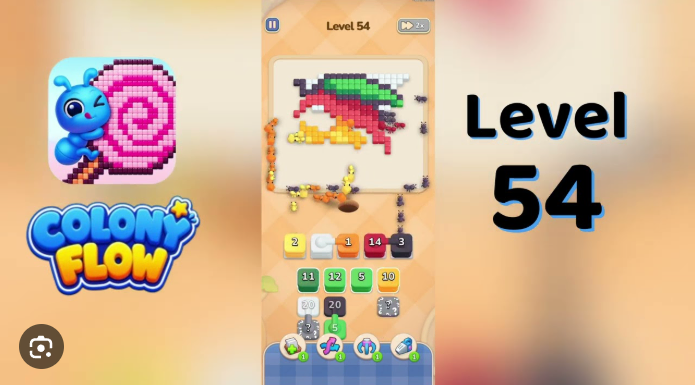
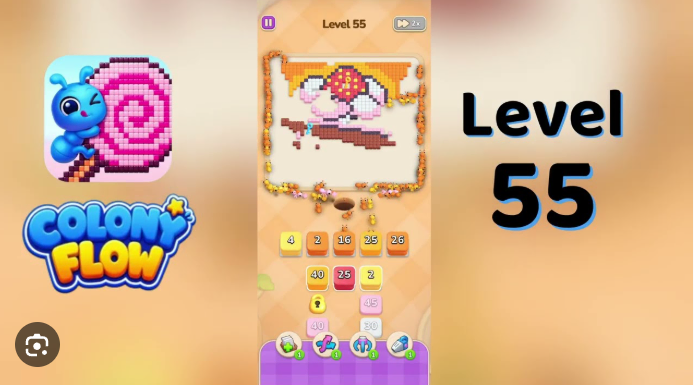
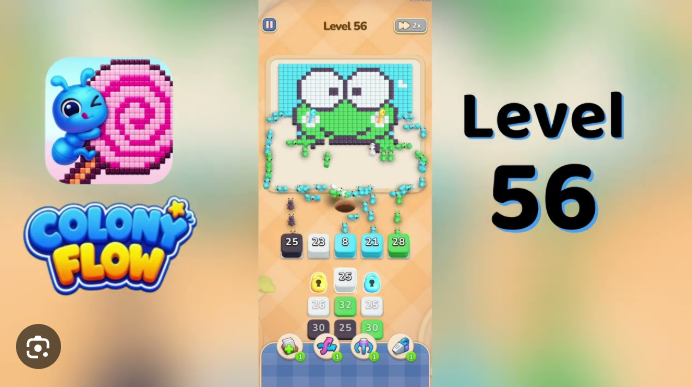
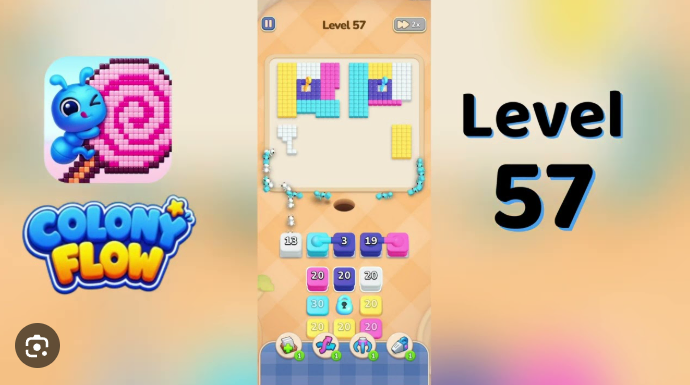
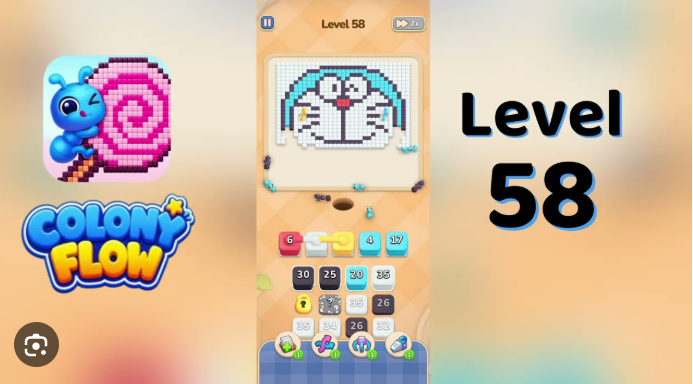
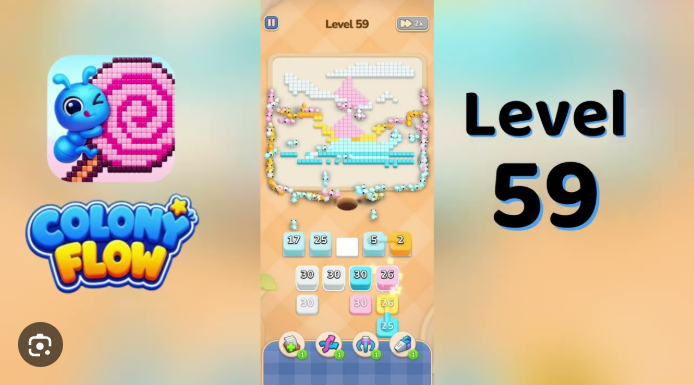
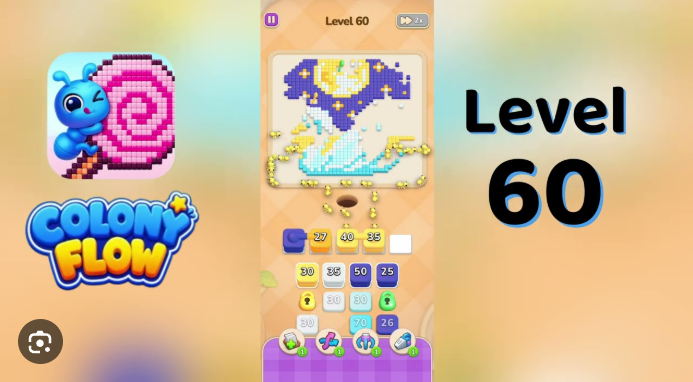
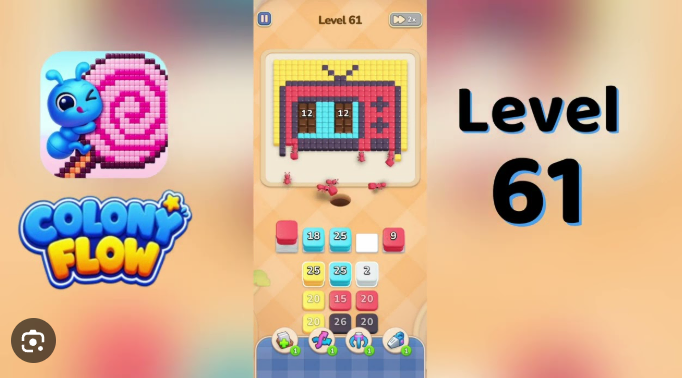
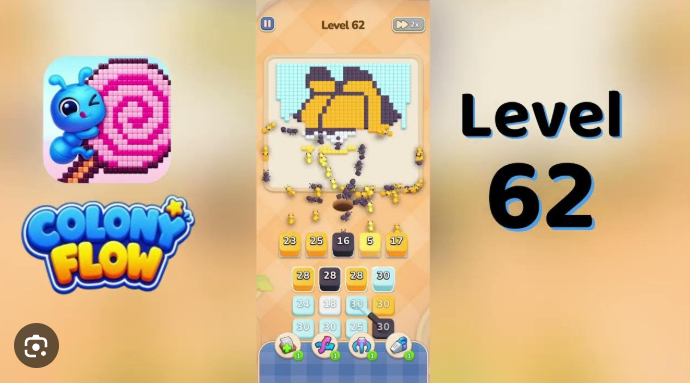
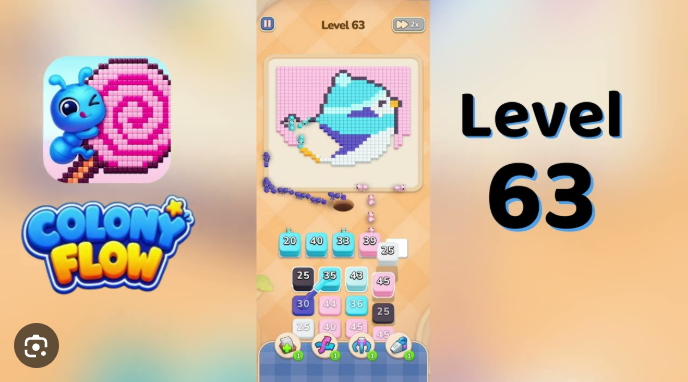
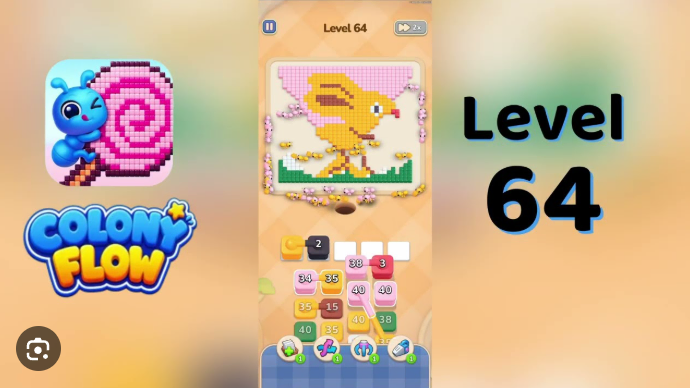
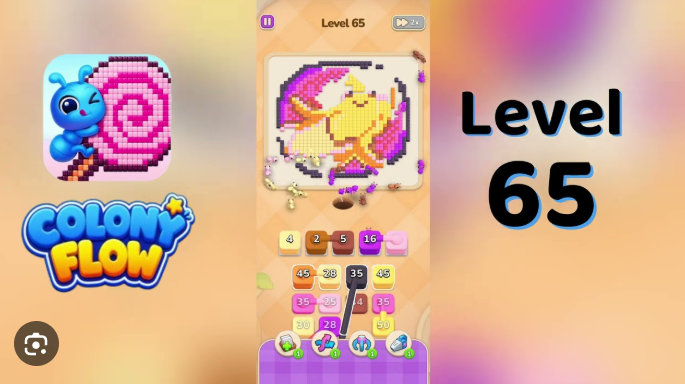
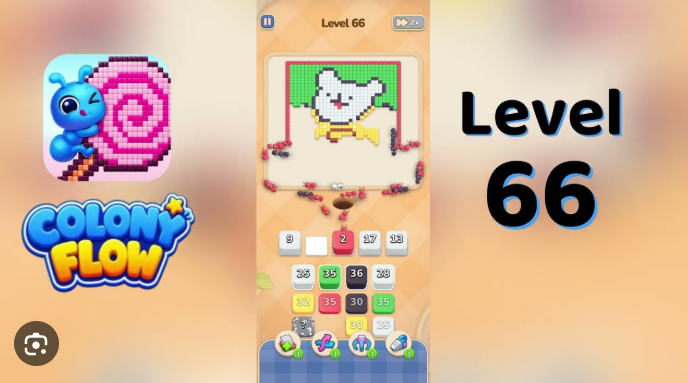
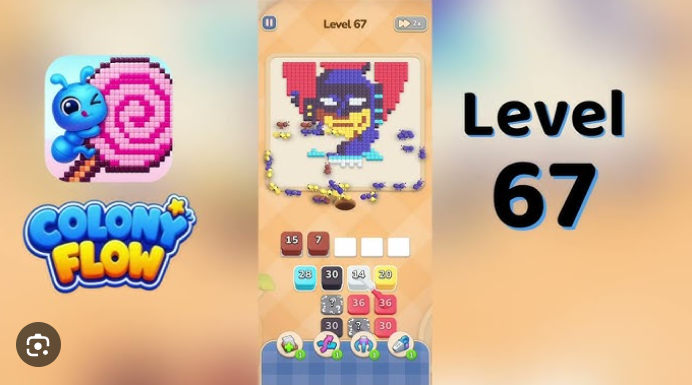
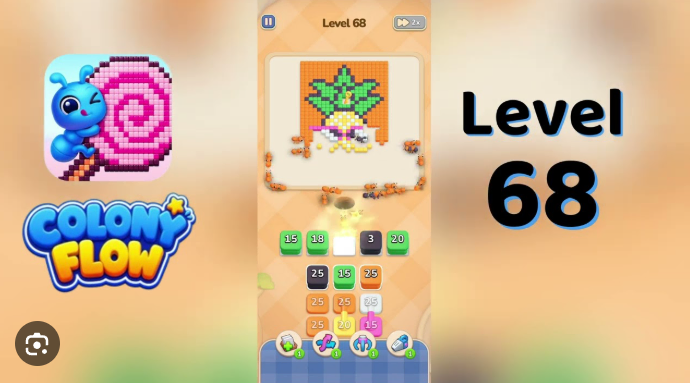
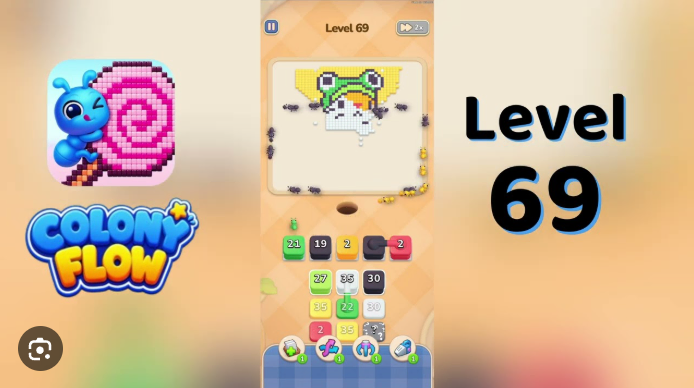
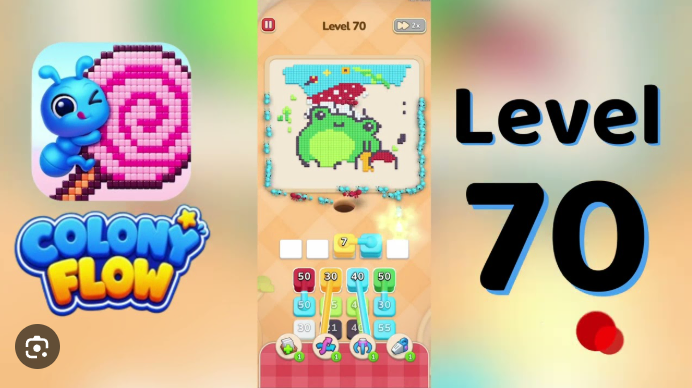
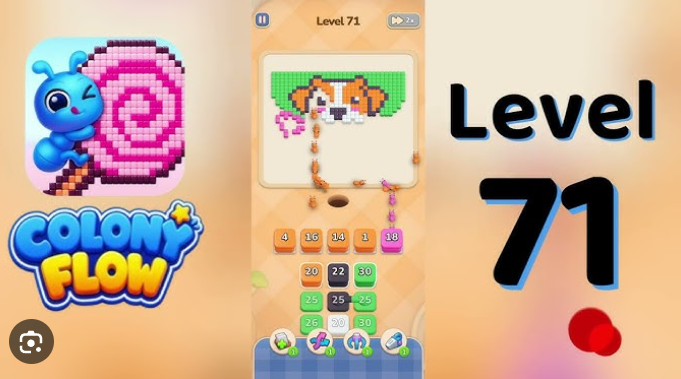
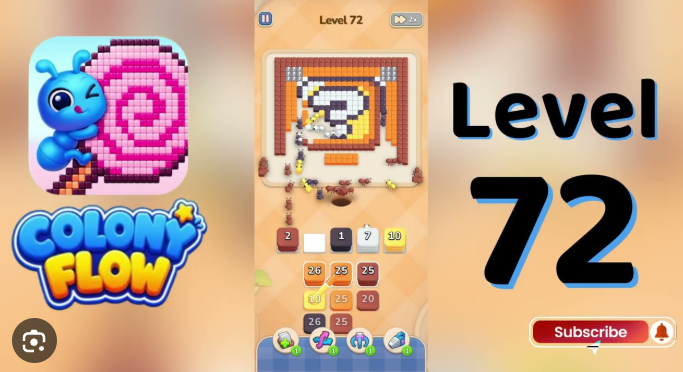
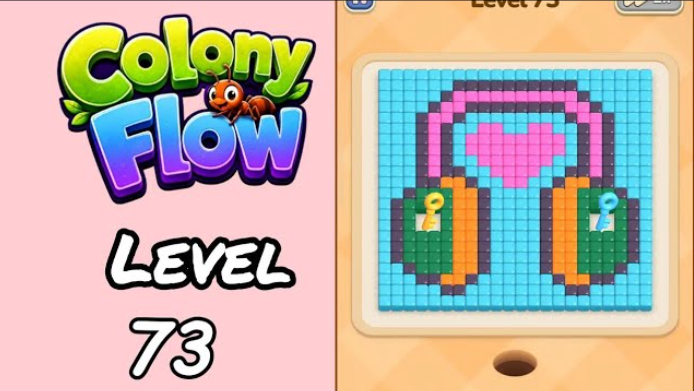
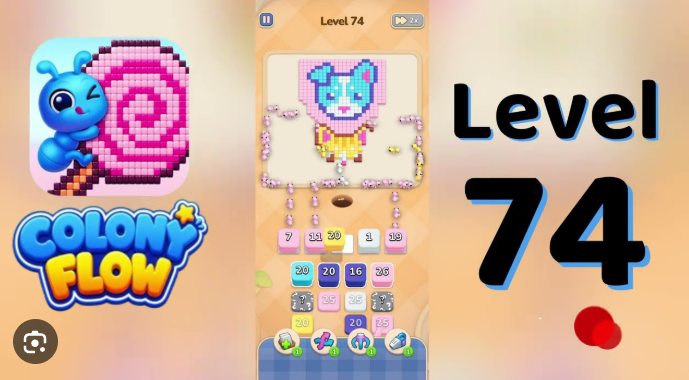
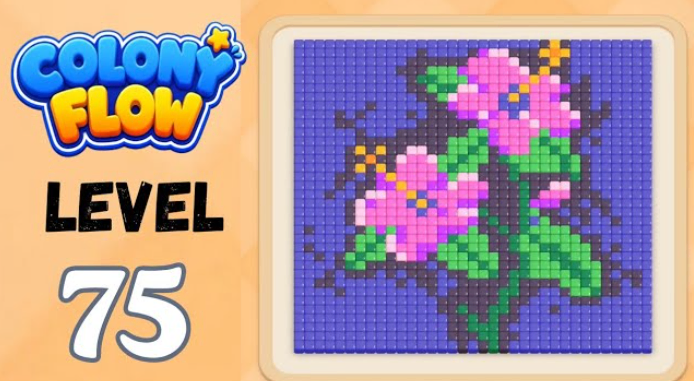
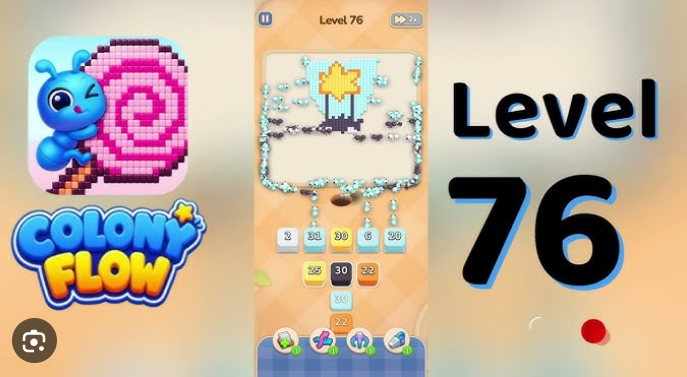
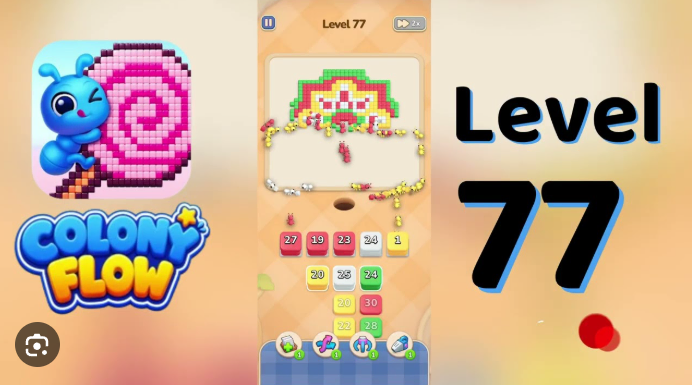
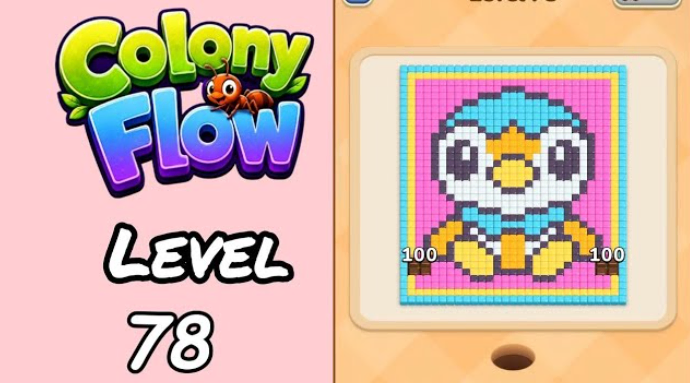
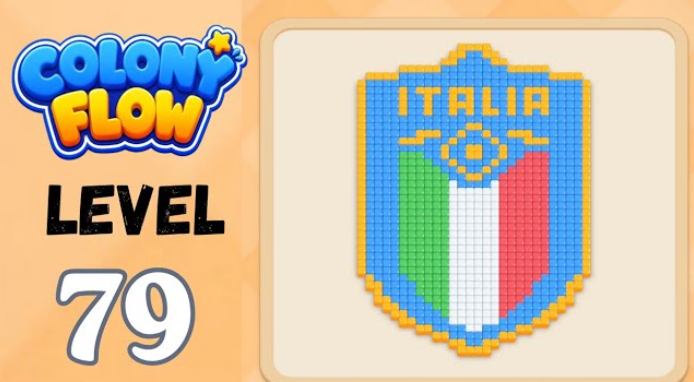
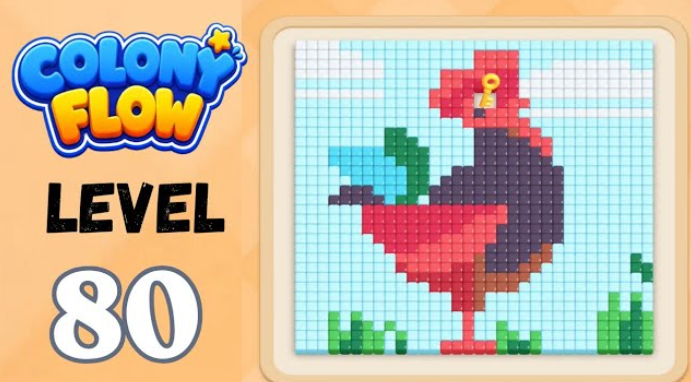
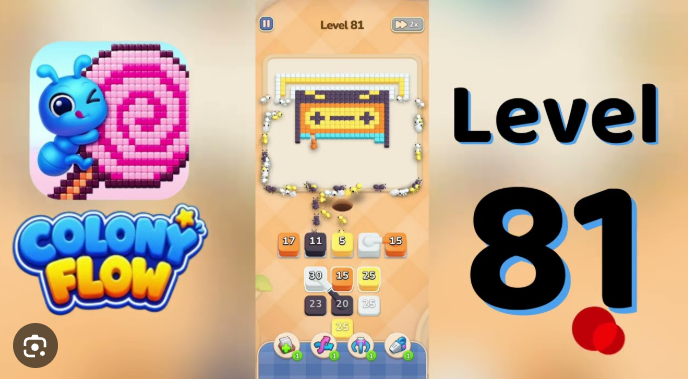
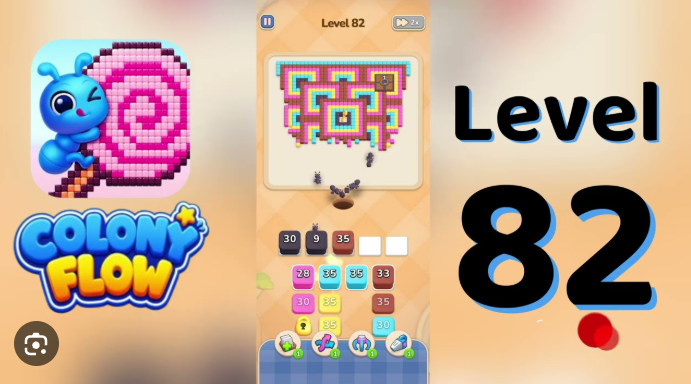
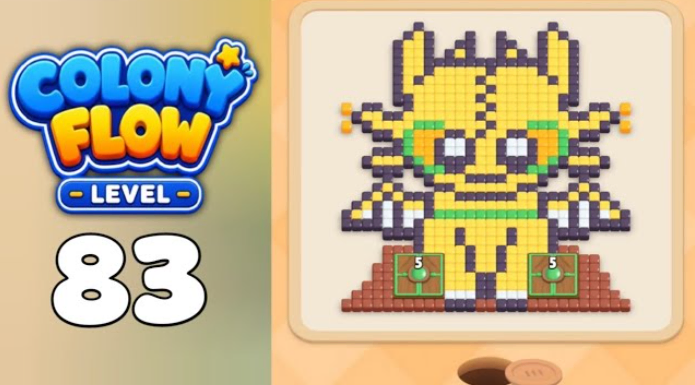
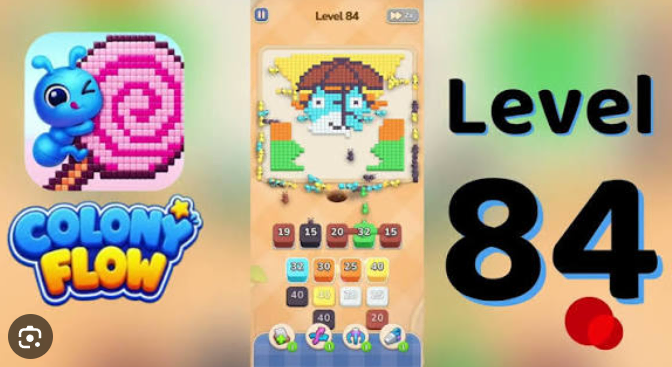
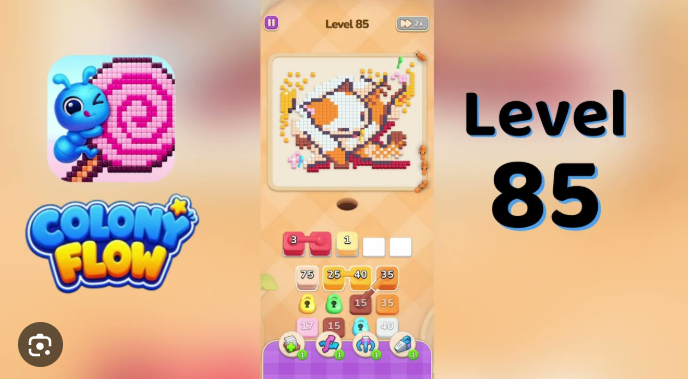
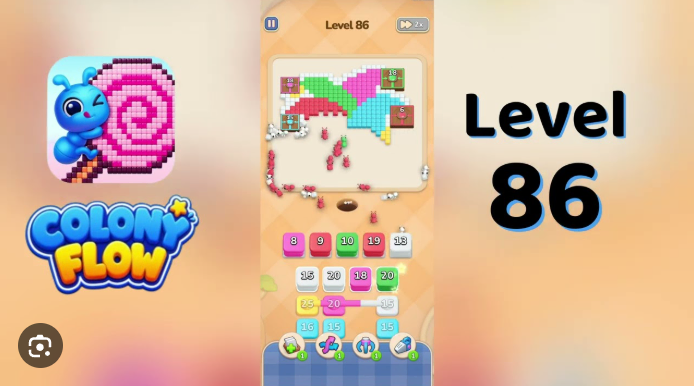
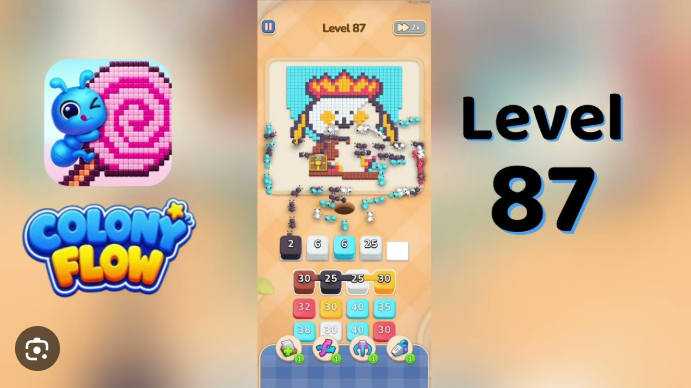
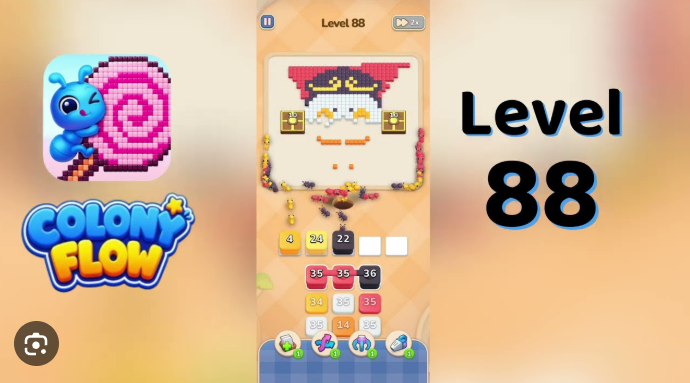
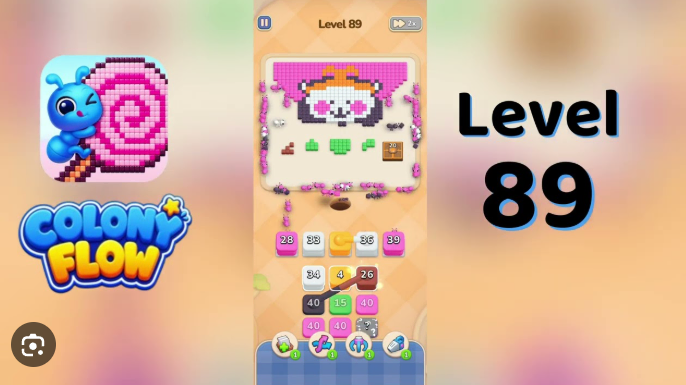
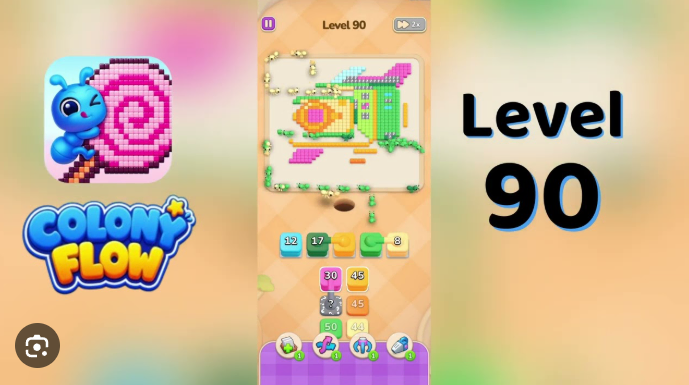
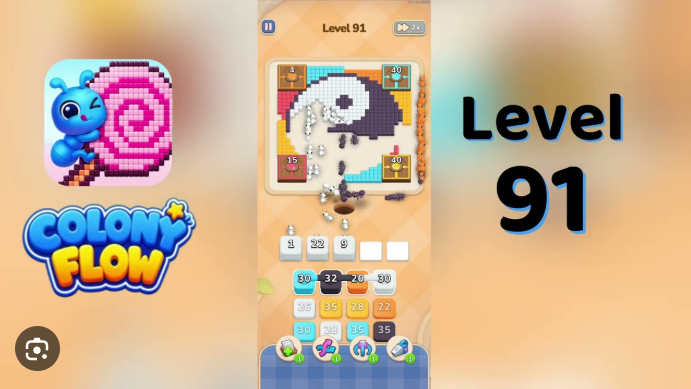
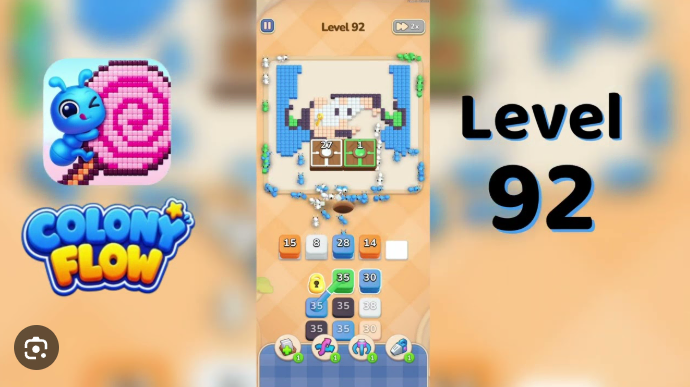
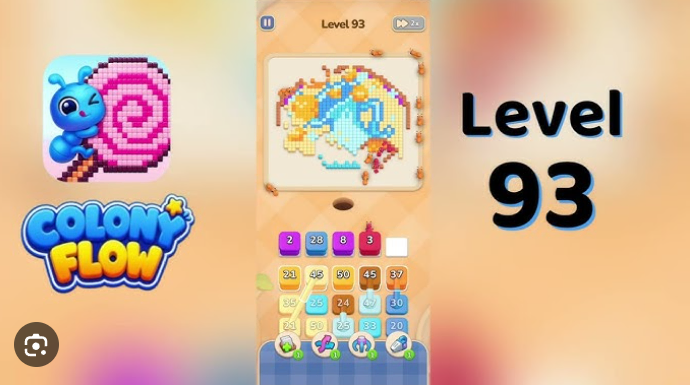
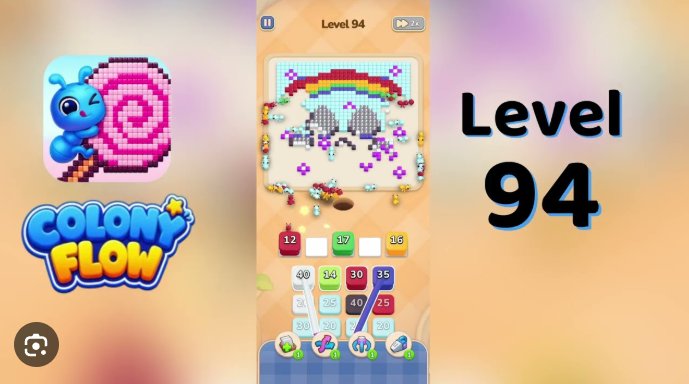
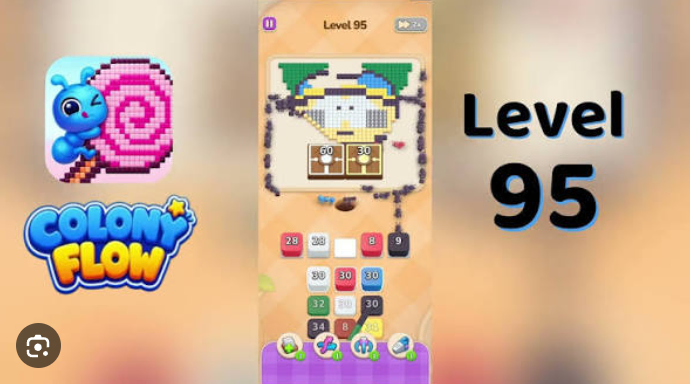
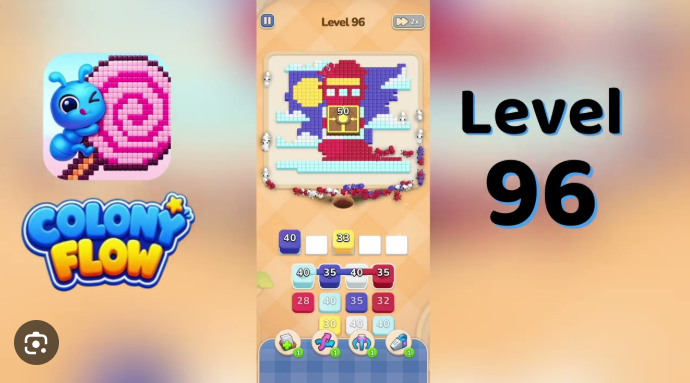
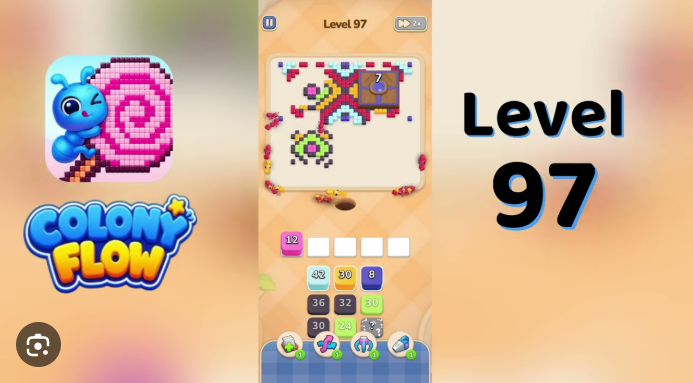
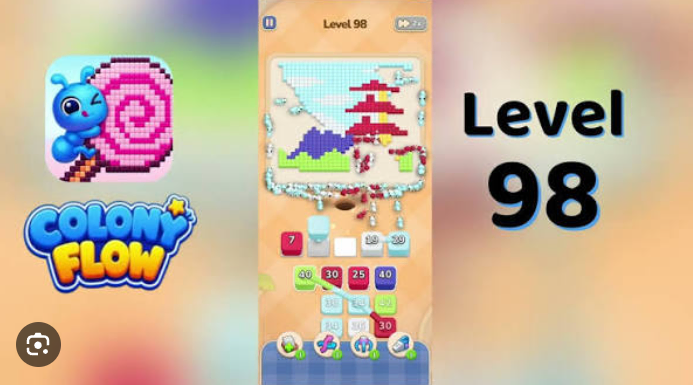
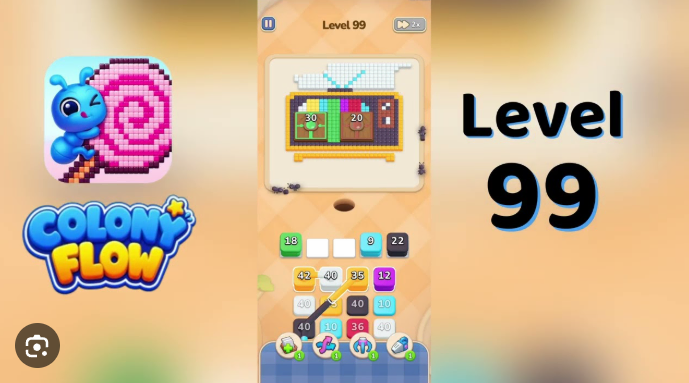
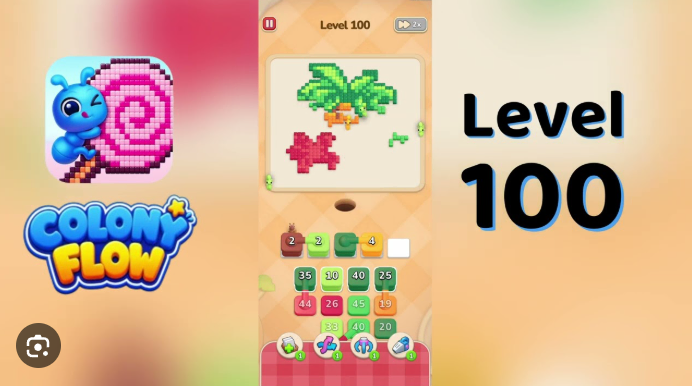
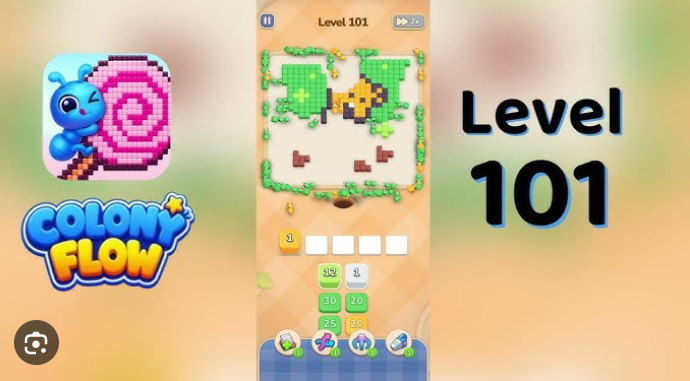
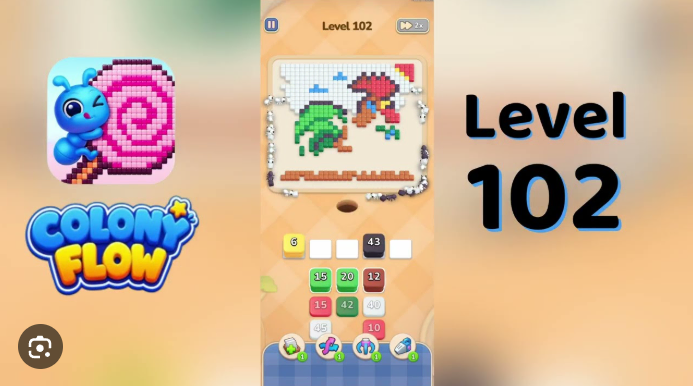
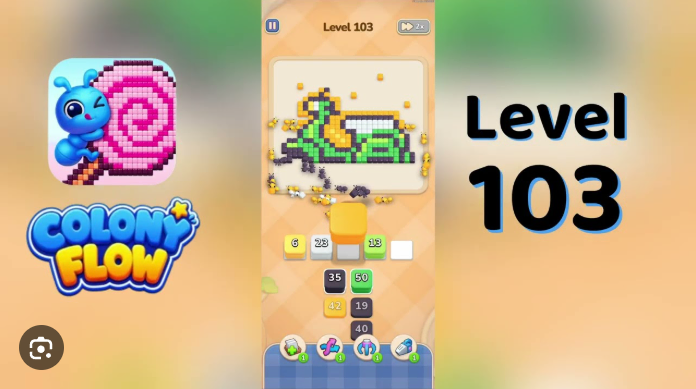
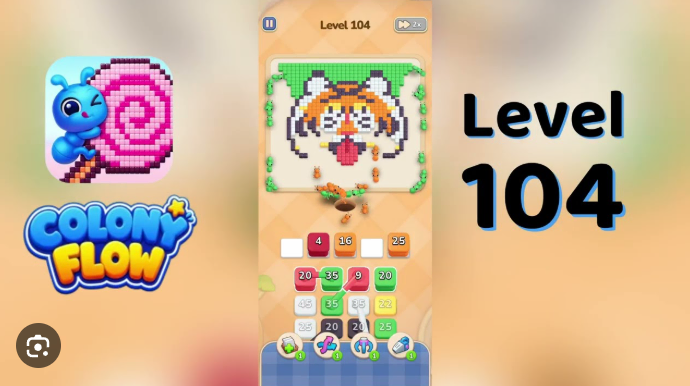
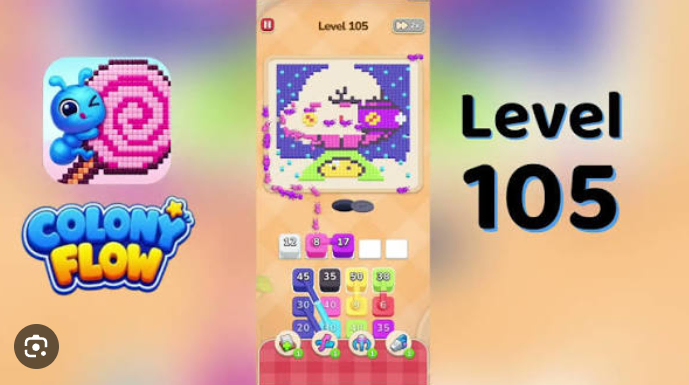
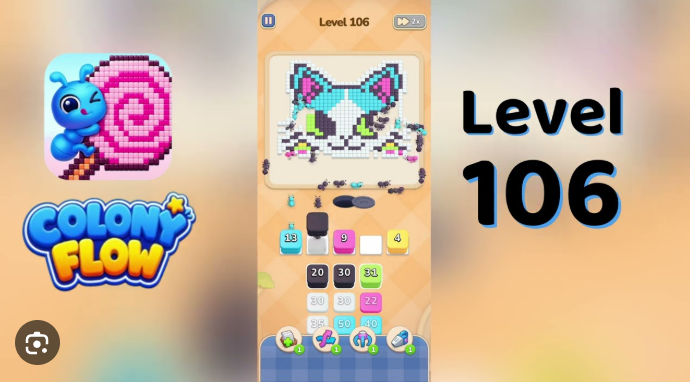
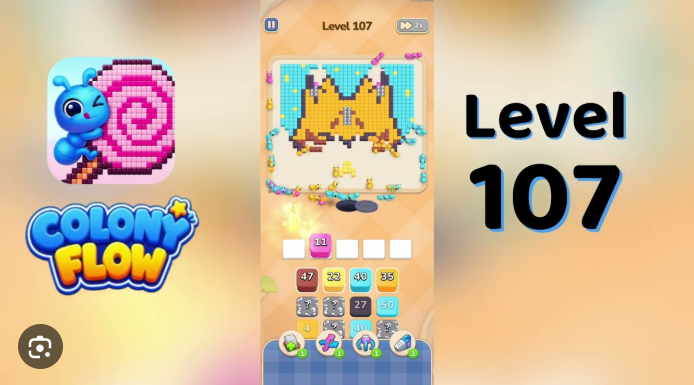
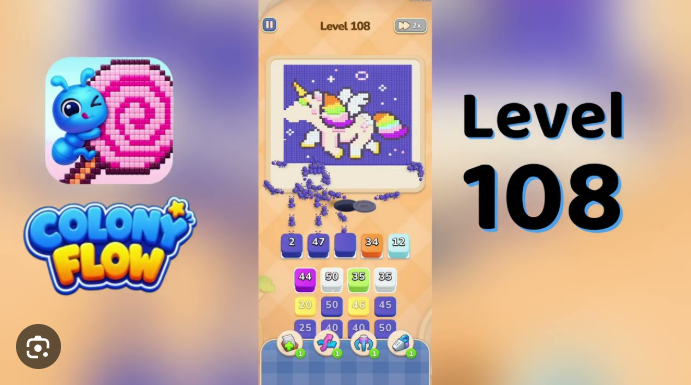
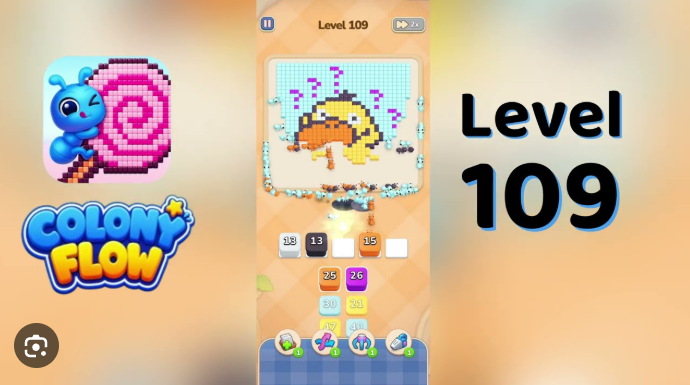
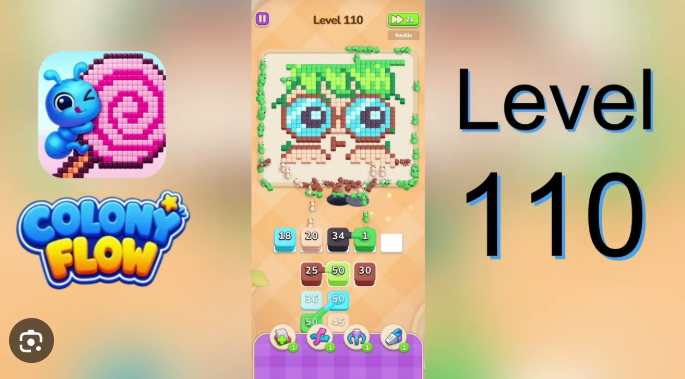
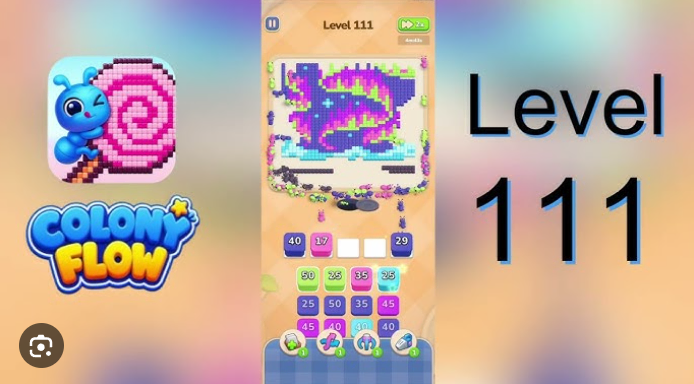
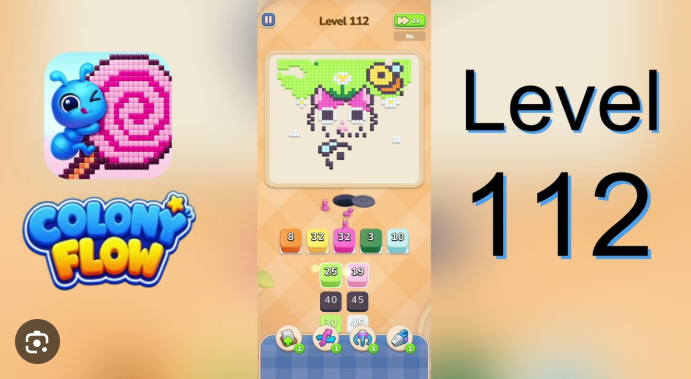
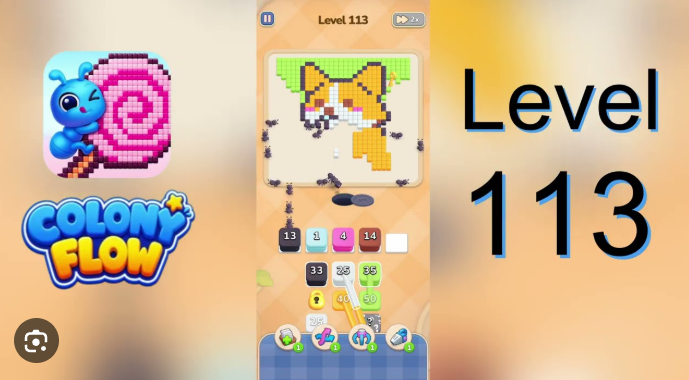
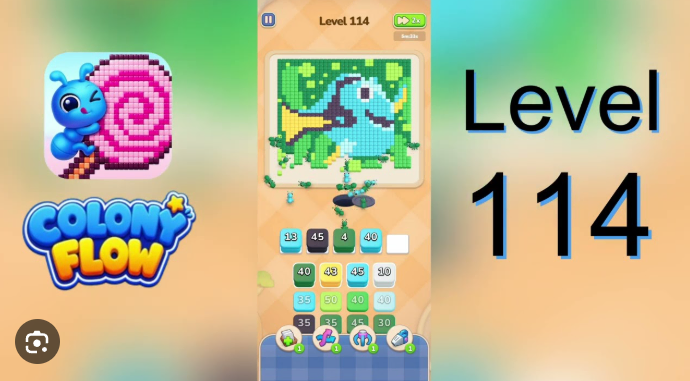
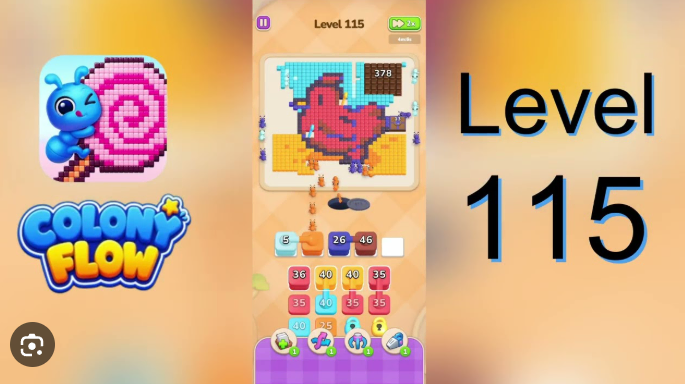
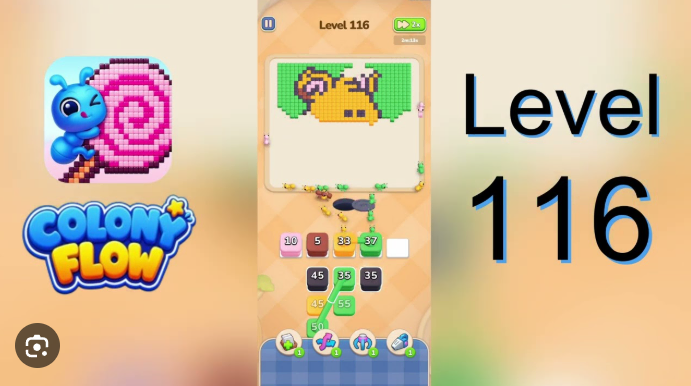
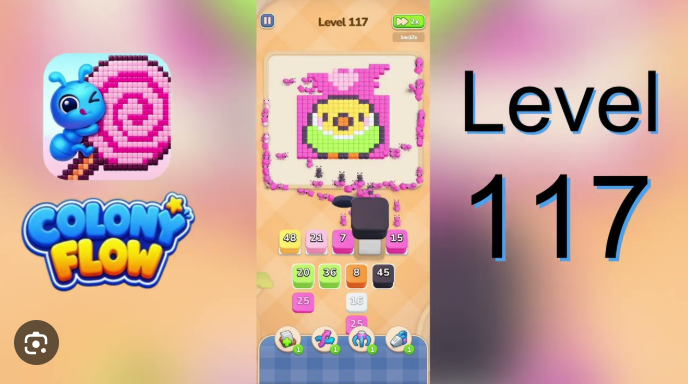
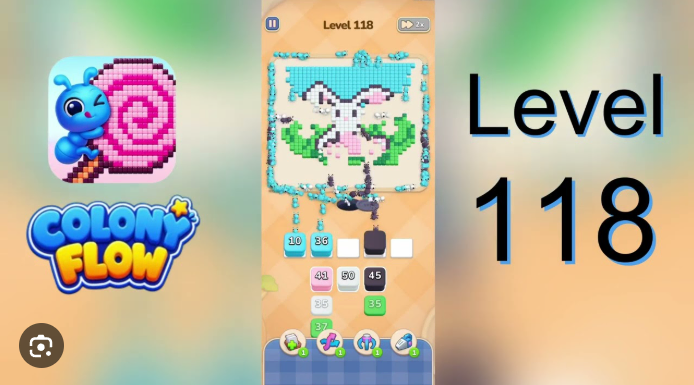
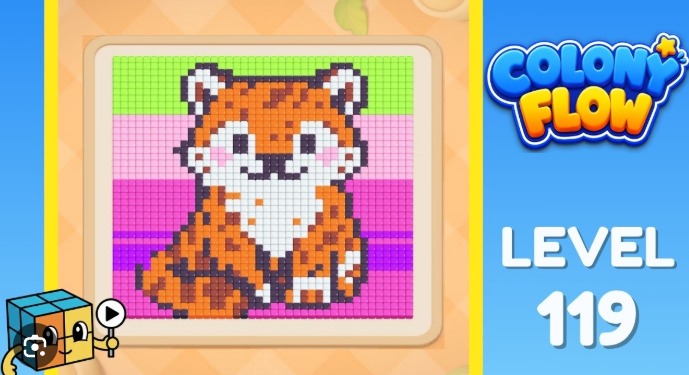
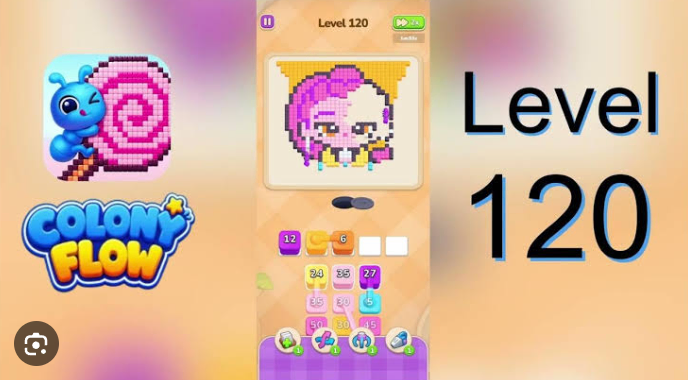
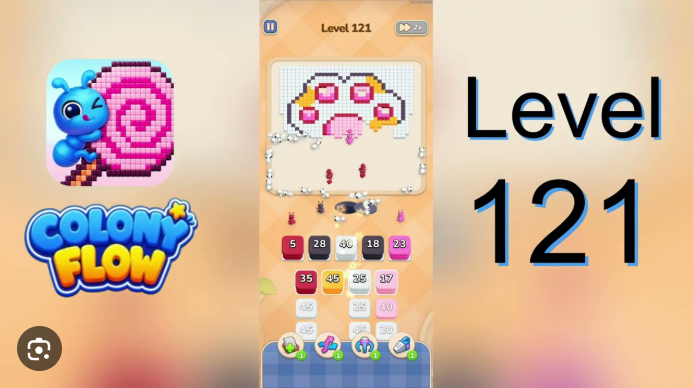
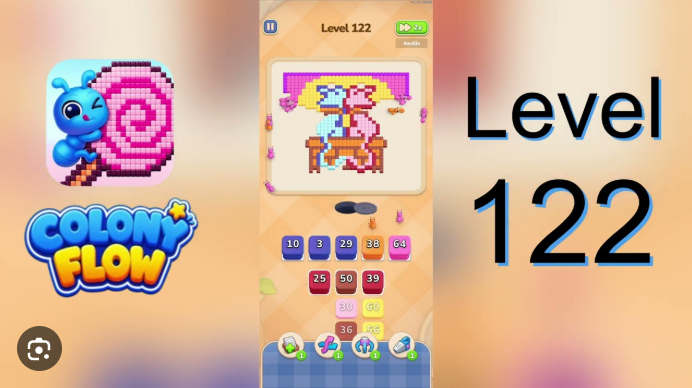
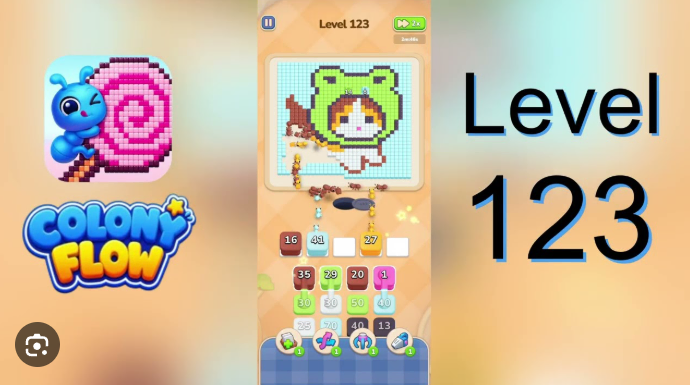
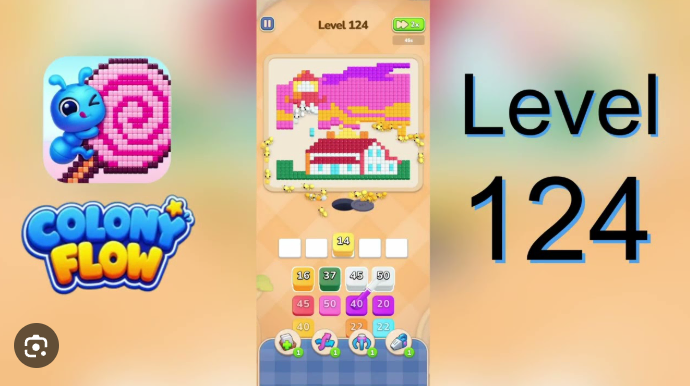
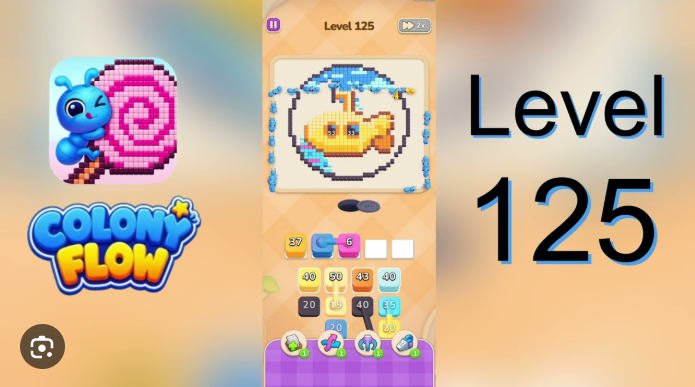
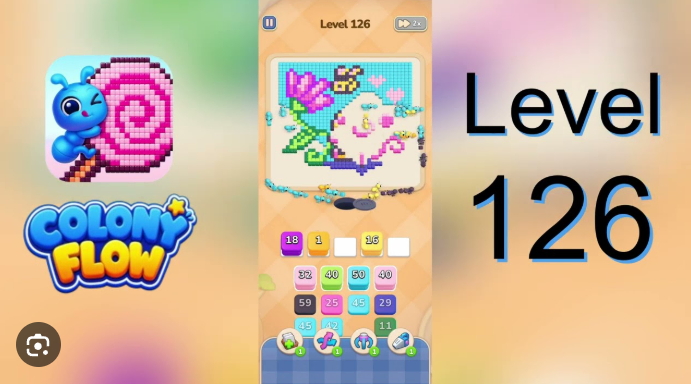
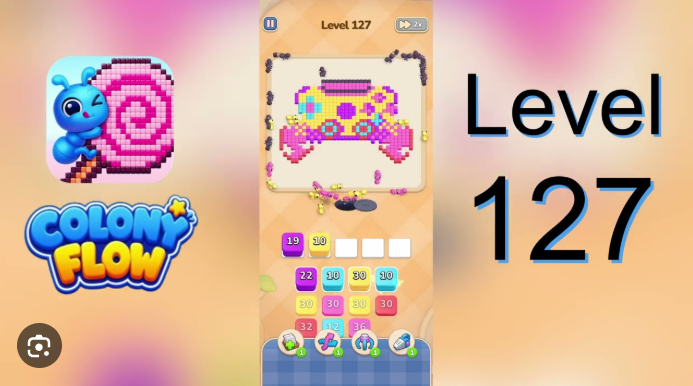
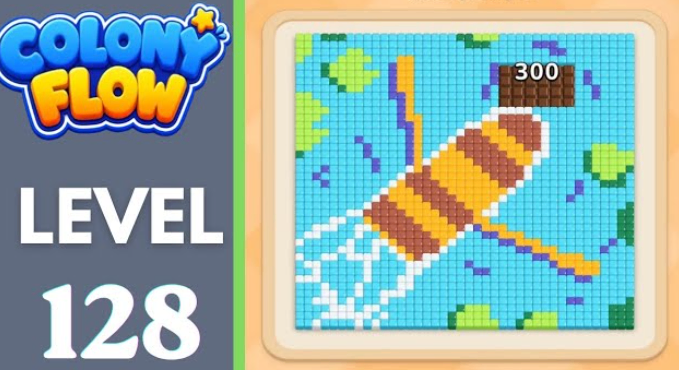
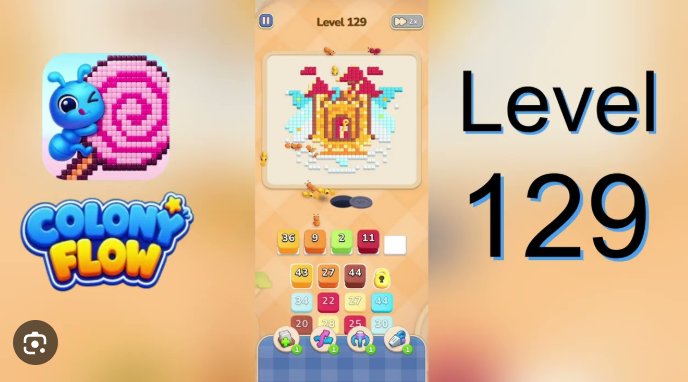
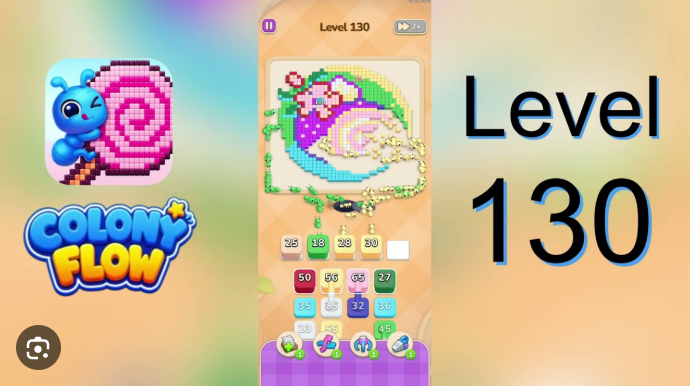
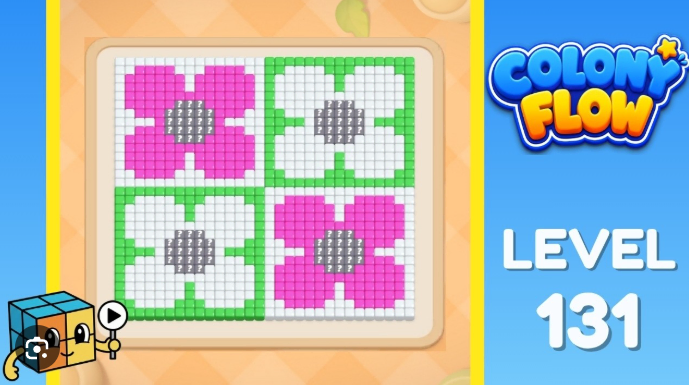
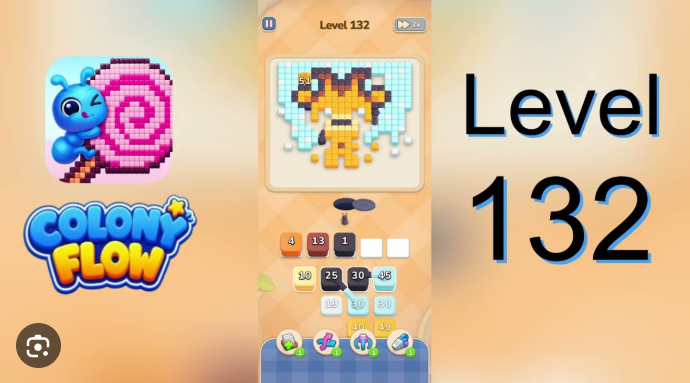
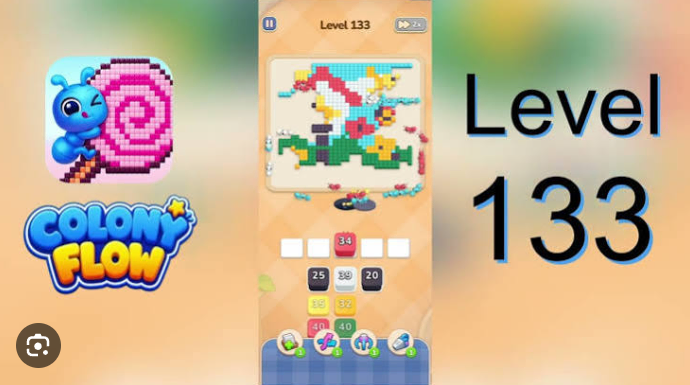
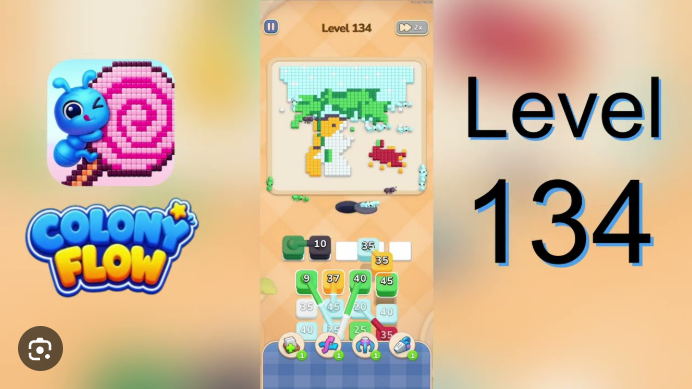
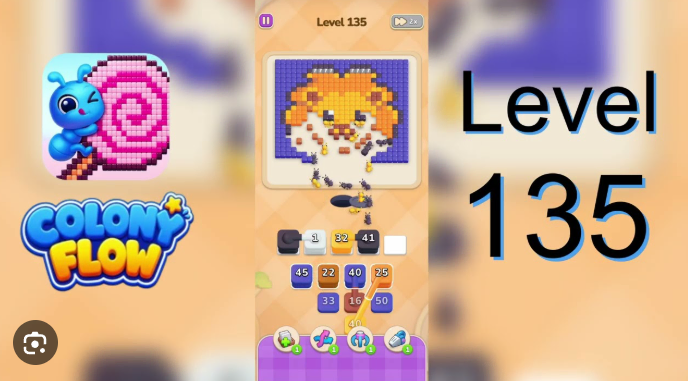
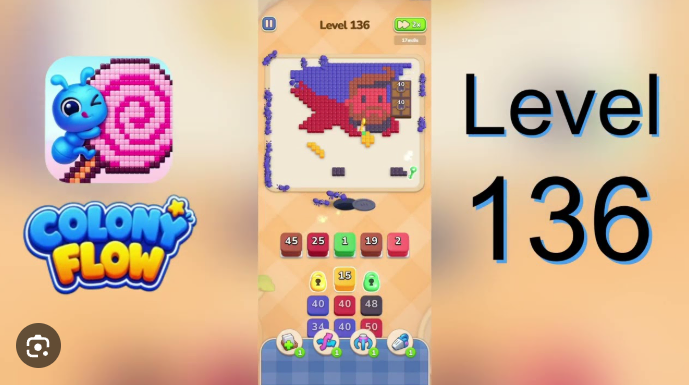
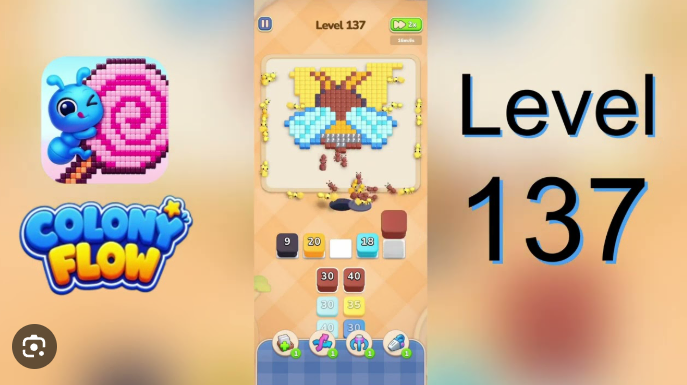
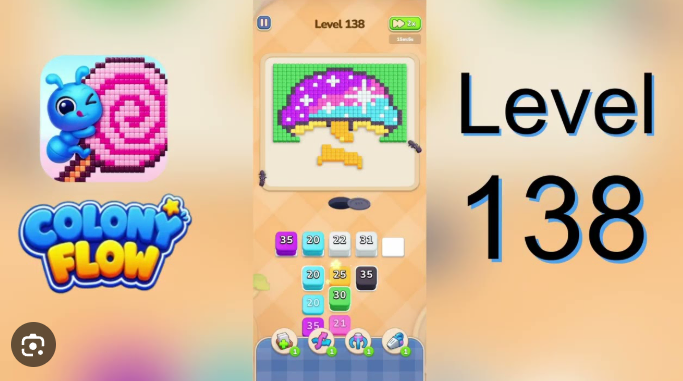
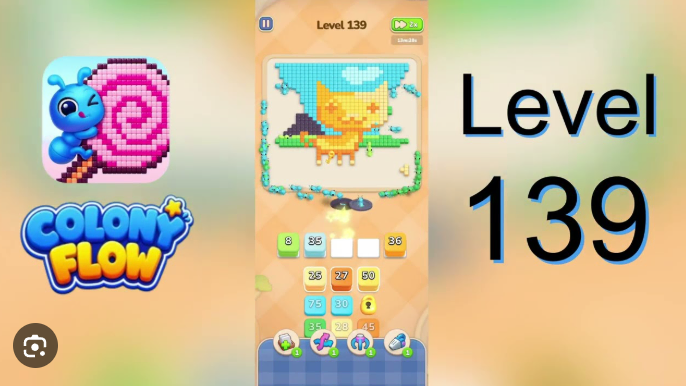
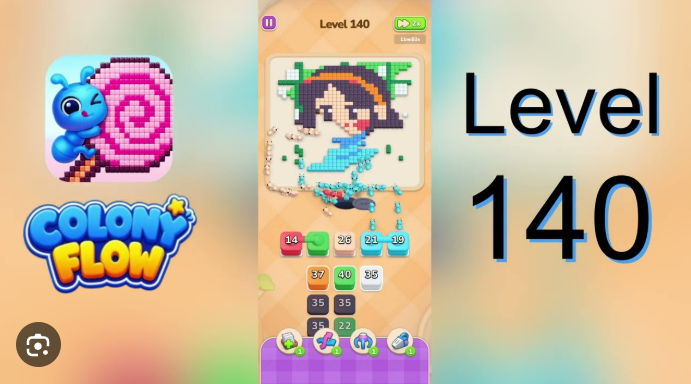
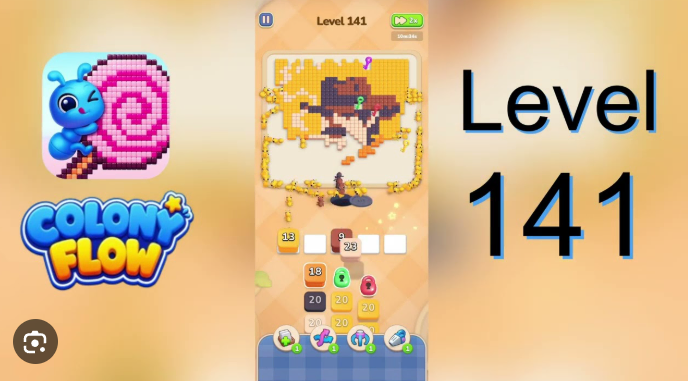
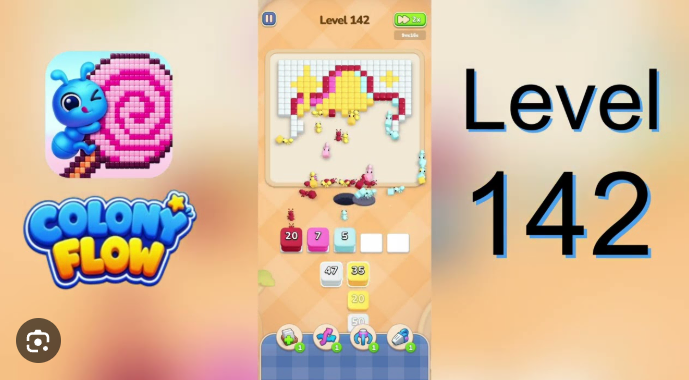
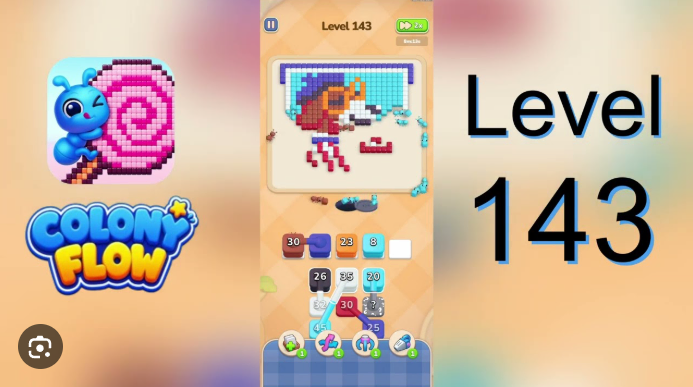
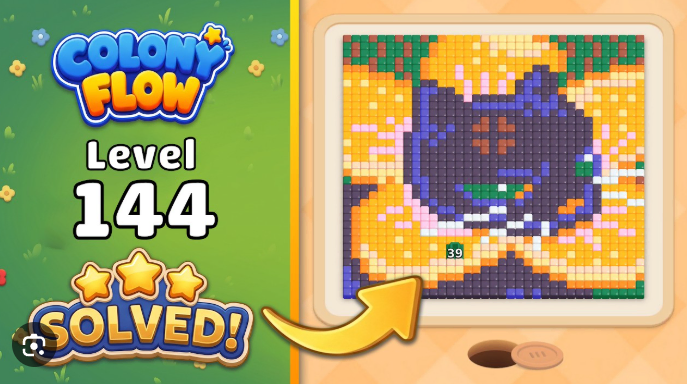
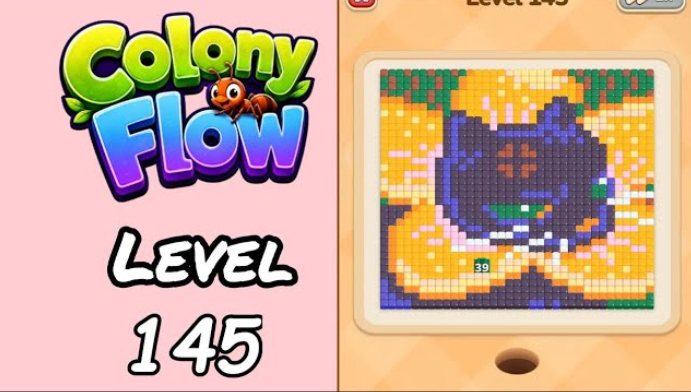
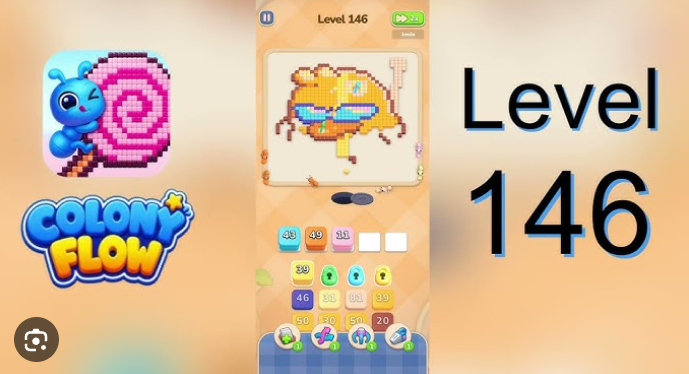
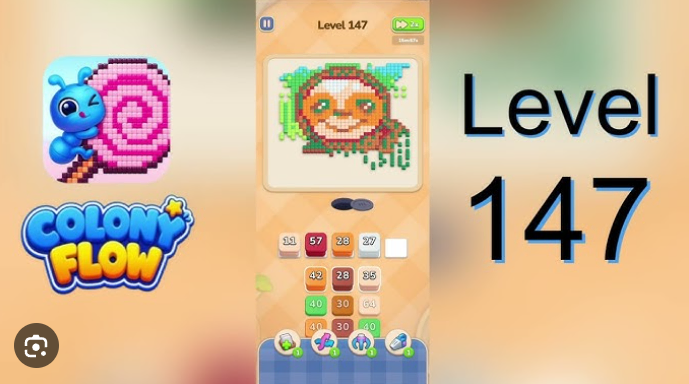
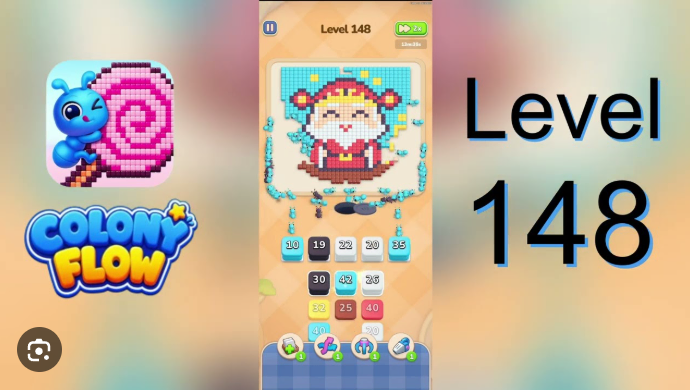
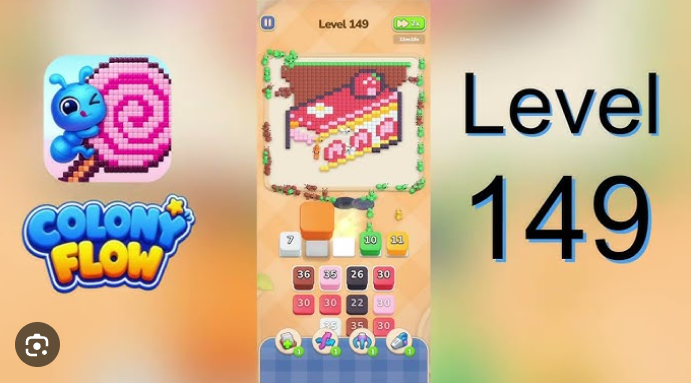
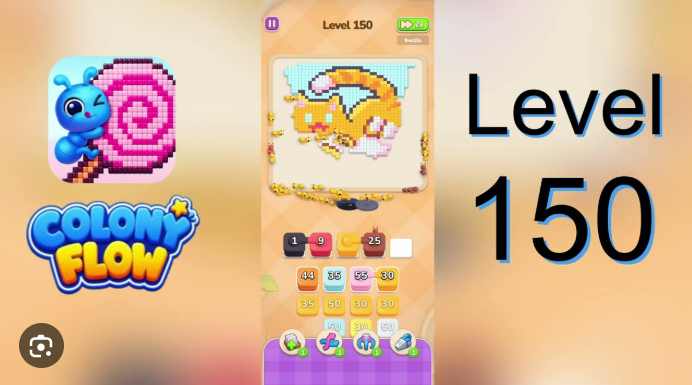
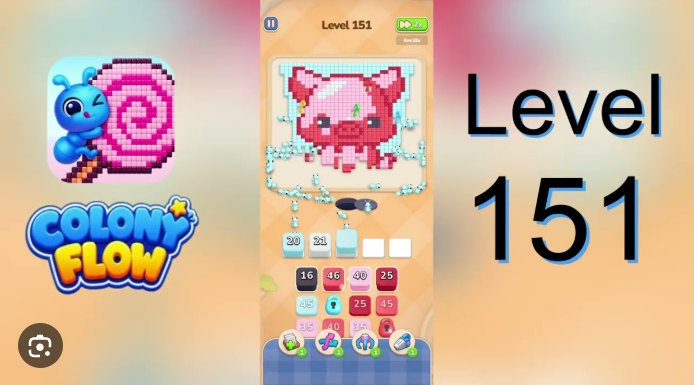
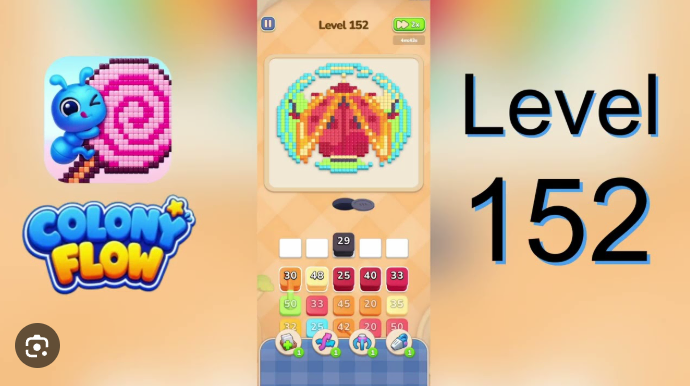
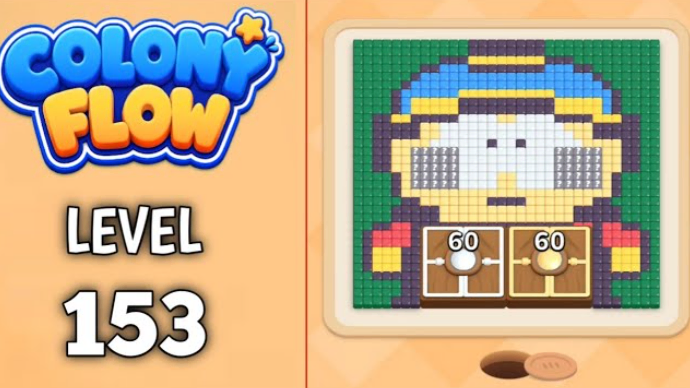
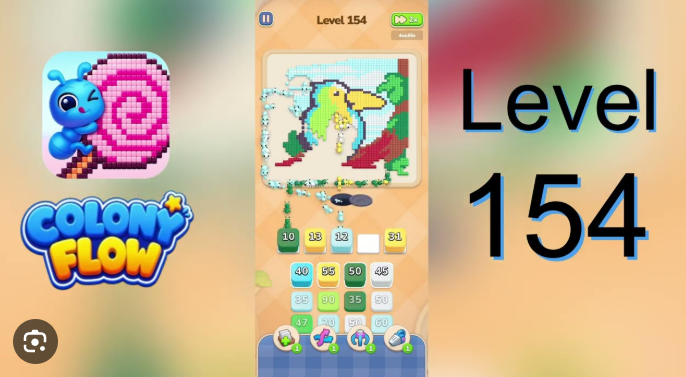
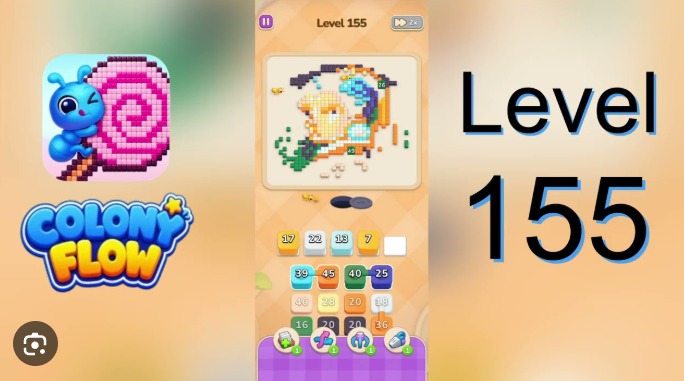
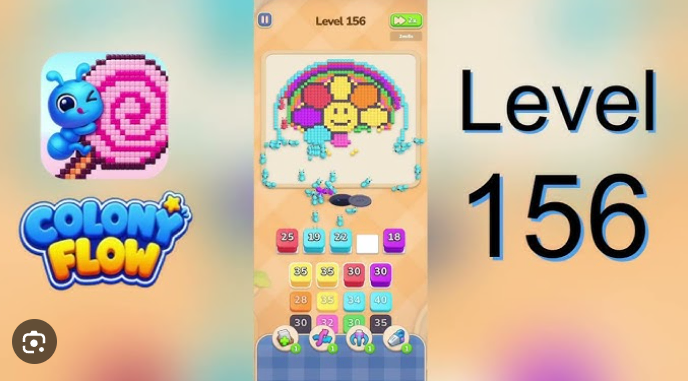
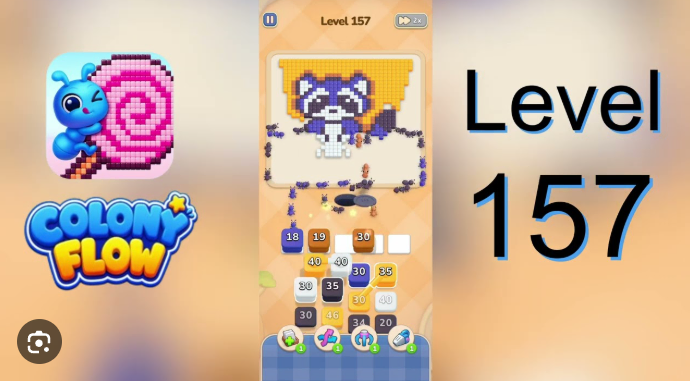
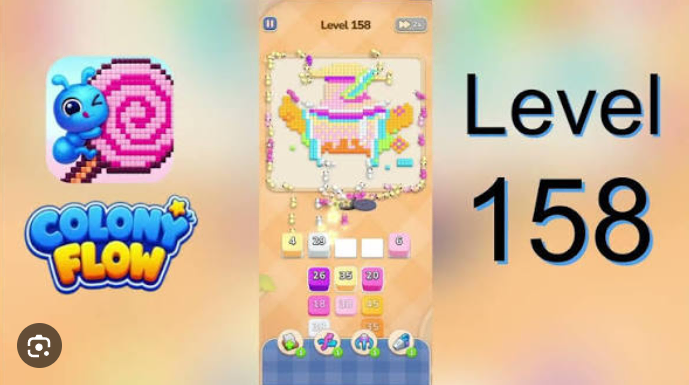
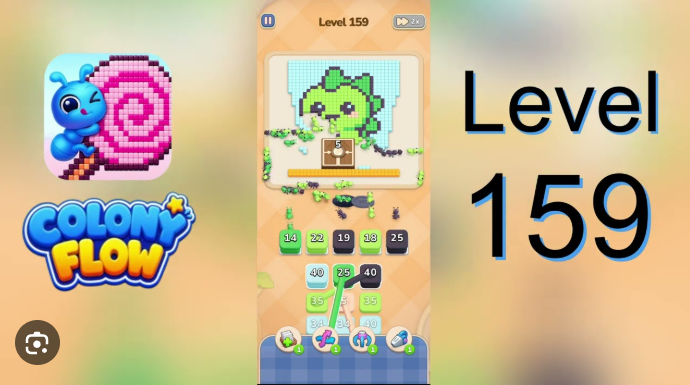
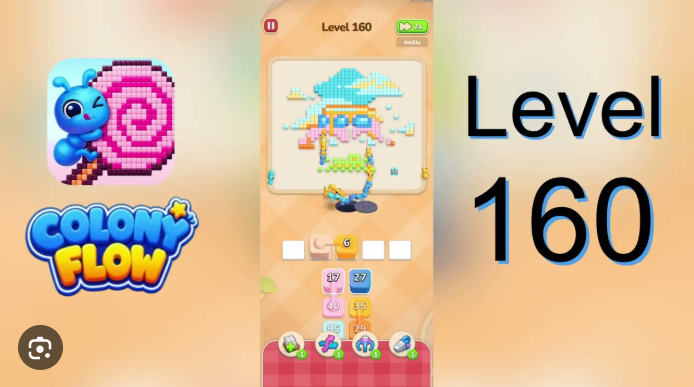
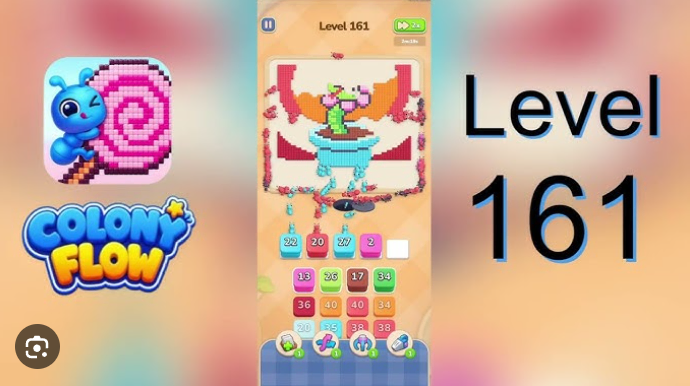
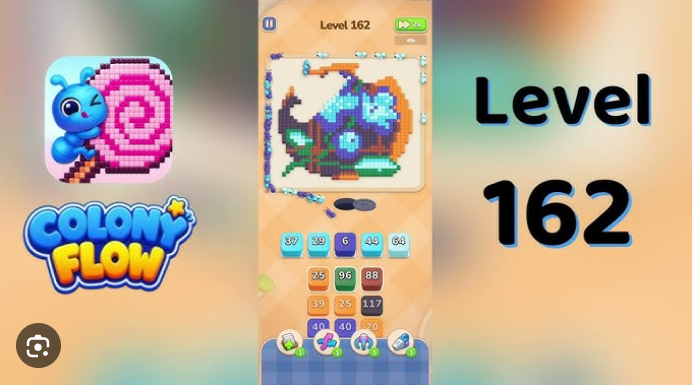
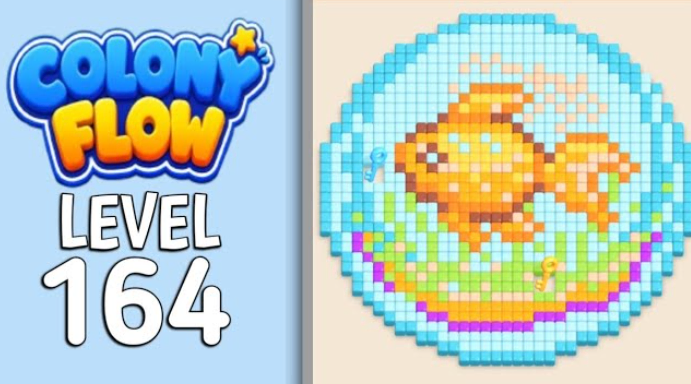
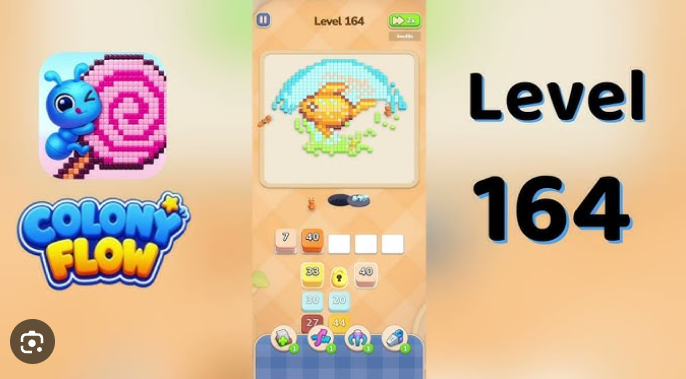
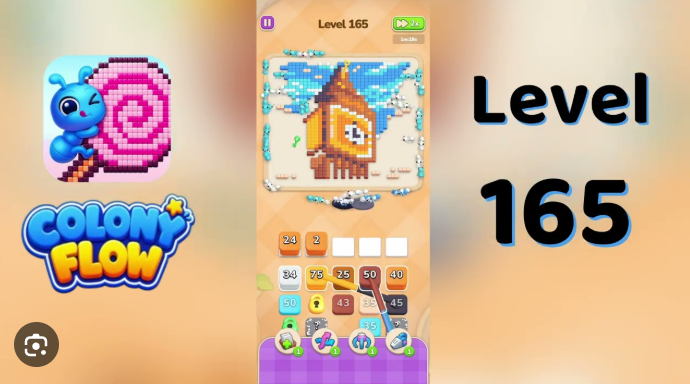
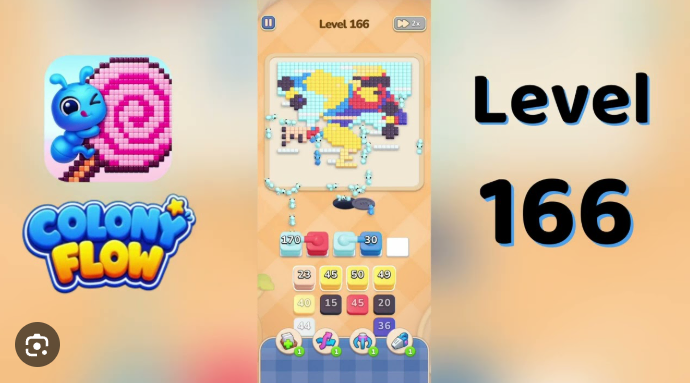
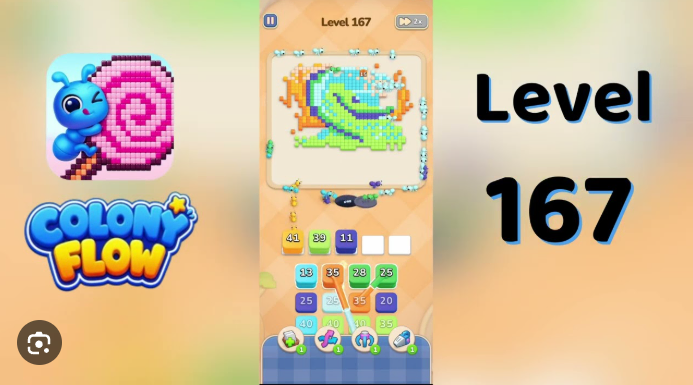
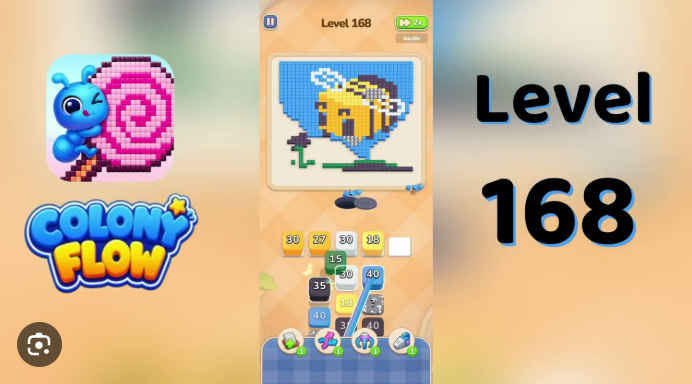
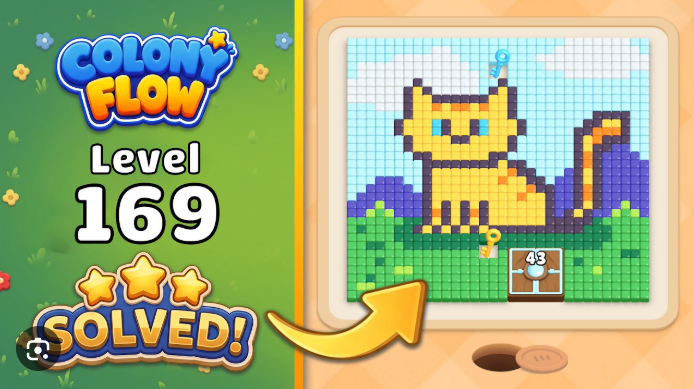
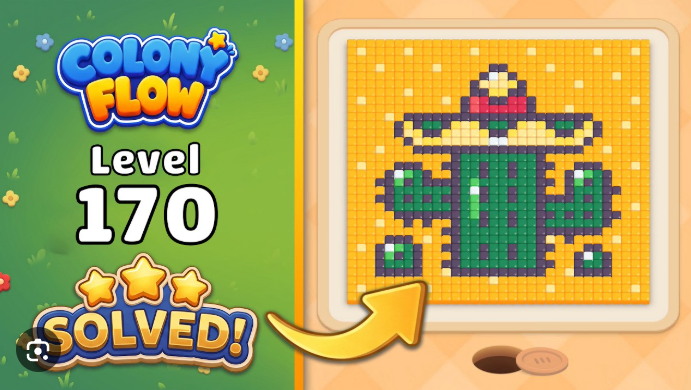
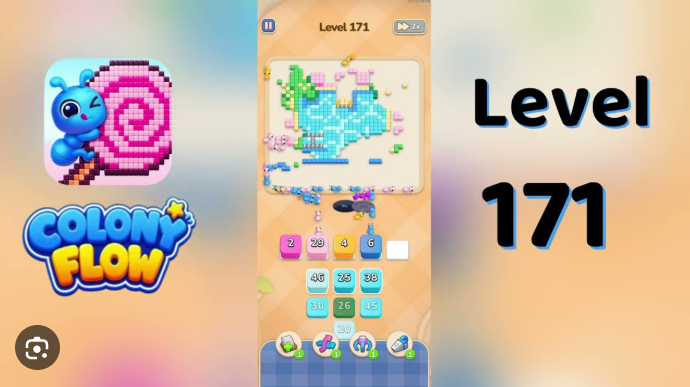
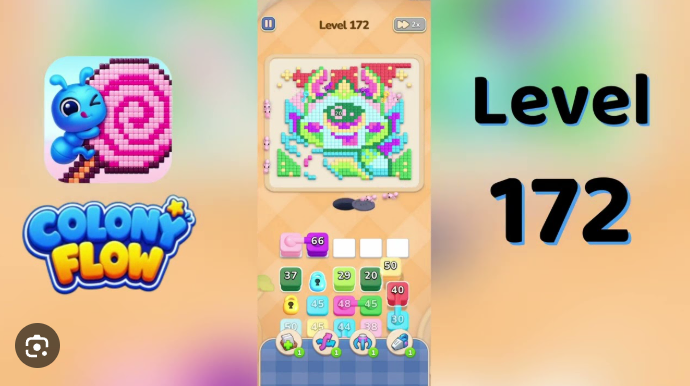
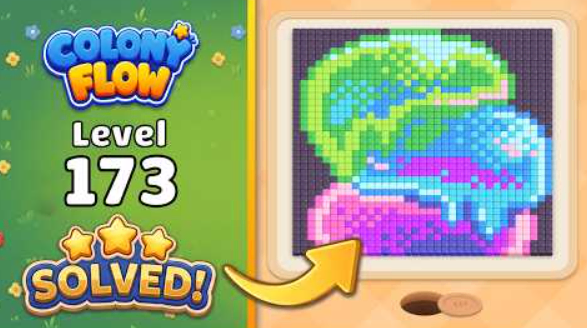
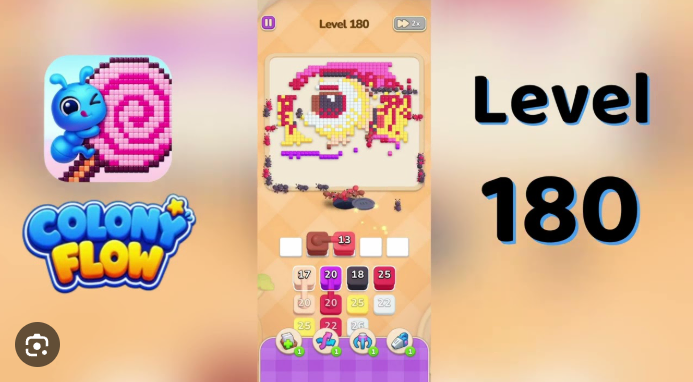
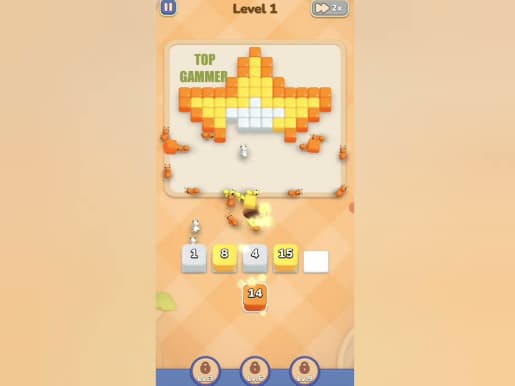
Colony Flow is a color-sorting puzzle where worker ants carry cubes from your tray to matching spaces on a pixel-art board. The rules are easy to read, but the limited queue turns every tap into a small planning decision.
Each clear gradually uncovers a playful picture, so the reward is not only finishing a board but also seeing the colony’s route come together.
Start by checking which color has a reachable destination. Tap only the exposed tray block that opens a useful path, and let its ants begin lowering the number before filling more slots.
Simple taps make the core loop easy to pick up on a phone.
There is no need to rush; thoughtful sequencing matters more than speed.
Animals, food, scenes, and other pictures appear as the board clears.
Later trays add hidden blocks, tighter paths, and more colors to manage.
Open the outer colors first when they block the route to the middle. A high-number block can be useful early when it has a direct target, while a small block is safer to hold until its path is visible.
A game update can move a familiar board to another level number. Do not force a route just because the number looks right: compare the picture, the exposed colors, and the first available tray block before following a guide.
The video is the final check. Pause it before its first move and make sure your opening board has the same accessible color and obstacle. If it does not, return to the levels directory and match by the card image instead.
The safest recovery tool is often an unused waiting slot. Leave one free until you can see a color that is already able to work.
Some versions offer tools that create space or change a crowded board. Check for an accessible color first, then use a tool only when it unlocks a real next move.
When every occupied slot is waiting behind blocked colors, reset rather than adding another uncertain move. The first blocked lane usually explains the better opening order.
A screenshot of the board and tray helps you match a guide after a version change, or explain the missing route through Contact.
Play on iOS or Android, then keep this guide library nearby for the level that finally stops your ant trail.
Quick answers
Open a question when you need a quick reminder without losing your place in the guide.
The puzzle focus is move order and available queue space, so take a moment to inspect the board before committing a block.
Reset, identify the blocking outer color, and check the matching walkthrough for a reliable starting sequence.
The browser below lists only the walkthroughs that are ready to use. When new verified guides are published, their level range appears there automatically instead of showing empty placeholder cards.
Compare the puzzle picture, the opening colors, and the first tray block. Game updates can change numbering, while those board details are a safer way to find the right route.
Use the video when timing between two available blocks is unclear. Pause after each major move so the route remains a guide rather than a race.
Use the official App Store and Google Play links on the download page. This fan guide does not provide game files.