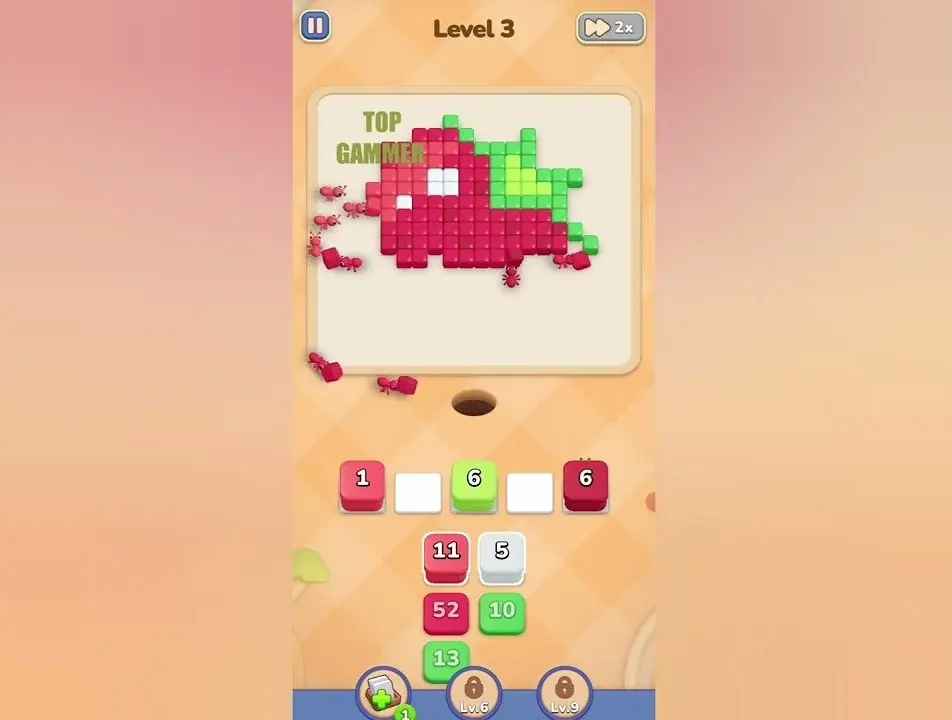
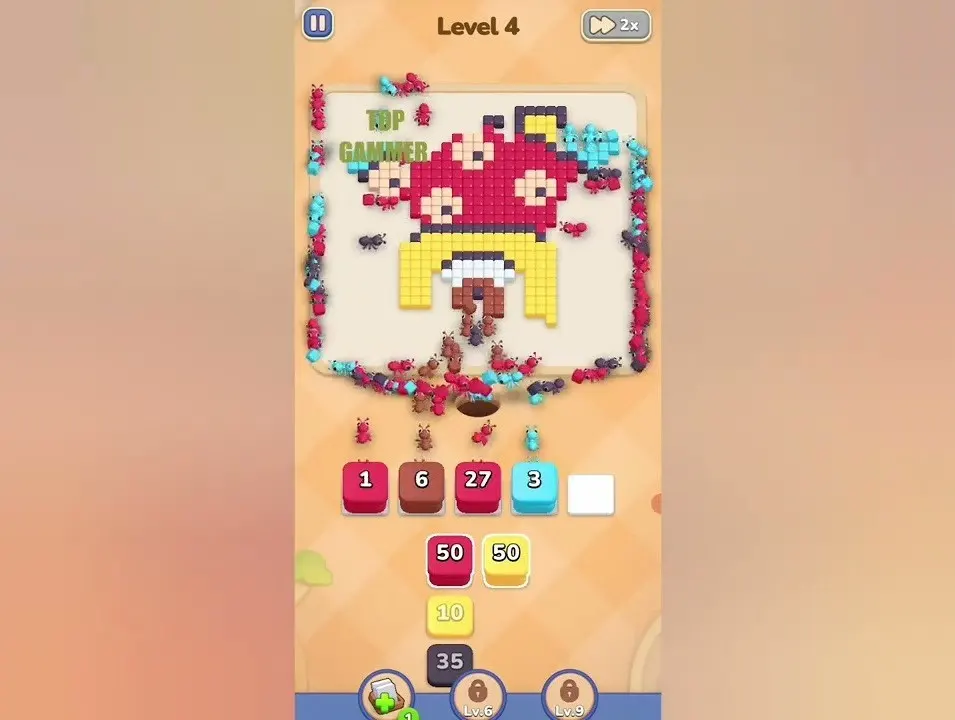
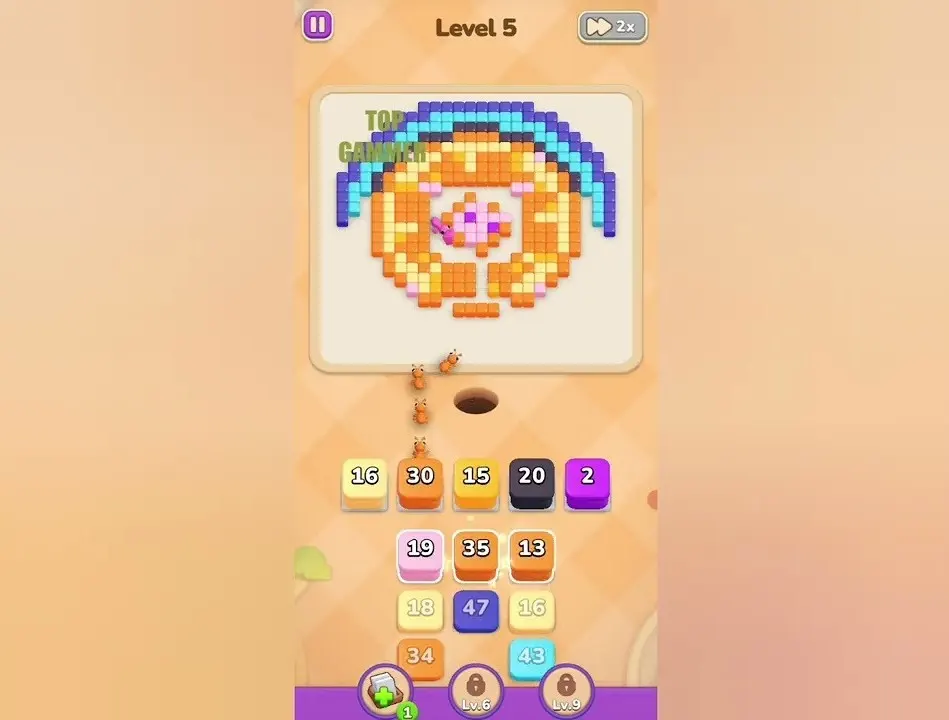
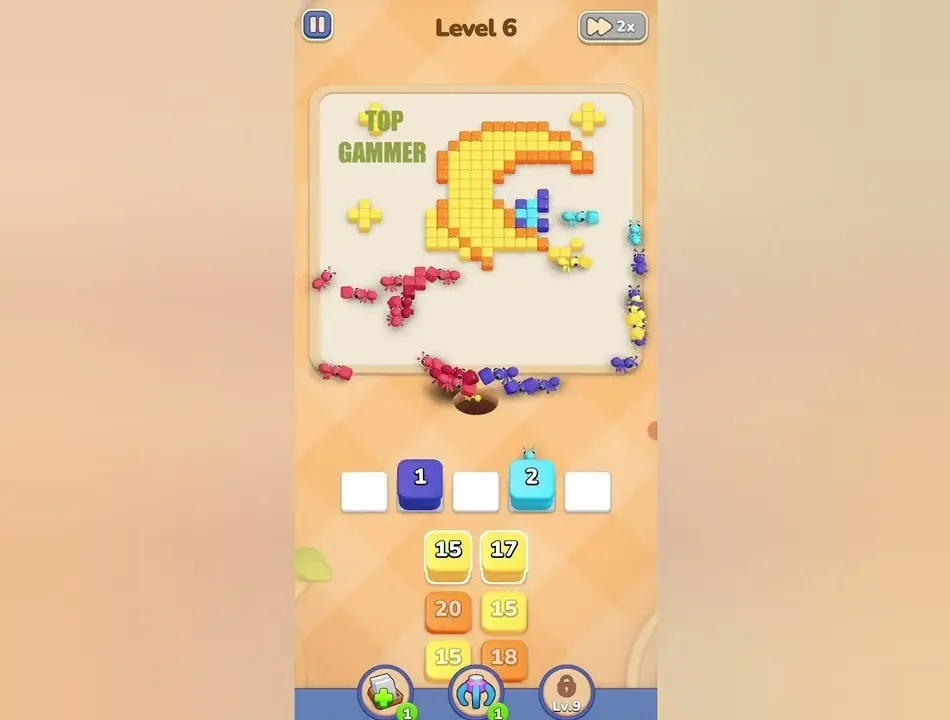
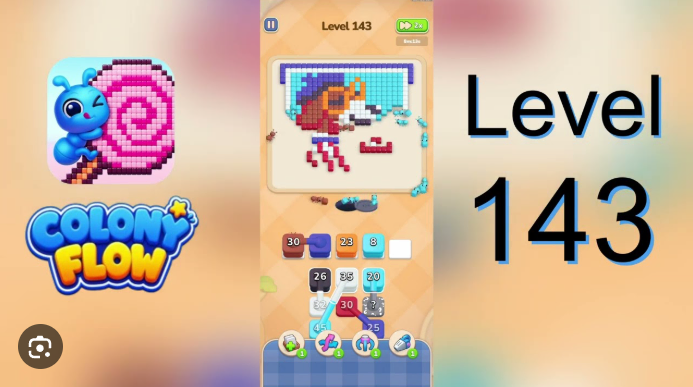
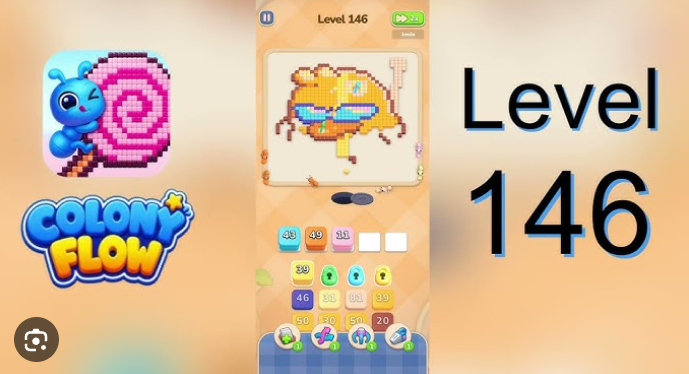
Colony Flow Level 67 is a puzzle stage that requires precise timing and strategic resource management to connect all colony nodes before your flow runs out.
Most players get stuck on the lower-left cluster—the key is activating the blue node before attempting the red branch, which opens a faster route to the final connection point.
Colony Flow Level 67 Walkthrough
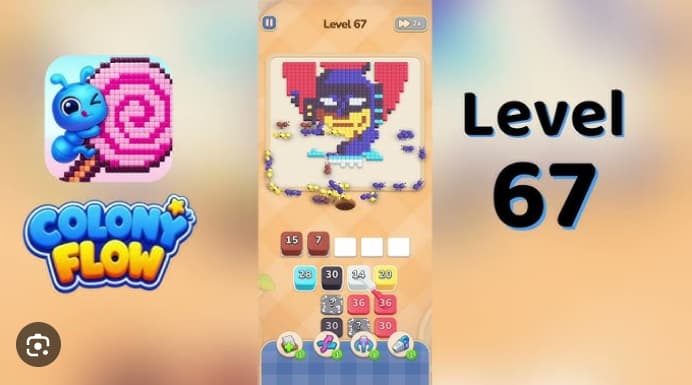
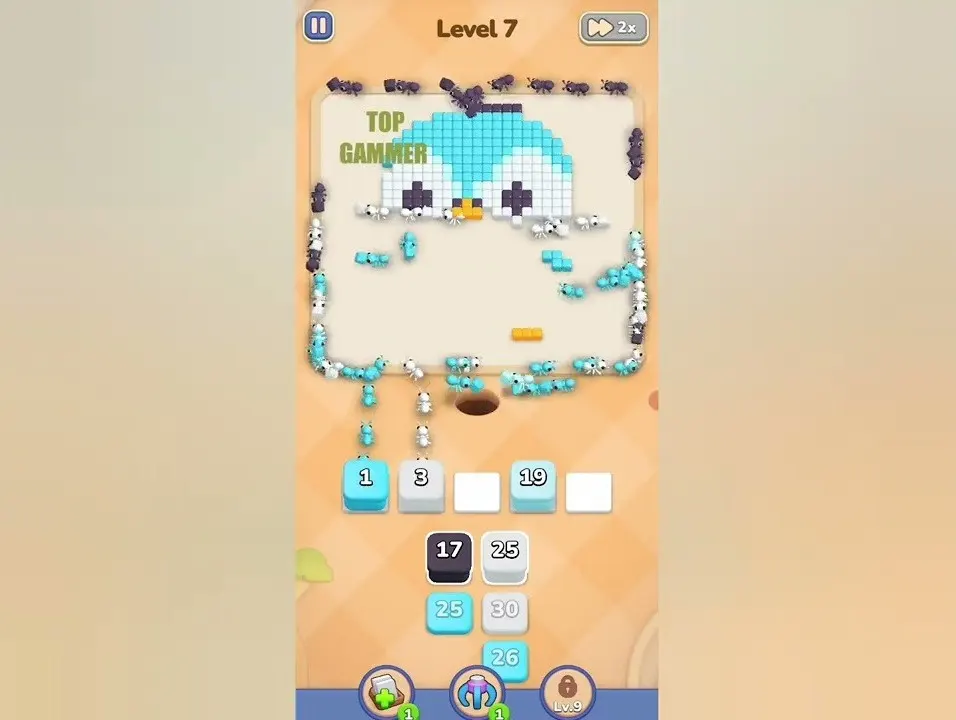
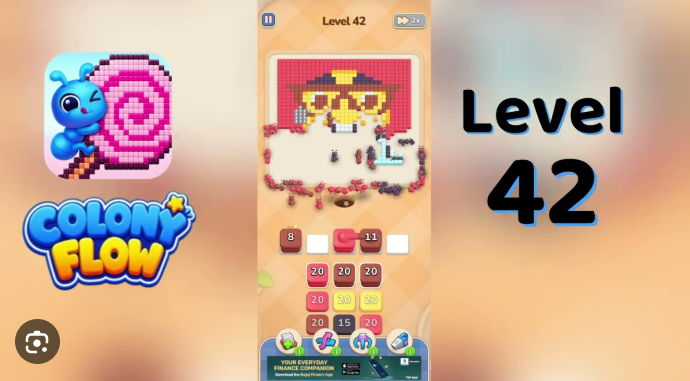
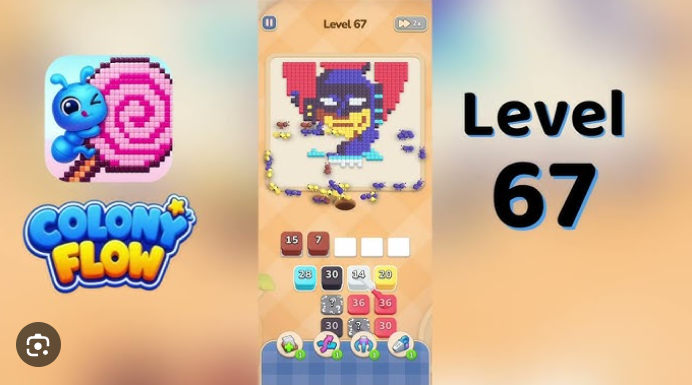
Colony Flow Level 67 features a superhero gamer mask board where the red top band, blue face, and red border fringe share one dirt path. Success depends on clearing the red 2 and blue 25 openers before releasing the blue 14 chin accent wave.
Opening sequence:
-
Tap the red 2 in active row cell 3. Red ants walk the dirt path to the red top band and begin clearing the lowest band cells. Wait for the first red ants to clear the path before the next tap.
-
Tap the blue 25 in active row cell 4. Blue ants use the same dirt path and start clearing the blue face cells in the middle of the mask. Leave one beat between red and blue so the red band is mostly cleared first.
-
Drain source row 1 left to right as stacks rise into the empty white buffer pads:
- blue 25 (cell 1) – clears more face cells
- red 15 (cell 2) – clears red ear cells and begins red border fringe
- blue 14 (cell 3) – clears lower chin accent cells
- red 20 (cell 4) – continues red border fringe
Leave one beat between each wave. The red band should be at least half-cleared before the ears start clearing.
-
Drain source row 2 as it rises:
- blue 24 (cell 1) – clears last blue face cells
- red 30 (cell 2) – clears red border fringe
- red 30 (cell 3) – finishes red border fringe
Wait until the blue face is mostly cleared before sending border fringe waves.
-
Tap late yellow refills as they rise into the empty white buffer pad in cell 2. Yellow ants clear the curved mouth cells. Leave one beat after the last blue wave.
-
Tap late white refills to clear the teeth pixels below the yellow mouth. Leave one beat after yellow.
-
Tap late black refills to clear the two rectangular eye cells. Leave one beat after white.
-
Finish with late gray refills and final small red and blue cleanup waves as they rise into whichever buffer pad is open.
Colors: Red, Blue, Yellow, White, Black, Gray
Common Mistakes
Firing blue 14 too early: Sending the blue 14 stack (source row 1, column 3) before the red 2 and blue 25 active row waves have cleared the mask perimeter sends blue ants across the red band while red is still clearing. This stalls blue ants on the remaining chin accent cells and blocks the blue 24 in source row 2 that needs to clear the rest of the face.
Tapping red 15 while blue is walking: Releasing the red 15 stack (source row 1, column 2) while blue ants are still on the dirt path strands red ants on the remaining ear cells and blocks the red 30 stacks in source row 2 that clear the red border fringe.
Releasing red 20 before the face is half-clear: Letting the red 20 stack (source row 1, column 4) rise into the active row too early strands red ants on remaining border fringe cells and blocks late red refill waves needed for the rest of the ear and fringe accents.
Strategy Notes
Treat the two empty white buffer pads as staging space and the 3-row, 4-column source grid as supply. Drain the red 2 and blue 25 openers first, then walk source row 1 left to right while holding blue 14 until the red 15 wave has cleared. Drain source row 2 left to right, and reserve buffer pads for late yellow, white, black, and gray refills.
The blue chin accents are the tightest color region besides the yellow mouth. A premature blue 14 click strands blue ants on remaining chin cells and blocks the blue 24 that needs to clear the rest of the face.
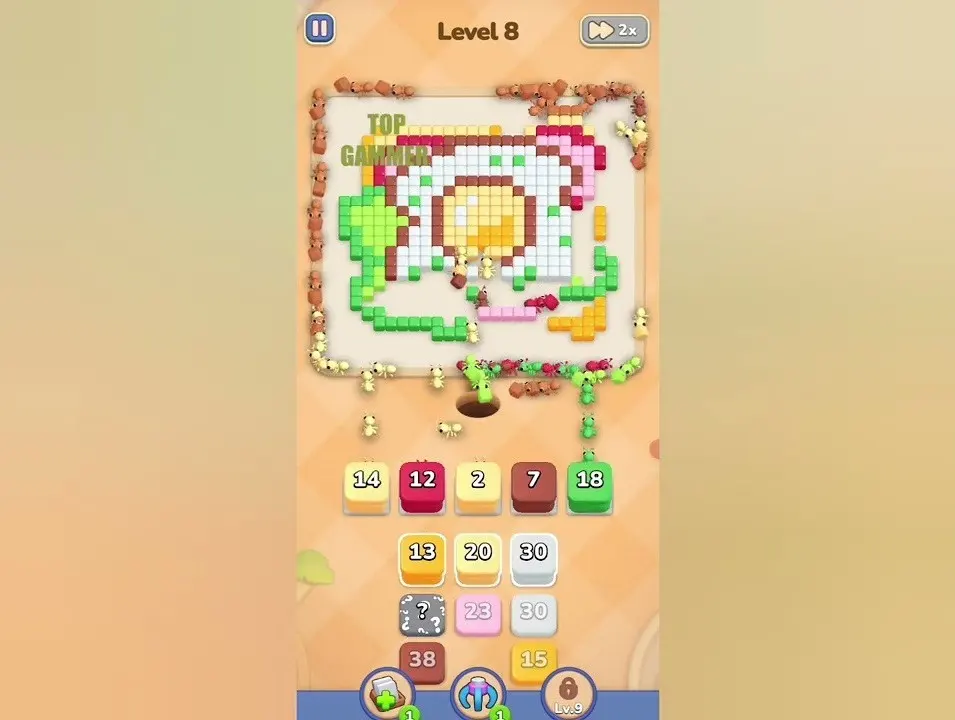
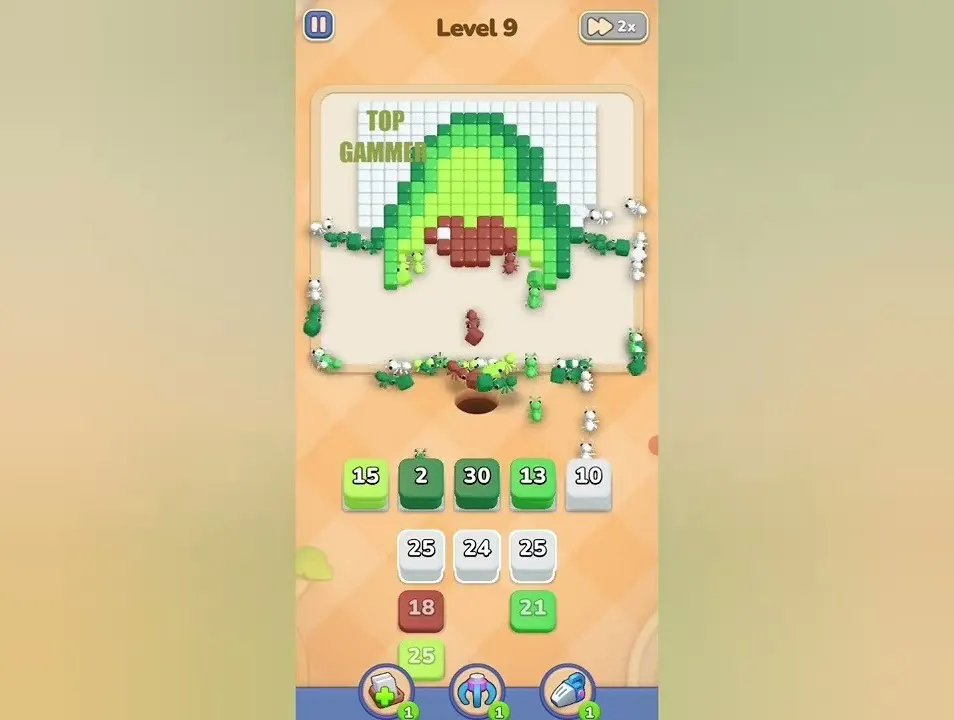
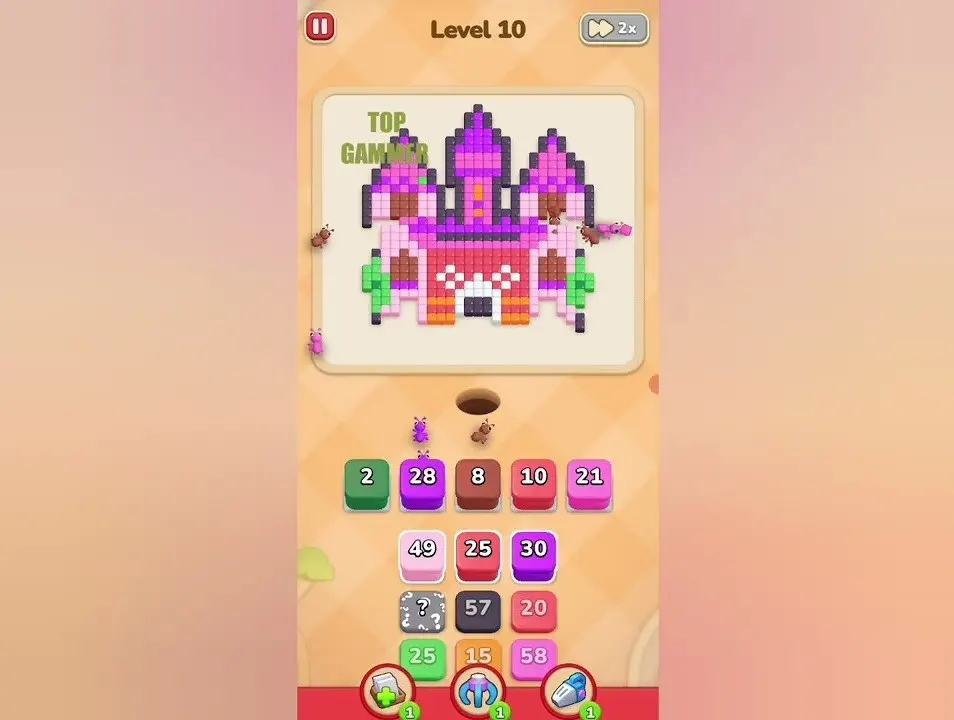
Board layout: The pixel-art superhero gamer mask sits on a red grid in the top half of the screen: red top band and ear cells, blue face in the middle, two black rectangular eye cells, yellow curved mouth with white teeth below, red pixel border cells hanging from the bottom edge, and green “TOP GAMER” text down the left side. The working area below has a 5-cell active row plus a 3-row, 4-column source grid. The active row opens as two empty white buffer pads, red 2, blue 25, with two cells still filling. Source row 1 reads blue 25, red 15, blue 14, red 20. Source row 2 reads blue 24, red 30, red 30, gray hidden cell.
Related Games
- Colony Flow Level 25 Walkthrough — Continue with another Colony Flow puzzle guide focused on planning stack taps and managing the order in which colored ant waves share the route.
- Colony Flow Level 20 Walkthrough — This walkthrough is a useful follow-up for players who want more practice timing color waves through limited active-row buffer spaces.
- Colony Flow Level 17 Walkthrough — Players who solved the Level 67 gamer-mask board can apply the same careful source-row sequencing skills in this earlier Colony Flow challenge.
Enjoy!