









Colony Flow Level 16 introduces a five-cell buffer row at the top of the working area, forcing you to rethink how you route connections from source to target cells.
This level breaks the familiar pattern by limiting your immediate access to the play grid, which means every tap needs more planning than before. This walkthrough focuses on the core mechanics that make Level 16 work: how the buffer row changes your approach, which cells to prioritize first, and where the common routing mistakes happen.
You’ll find practical answers for connecting your flow paths efficiently and clearing the level without getting stuck in dead-end patterns.
How to Play Colony Flow! Level 16
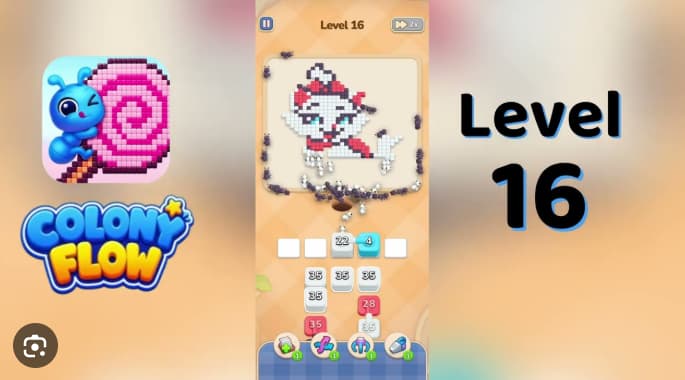
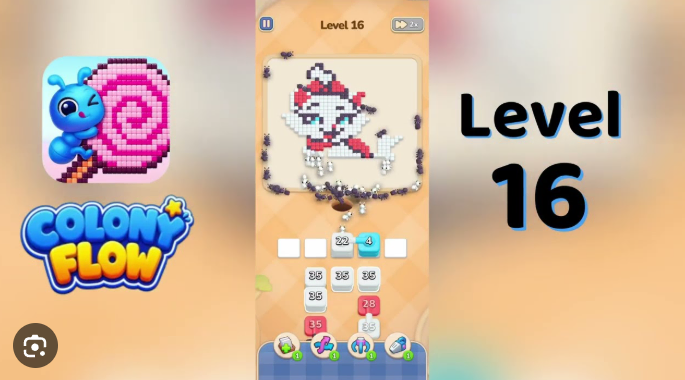
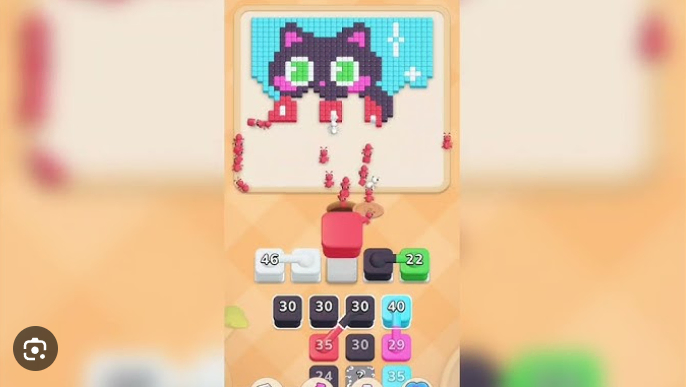
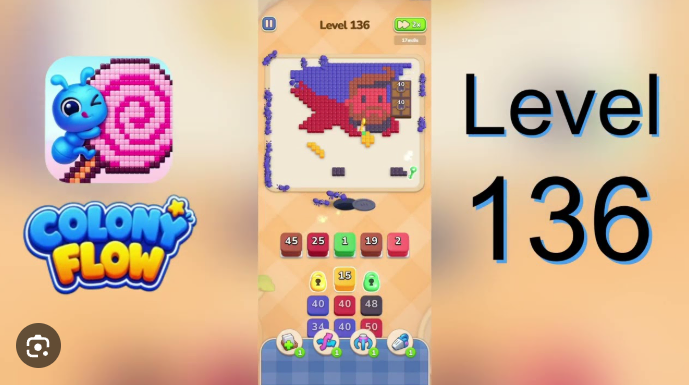
In Colony Flow! Level 16, tap cube stacks to send ants along single shared dirt path into matching-color pixels on a red-cloaked character. The board uses five colors: black for the outline around the head, ears, paws, and cloak edges; white for the face and body; red for the pointed cap and wide cloak; light-blue for cloak shading; and cyan for a small collar accent. Clear every colored cube to complete the level.
The main challenge is the five-cell buffer row at the top of the working area. Refill stacks rise into empty buffer spaces in a fixed sequence, so sending the wrong color too early or filling the buffer unnecessarily can strand required stacks before they reach active row.
How to Solve Colony Flow! Level 16 — Full Solution
Tap the 33 black stack in the leftmost buffer slot.
Black ants clear the dark perimeter around the head, ears, paws, eyes, and cloak edges. Wait until this wave visibly starts moving before tapping another stack. This frees the first buffer space for refills.
Tap the 40 white stack at the top-left of the 3×3 grid.
White ants clear the face and body while the black outline continues draining. As the 40 white depletes, the 26 light-blue and 38 light-blue refill stacks rise into the buffer row.
Tap the 35 black stack at top-middle, then the 40 black stack in the center.
Continue clearing the outline and cloak-edge pixels. Leave the 35 red stack in the second row untouched.
Wait until the white body and black outline are at least half-cleared, then tap the 35 red stack.
Red clears the pointed cap and wide cloak. Sending it too early crowds the remaining body route and can stall later cyan deliveries.
Tap the 26 light-blue and 38 light-blue refills, then the 30 light-blue stack at top-right.
These remove the light-blue cloak shading. Keep buffer slots available as later refill waves rise.
Save the 30 cyan stack in the bottom-right cell until the red cloak is mostly gone.
Cyan clears the small collar accent and shares its route with body and cloak colors. Once red is nearly clear, tap 30 cyan, then the late 4 cyan refill.
Drain the three35 light-blue reserve stacks from the bottom row one at a time.
Let each wave clear the path before tapping the next. These must be drained before small black, red, or cyan detail stacks are sent.
Finish the late refill waves.
Clear the remaining small refills as they cycle through the buffer. Black ants clear the last outline cells, red ants clear the final cap and cloak edges, white and light-blue ants clear the last body cells, and cyan clears the last accent cell. The red-cloaked character silhouette clears once the final cube is delivered.
Common Mistakes to Avoid
- Tapping the 35 red stack before the white body and black outline are half-cleared sends red ants onto remaining body cells and blocks every later cyan and refill wave behind them.
- Filling one of the four empty buffer slots with the wrong color strands the next refill wave before it can rise into the active row.
- Tapping the 30 cyan stack before the red cloak is mostly cleared dumps cyan ants into body cells the red cloak still has to clear and stalls them on the remaining collar accent.
Quick Tips for Colony Flow! Level 16
- Open with the 33 black stack. The dark outline is the largest single color region on the board. Tapping it first frees the buffer slot for refills and starts clearing the head, ears, paws, and cloak edges simultaneously.
- Hold the 35 red stack until the white body and black outline are at least half-cleared. The red cap sits on top of the head and the red cloak drapes over both shoulders. A premature red tap sends red ants onto remaining body cells and strands the small cyan accent stack and late refill waves.
- Keep the four empty buffer slots open through the first four beats. New light-blue, black, red, and cyan refill waves rise into the buffer in a fixed order. Parking the wrong color in any of those slots strands the next refill wave.
Related Games
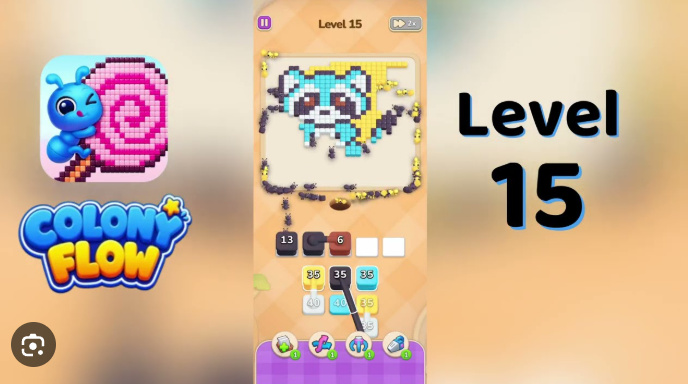
- Colony Flow Level 15 Walkthrough — Players who need practice with Colony Flow’s buffer management and color-stack timing can use the preceding level guide before attempting Level 16’s tightly ordered refill waves.
- Colony Flow Level 17 Walkthrough — This is the most natural next-click for players who finish the red-cloaked pixel-art puzzle and want the solution sequence for the immediately following Colony Flow challenge.
What Makes Colony Flow! Level 16 Challenging?
Every color in Level 16 uses one shared ant route. Black, white, red, light-blue, and cyan stacks all compete for the same dirt path while building the red-cloaked pixel-art character.
A poorly timed stack can occupy the route needed by another color, producing a stall rather than useful progress. The five-cell buffer row controls which refill waves can enter play, so preserving openings is necessary for required stacks to rise when their turn arrives.
The cyan collar accent is small but easy to mishandle. It should be cleared only after most red cloak pixels have been removed, or cyants will strand on body cells that red still needs to clear.