









































































































Colony Flow Level 90 Walkthrough guides you through one of the game’s most challenging puzzle stages, where precise resource management and strategic colony placement determine success.
This level introduces tight spatial constraints and complex flow mechanics that demand careful planning before each move. This walkthrough focuses on the core strategies that solve Level 90 efficiently: optimal starting positions, critical flow paths to prioritize, and common placement mistakes that block progression.
You’ll find step-by-step colony positioning, resource flow diagrams, and troubleshooting tips for the bottlenecks most players encounter in this stage.
Colony Flow Level 90 Walkthrough
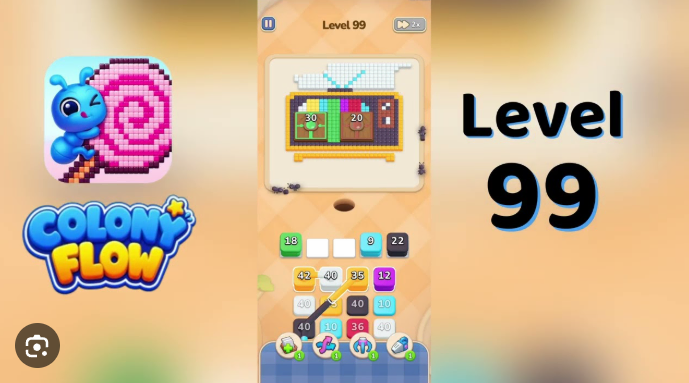
Colony Flow Level 90 is a retro-computer board where the pink screen center, green frame, orange keyboard, yellow base, and gray mystery accent all share one trail. The single buffer slot and shared route mean the three opener stacks in the active row must clear before the base and mystery waves begin.
Start with pink 12 to open the center square, then green 41 for the frame, then orange 20 for the keyboard. Save the gray mystery stack until source row 3, after the frame and base are stable.
Board Layout and Main Trap
- Pink center: The small screen square—safest opening move.
- Green frame: Must start early or the monitor edges block the lower route.
- Orange keyboard and yellow base: Share the most crowded lower lane.
- Gray mystery stack: Final source row. Save until the frame, base, and keyboard are stable.
The biggest mistake is opening the gray mystery stack too early. It settles beneath the monitor frame and blocks the final orange 50 piece near the base.
How to Play Colony Flow Level 90 - Step-by-Step Solution
- Tap pink 12 first to open the center square without consuming the buffer.
- Send green 41 next to start the frame and clear the route for lower pieces.
- Send orange 20 third to start the keyboard before source-row refills rise.
- Clear source rows 1 and 2 in order, building the green frame, yellow base, cyan side accents, and beige keyboard highlights.
- Finish source row 3 last: pink 30, yellow 44, gray mystery stack, then orange 50.
Key Tips
- Do not send yellow base waves before green 41 is active—they crowd the lane needed for cyan accents.
- Do not touch the gray mystery stack until the final source row.
- If the board feels stuck, prioritize the clearest open color route and keep the green frame and orange keyboard progressing before the late gray accent enters the shared trail.
Related Games
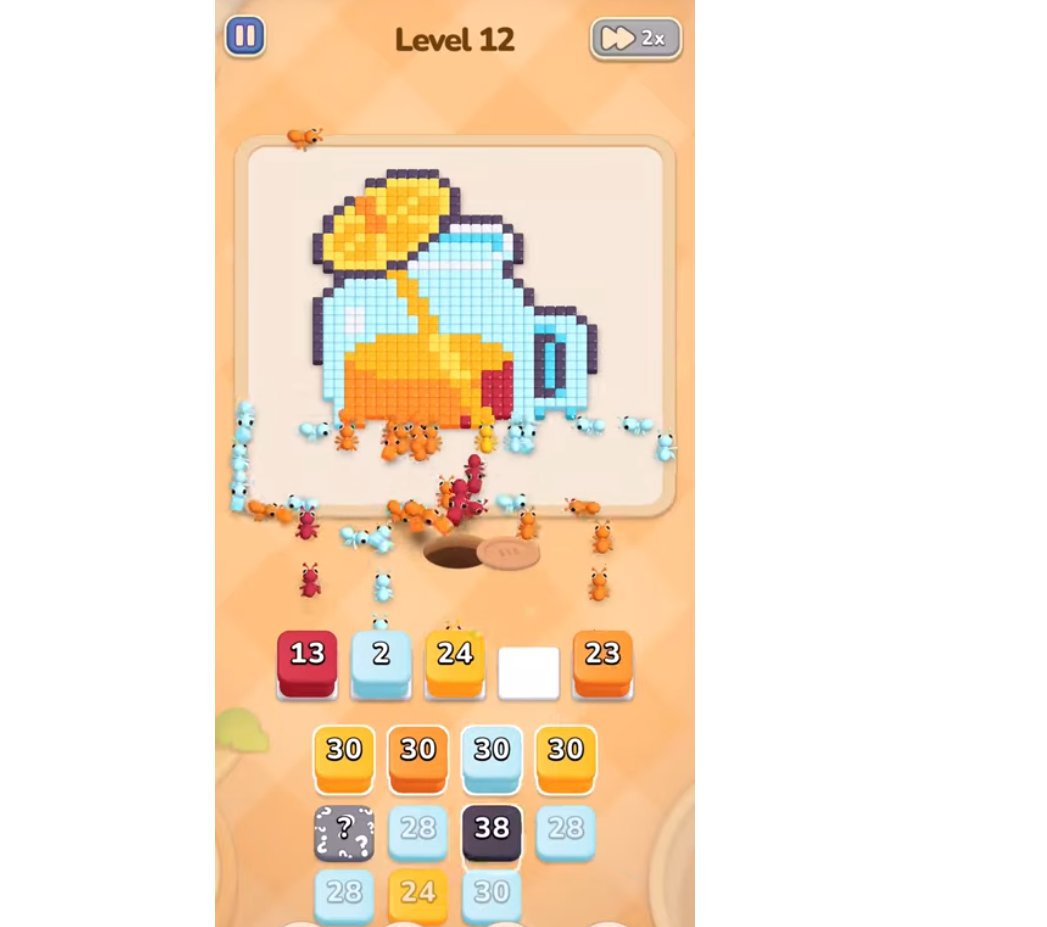
- Colony Flow 12 — Level 12 directly echoes the pink 12 stack that must be tapped first to open Level 90’s monitor-screen center safely.
- Colony Flow Level 41 Walkthrough — This walkthrough is a relevant follow-up to the green 41 move, the second critical opener that starts the Level 90 frame before lower lanes fill.
- Colony Flow Level 20 Walkthrough — Level 20 matches the orange 20 stack used third in Level 90’s required opener sequence to get the keyboard moving early.
Enjoy!