










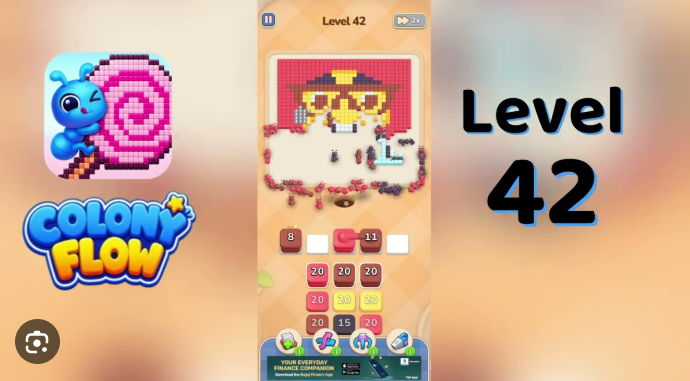
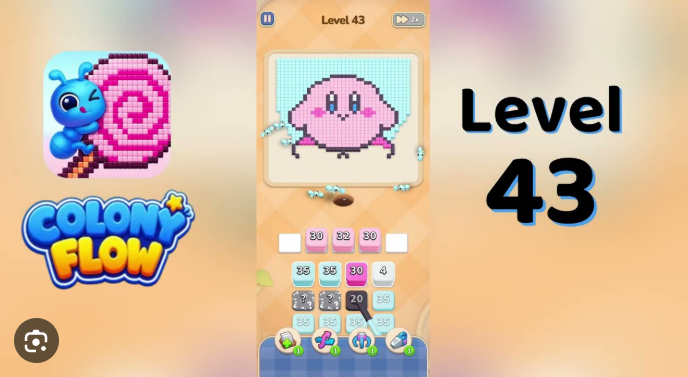
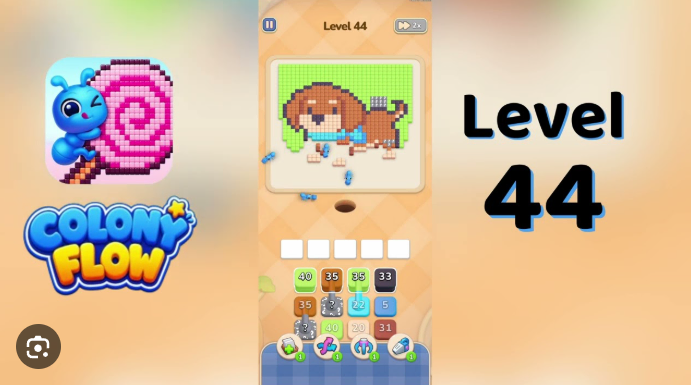
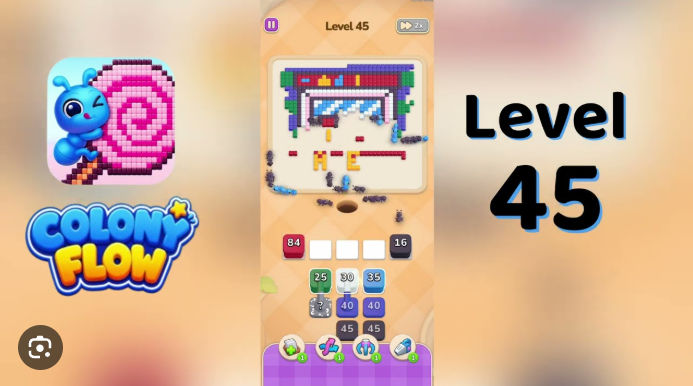










































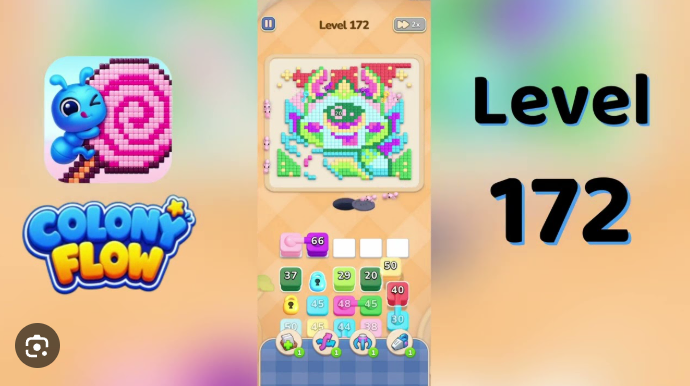
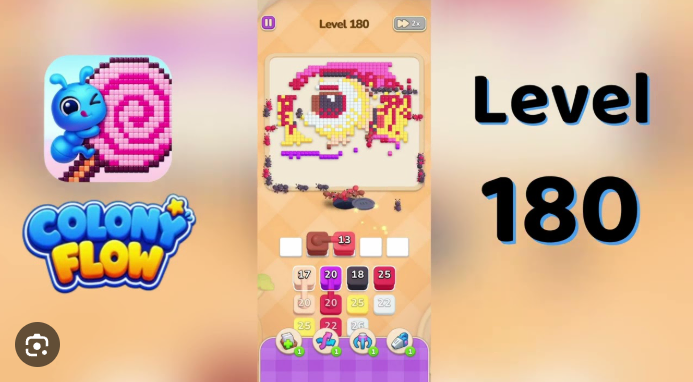
Colony Flow Level 127 is a puzzle stage in the Colony building game where players must route resources through an increasingly complex grid to reach target zones.
The core challenge is managing three simultaneous resource flows while navigating narrow passages and avoiding dead-end traps.
Colony Flow Level 127 Walkthrough
Colony Flow Level 127 is a decorative gamepad board where the small dark-and-yellow opener must stabilize the top shell first. The huge pink side grips and tiny cyan button cleanup all compete for the same single ant hole afterward.
The main mistake is opening the side grips too early. Pink 15, pink 30, pink 32, and magenta 36 can fill the shared route and block the late purple strip, dark contour, and tiny center-button traffic.
Start with dark 2 and yellow 22 instead to establish the controller outline and first shell band while side lobes stay clear.
How to Play Colony Flow Level 127: Step-by-Step Solution
Start with dark 2, then yellow 22.
This opens the controller outline and first yellow shell band while keeping the side lobes clear.
Use yellow 10 and purple 8 next.
These extend the top bar and upper shell, giving the controller frame room to move safely.
Clear the middle with yellow 21, then yellow 30.
Keep the yellow faceplate active before committing to the grips. This clears the broad middle section without congesting the ant hole.
Drain the side grips in order: pink 15, pink 30, pink 32, then magenta 36.
Only send these large waves once the top strip, middle faceplate, and dark contour are already moving.
Save cyan 10, blue stacks, and tiny center circles for late cleanup.
These are precision pieces rather than opener traffic, so they work best after the main controller frame has thinned out.
Finish the remaining dark, yellow, purple, cyan, and center-button pieces.
Clear the late dark contour, purple top strip, yellow sparkle pieces, grip edges, and small center accents together.
Tips and Strategies for Completing Colony Flow Level 127
- Protect the single ant hole. Every wave uses the same route.
- Build from the top and middle outward. Dark 2, yellow 22, yellow 10, purple 8, yellow 21, and yellow 30 establish the board before the large side masses arrive.
- Delay the grip stacks. Pink 15, pink 30, pink 32, and magenta 36 are powerful but risky if used before the frame is stable.
- Treat blue and cyan as cleanup tools. Cyan 10 and the small blue/cyan button stacks are best saved for the endgame, when they can reach the tiny center circles without competing with the main shell traffic.
Related Games
- Colony Flow Level 22 Walkthrough — This is the most natural follow-up for players who want to reinforce the yellow 22 opener timing that establishes Level 127’s shell traffic.
- Colony Flow Level 32 Walkthrough — Consult this guide after Level 127 to practice managing the delayed pink 32-style side-lobe cleanup without blocking the central route.
- Colony Flow Level 36 Walkthrough — This walkthrough suits players looking for more experience with late-arriving magenta 36 pressure after stabilizing a board’s outline and top section.
Enjoy!