
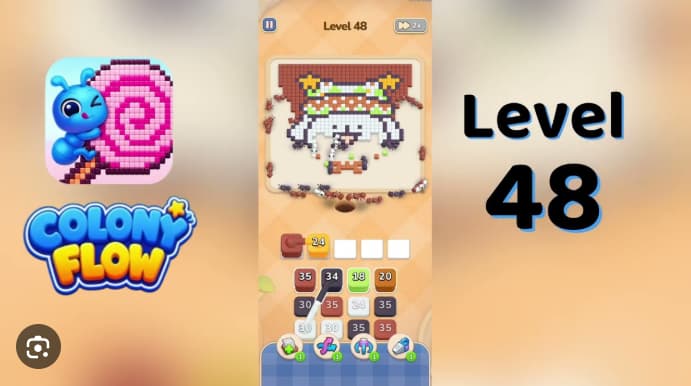
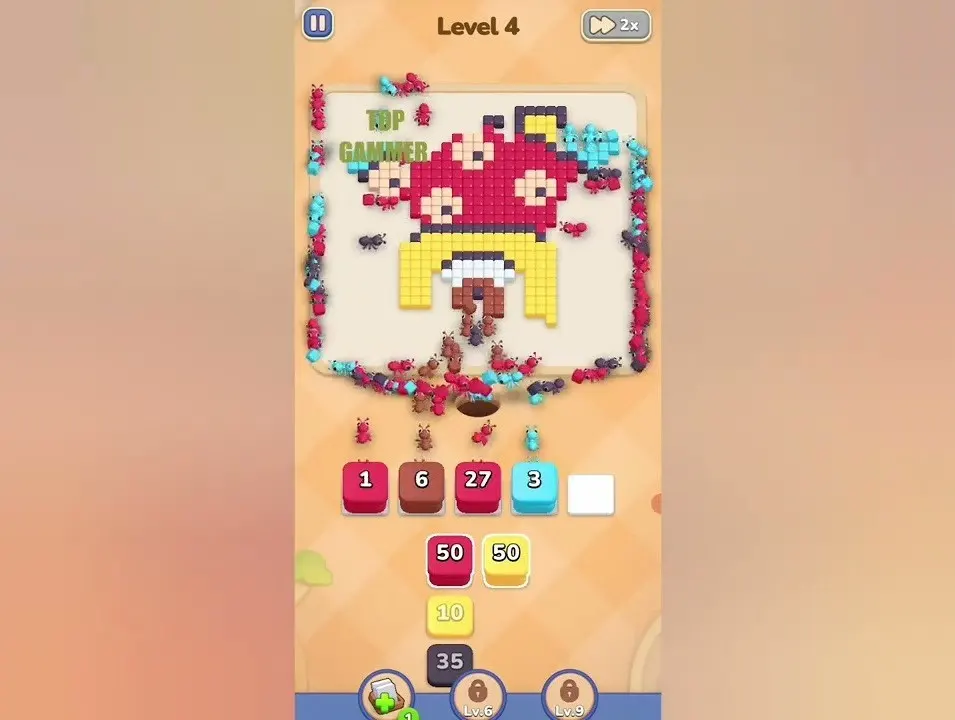
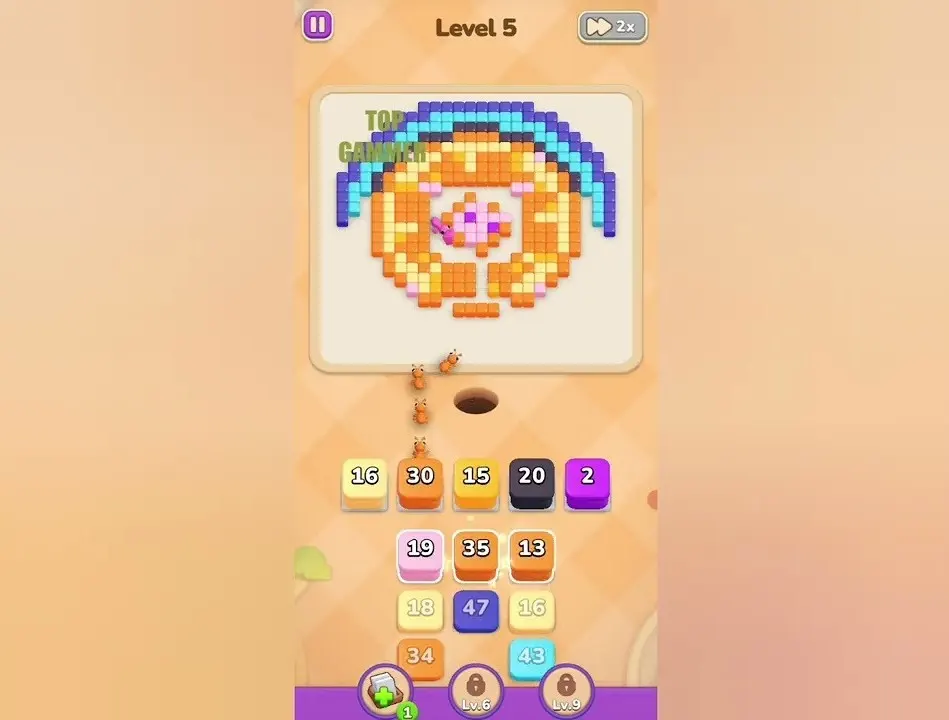
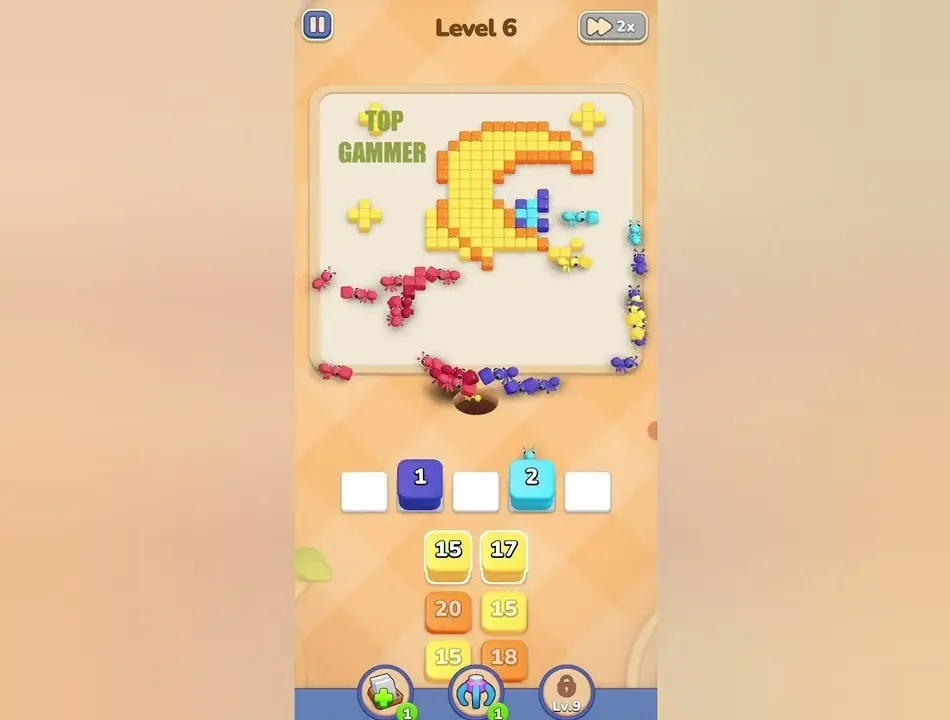
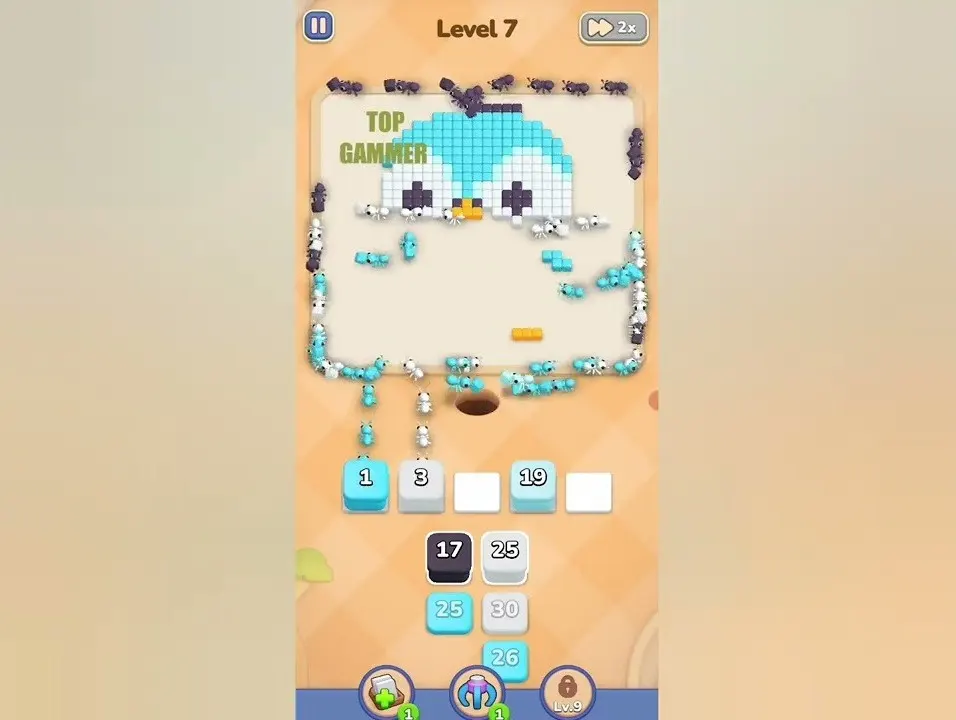
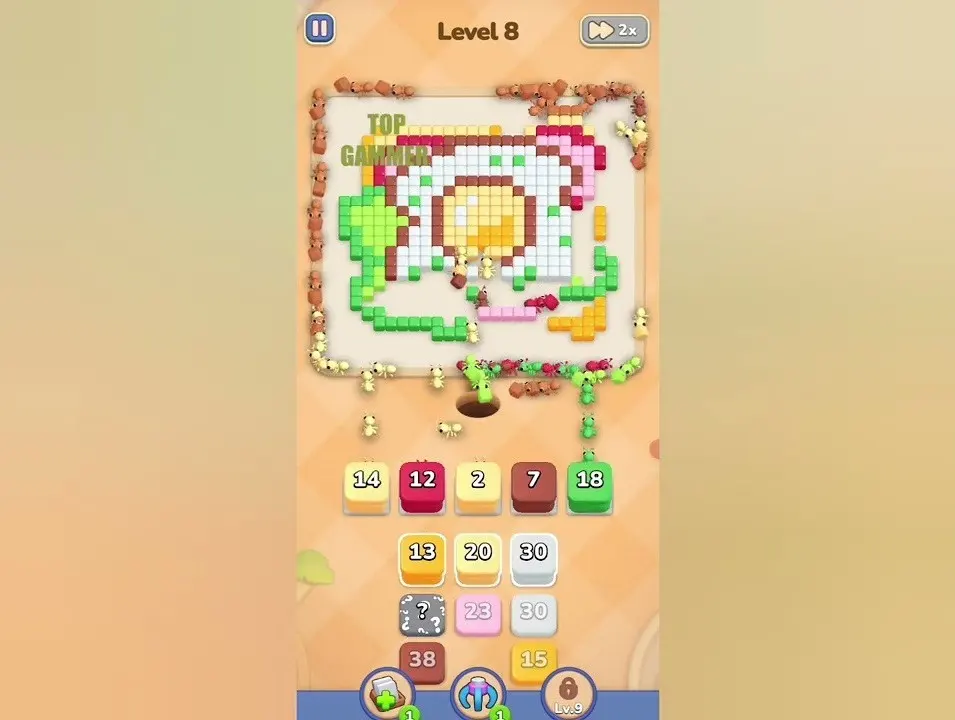
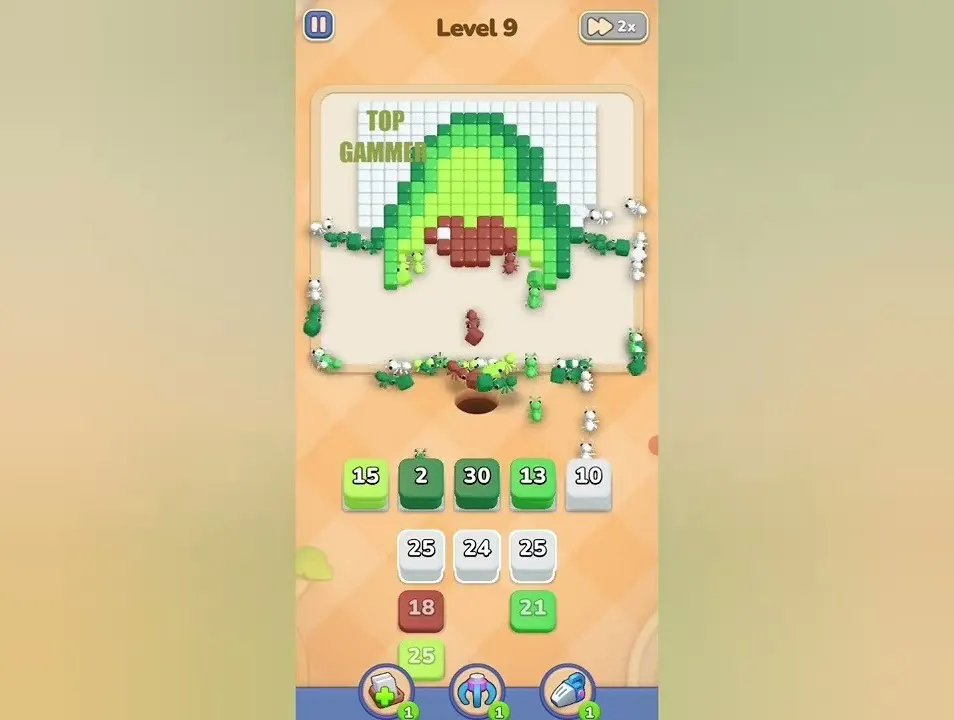
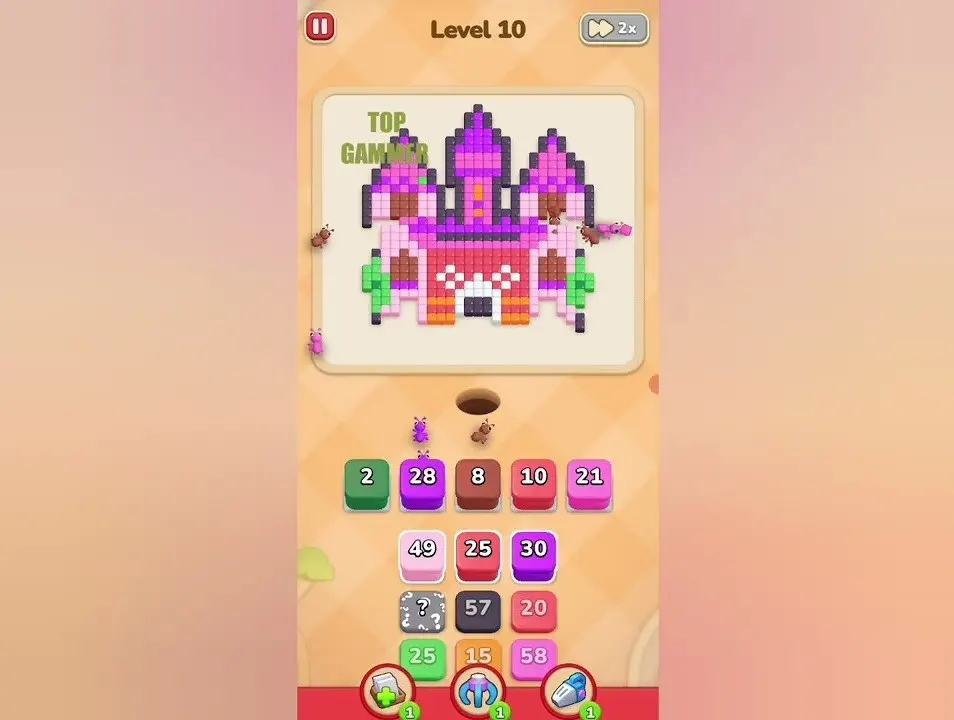
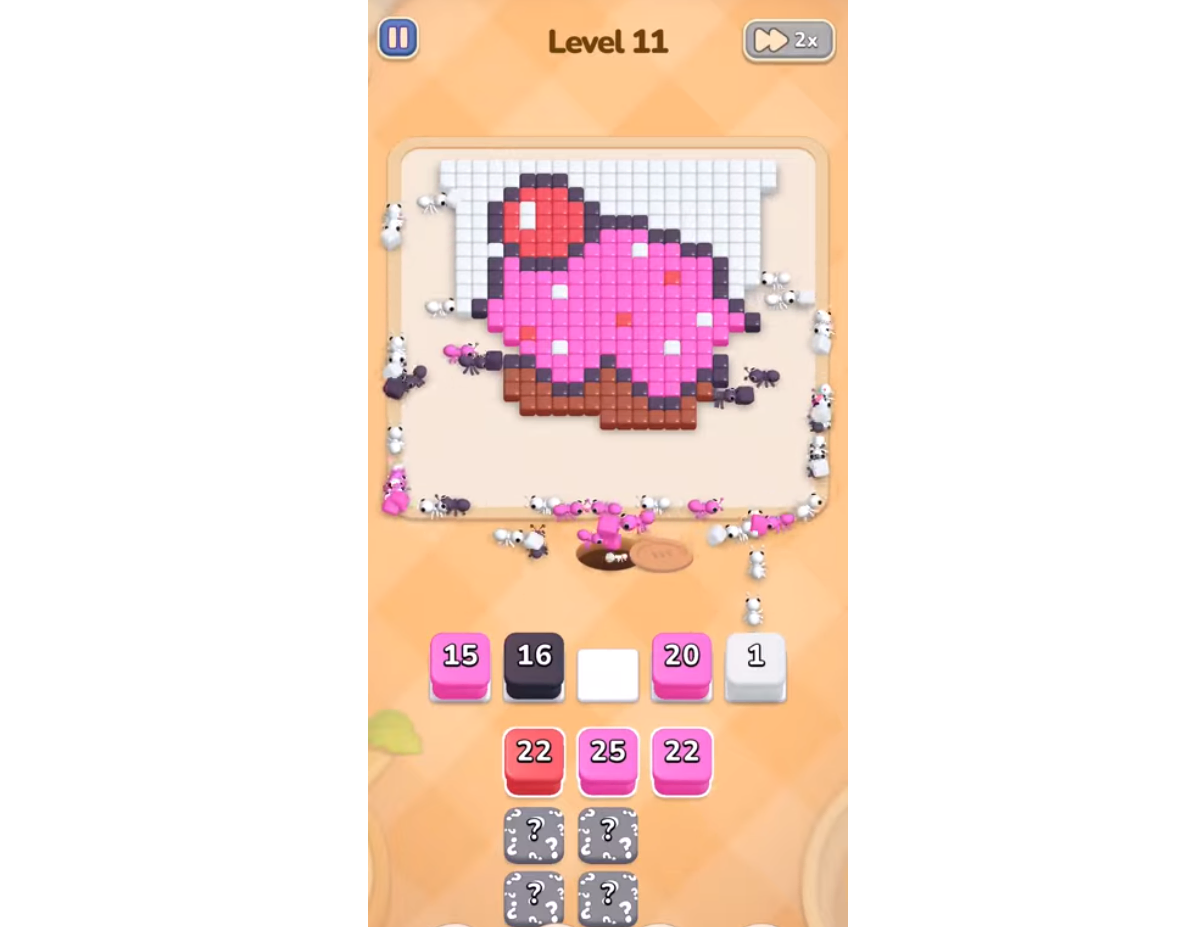
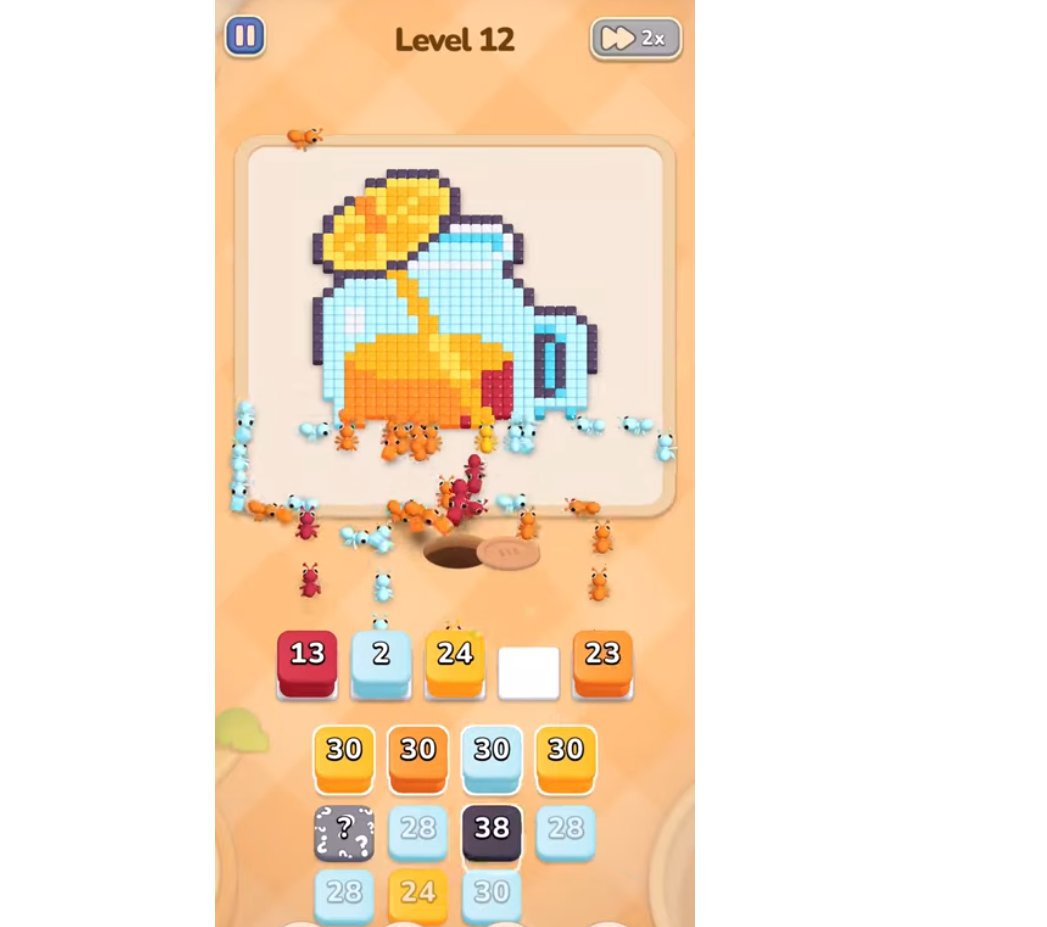
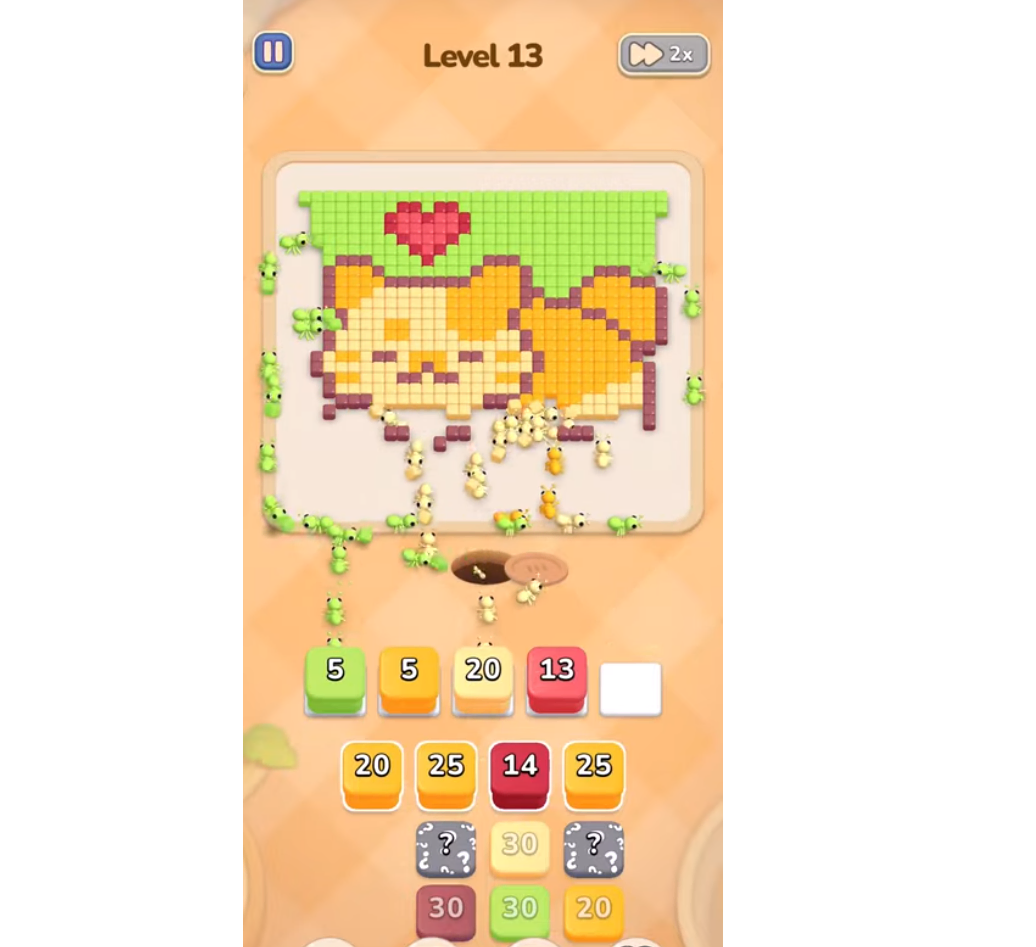
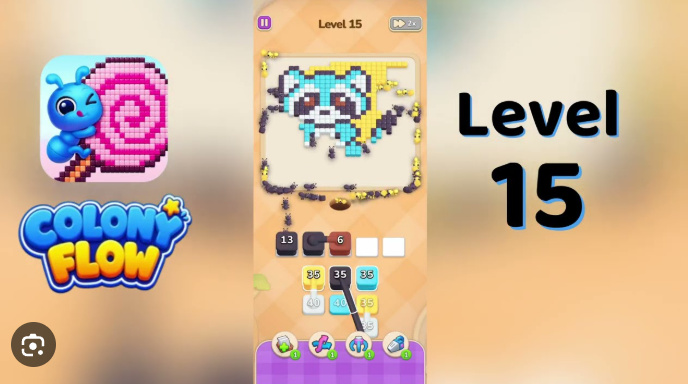
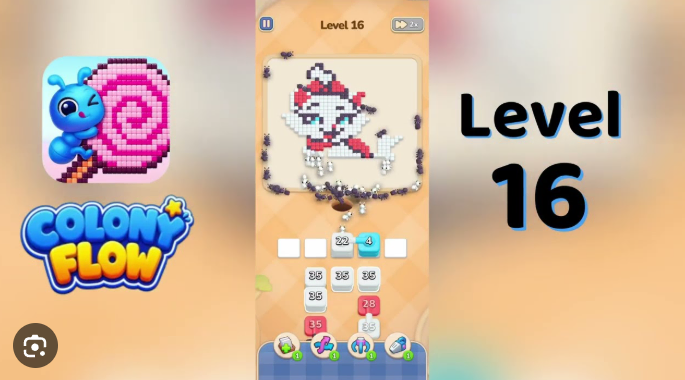
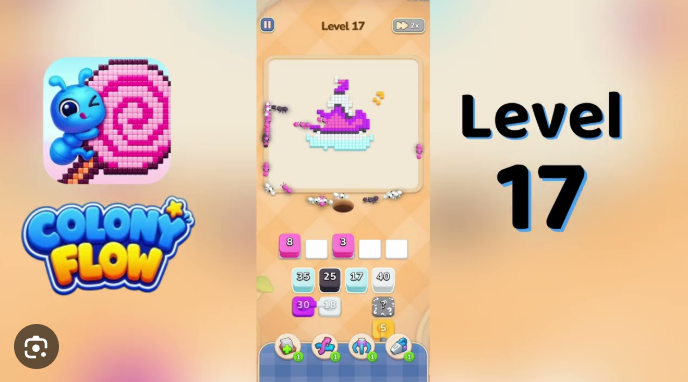
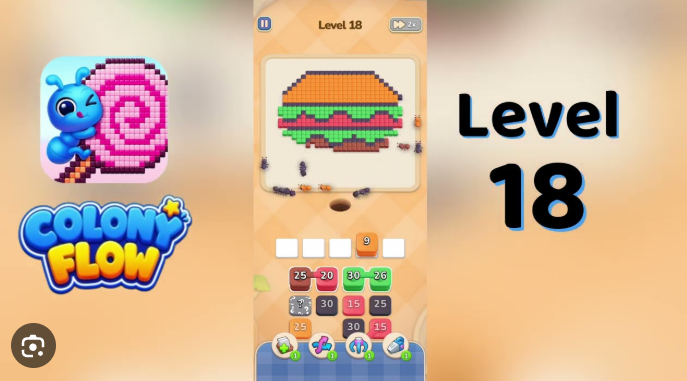
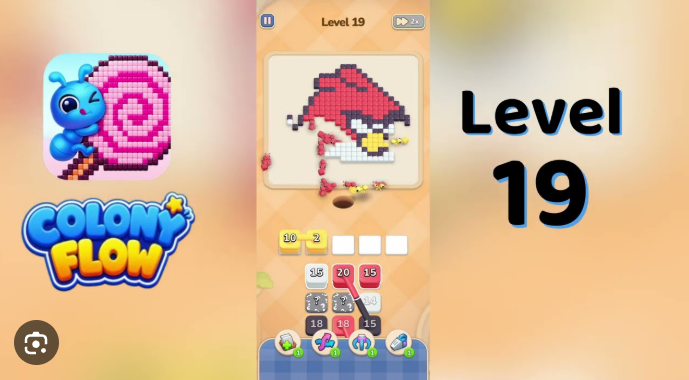
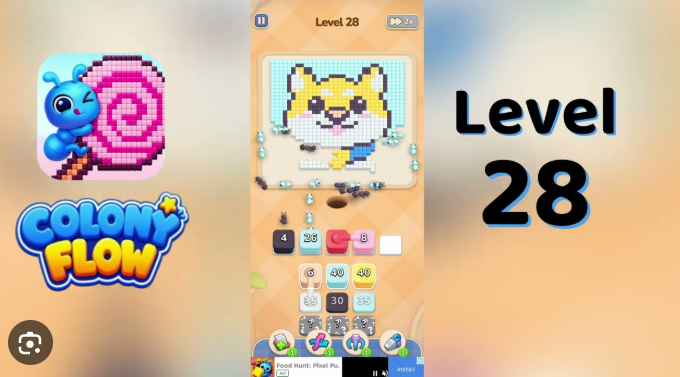
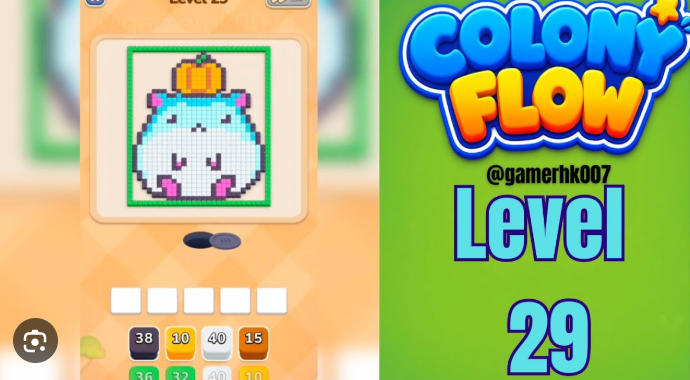
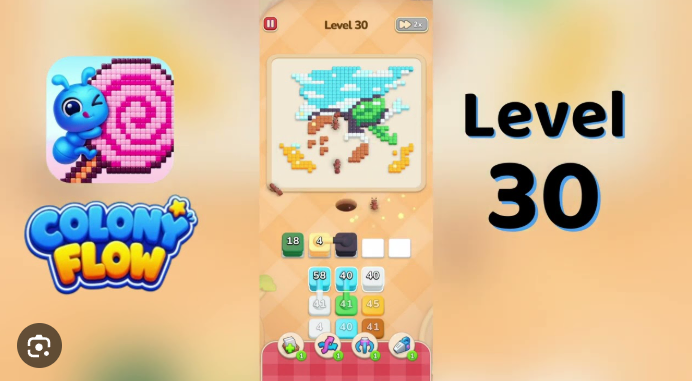
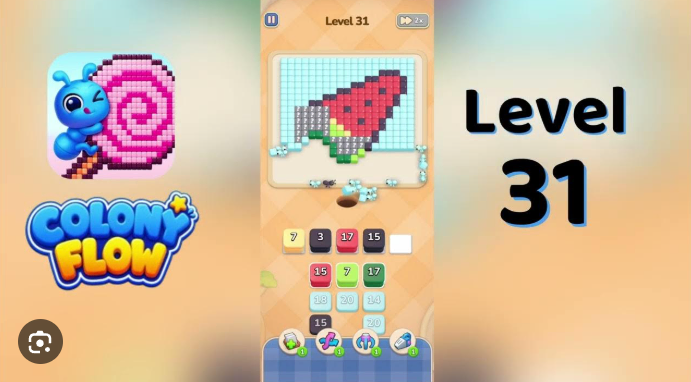
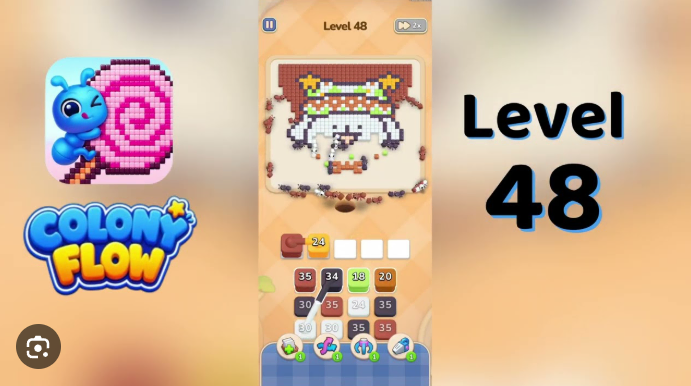
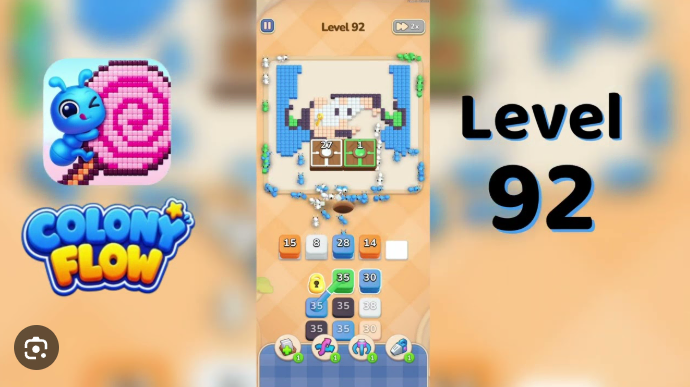
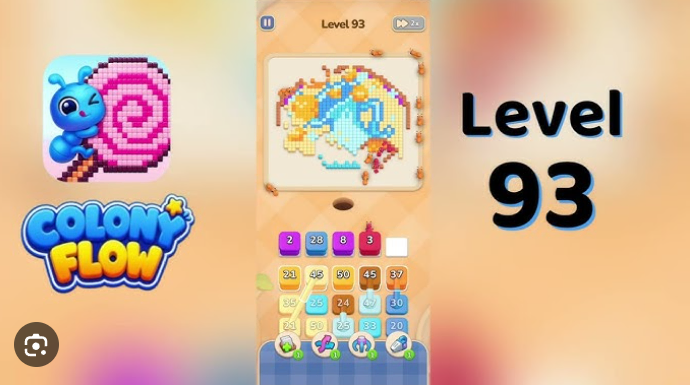
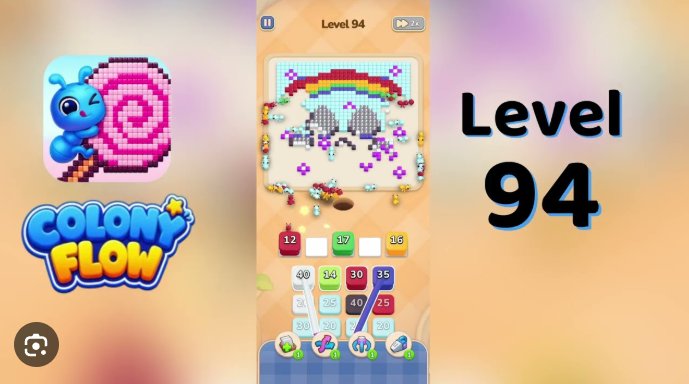
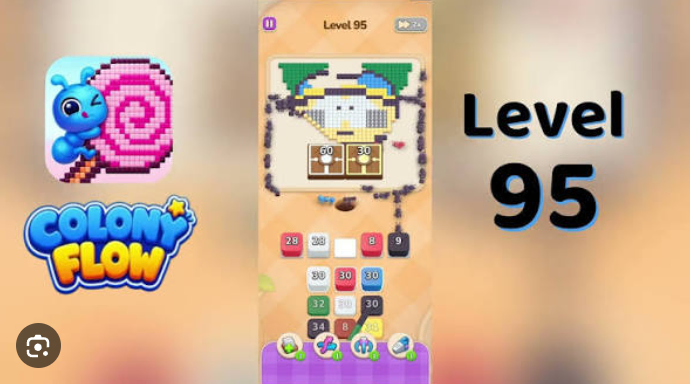
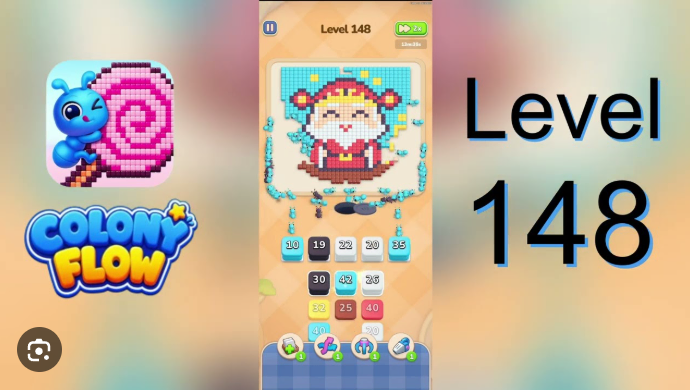
Colony Flow Level 48 presents a five-cell active row at the bottom with three four-cell source rows above that cycle stacks upward.
The challenge is managing how pieces move between these rows while maintaining flow patterns that let you clear the board. This walkthrough focuses on the specific moves and mechanics that work for Level 48.
You’ll find practical details about stack cycling behavior, which cells to prioritize first, and how the upward movement pattern affects your clearing strategy.
How to Play Colony Flow! Level 48 Walkthrough — Full Solution
Colony Flow Level 48 is a Christmas-elf portrait board where the red hat, white trim, white face, cyan headband, yellow corner star, orange mouth stripe, and dark outline all compete for one route, making timing critical. The board uses a shared dirt path, and launching stacks too quickly blocks the white buffer pads needed for late refills. Leave one beat between taps so each ant wave begins moving before the next one enters the route.
-
Tap brown 1 in the first cell of the five-cell active row. Wait one beat for the brown ants to start clearing the thin dark outline along the elf’s lower edge.
-
Tap black 25 in the second active-row cell and wait one beat. Brown and black both use the outline route.
-
Tap red 16 in the fourth active-row cell. Once the first red hat cells begin clearing, tap red 23 in the fifth cell.
-
After the second red wave starts moving, tap white 30 in the third active-row cell. This opens the face and trim route without crowding the hat path.
-
As stacks rise into the active row, use source row 1 in this order:
- white 35
- white 35
- cyan 30
- white 30
Leave one beat between waves. Do not send cyan or green traffic while red ants still occupy the hat route.
-
Use source row 2 in this order:
- white 35
- red 40
- yellow 26
- white 40
Treat yellow 26 as a late color. It clears the upper-right star only after the portrait perimeter has enough open space.
-
Finish source row 3 in this order:
- cyan 30
- red 34
- white 35
Keep the three empty white buffer pads available for the late white, green, orange, brown, and yellow refill waves. Those final deliveries clear the mouth stripe, remaining dark outline, headband, and corner star. Filling a buffer pad early can leave one of these areas unreachable.
Common Mistakes to Avoid
-
Firing yellow 26 before the brown, black, red, and white active-row waves have started clearing the perimeter. This sends yellow ants across white face cells that white still needs to clear and stalls them on the remaining star cells, blocking the late yellow refills.
-
Tapping cyan 30 in source row 1 while red ants are still walking the dirt path to the red Santa hat. This strands cyan/green ants on remaining headband cells and blocks the cyan 30 in source row 3 plus the late green refills.
-
Letting any of the three empty white buffer pads fill with a tap on an active or source-row stack before the matching late refill wave has a chance to rise into that pad. This strands the late refill wave and leaves outline, headband, star, or mouth cells empty at the end.
Quick Tips for Colony Flow! Level 48
-
Open from the perimeter. Tap the brown 1, black 25, red 16, red 23, and white 30 in the active row before touching source row 1. The dark outline, red hat, and white face are the highest-traffic regions and must clear together before bulk white waves or any cyan headband cube reaches the dirt path.
-
Treat the active row as the opener queue and the source rows as supply. The active row has no empty white buffer pads at the start, so the only way to free a slot for a rising refill is to drain an active-row cell. Tap source row 1 stacks only after the red 16 and red 23 active-row waves have cleared, source row 2 stacks only after the white 30 active-row wave has cleared, and source row 3 stacks only after the cyan 30 source row 1 wave has cleared.
-
Save yellow 26 and the late refill waves for endgame. The yellow corner star and small orange mouth stripe are the two smallest color regions in the art. Yellow, green, orange, and brown ants use the same dirt path as brown, black, red, and white, so a premature click strands ants on remaining star, headband, mouth, or outline cells and blocks the late refill waves needed to clear those regions.
-
Give every wave room to move. Back-to-back taps can stall ants on the shared dirt path. One beat between waves is especially important for red, white, cyan/green, and dark-outline colors.
Related Games
- Colony Flow Level 30 Walkthrough — Players who need more practice with Colony Flow’s color-routing and carefully timed stack taps can continue with this relatively advanced level guide.
- Colony Flow Level 25 Walkthrough — This walkthrough provides another mid-to-late-game Colony Flow solution for readers refining the sequencing discipline needed in Level 48.
Which Colors Appear in Level 48?
Brown, black, white, red, cyan, green, yellow, and orange all appear. The board opens in portrait view with a pixel-art Christmas elf: a red Santa hat with white brim and white pom-pom, a cyan/green headband on the sides of a white face, two small black eye cells, a small orange mouth stripe, a tiny yellow four-point star in the upper-right, and a thin dark outline wrapping the silhouette. Below the art is a five-cell active row plus three four-cell source rows that cycle stacks upward.