
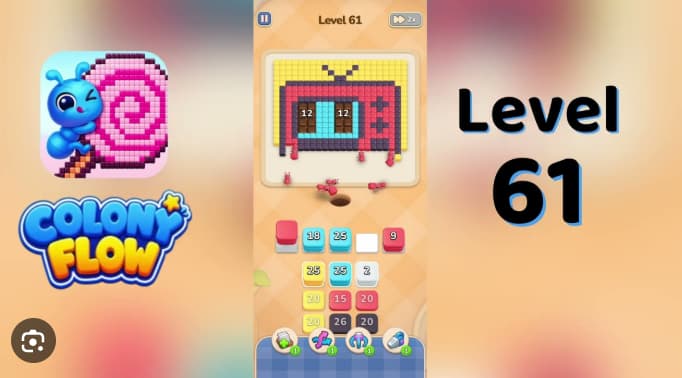
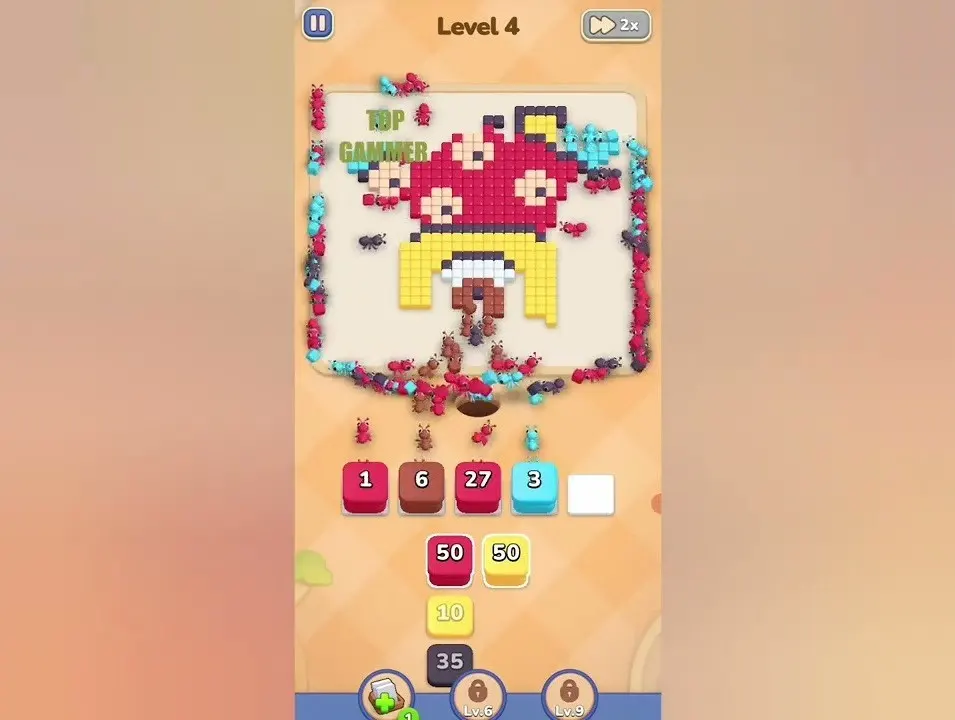
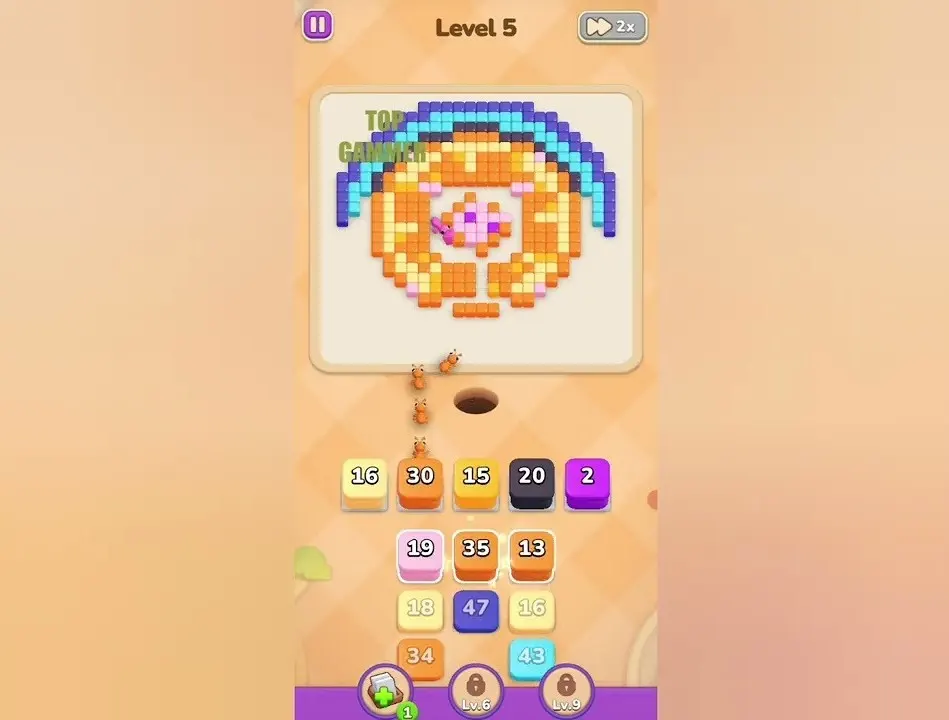
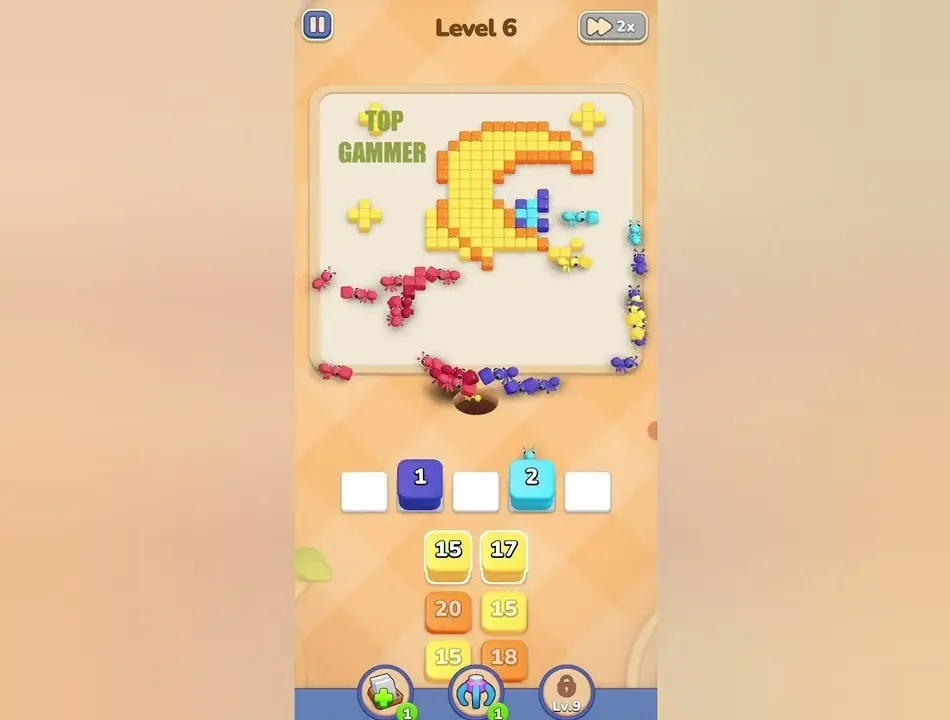
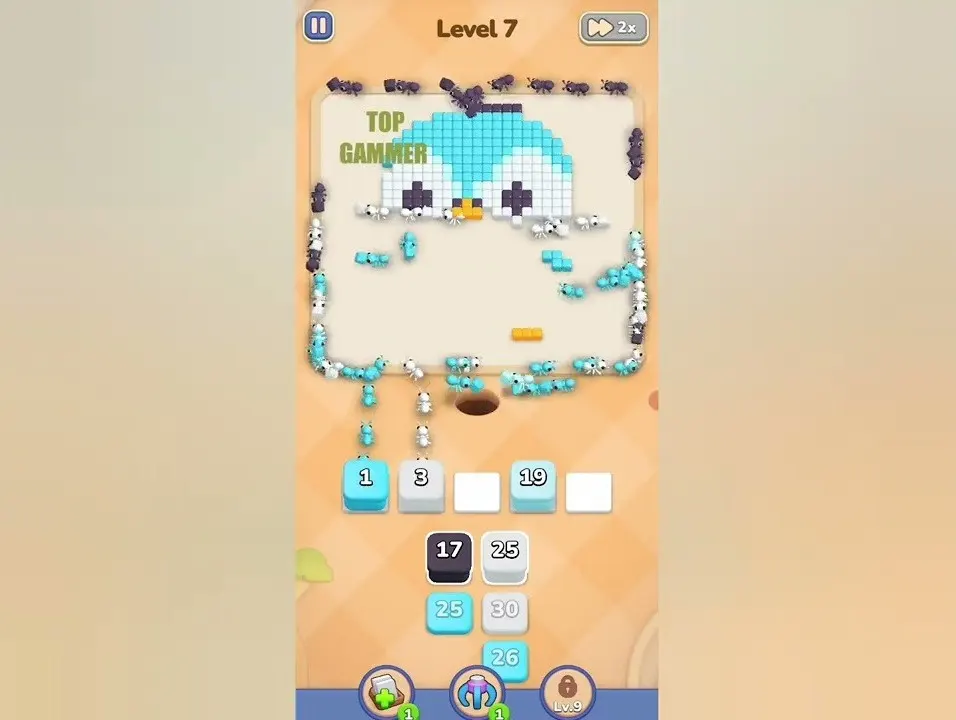
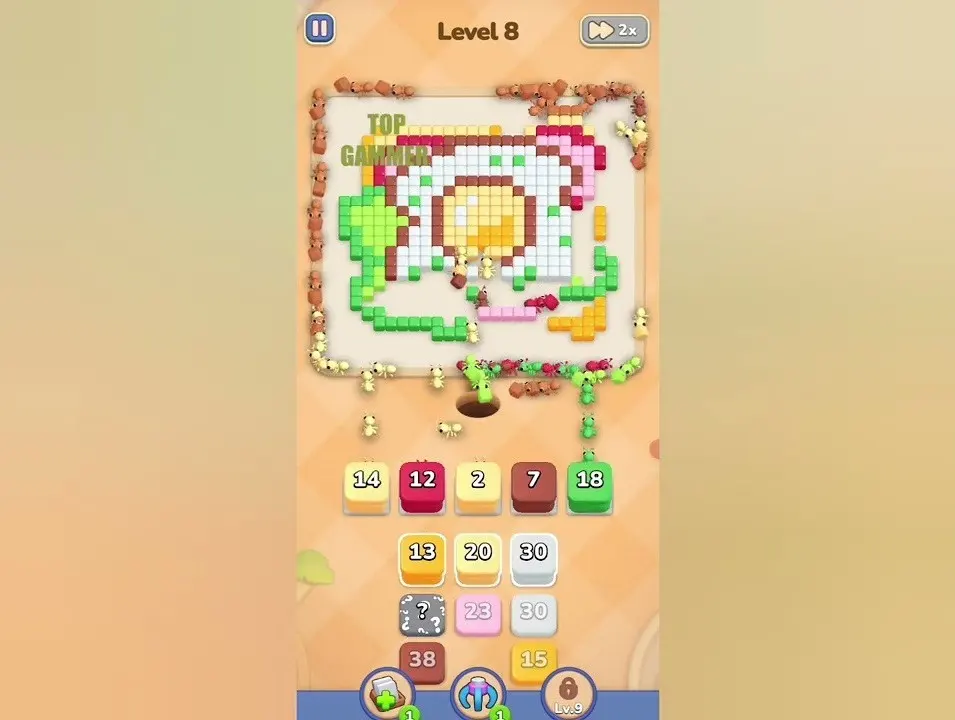
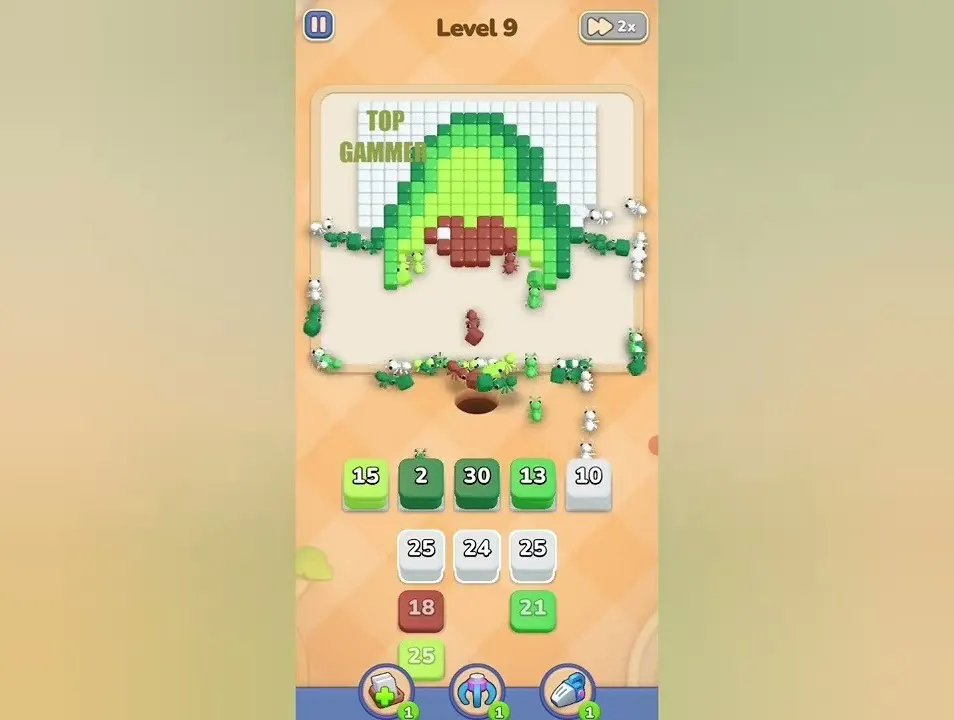
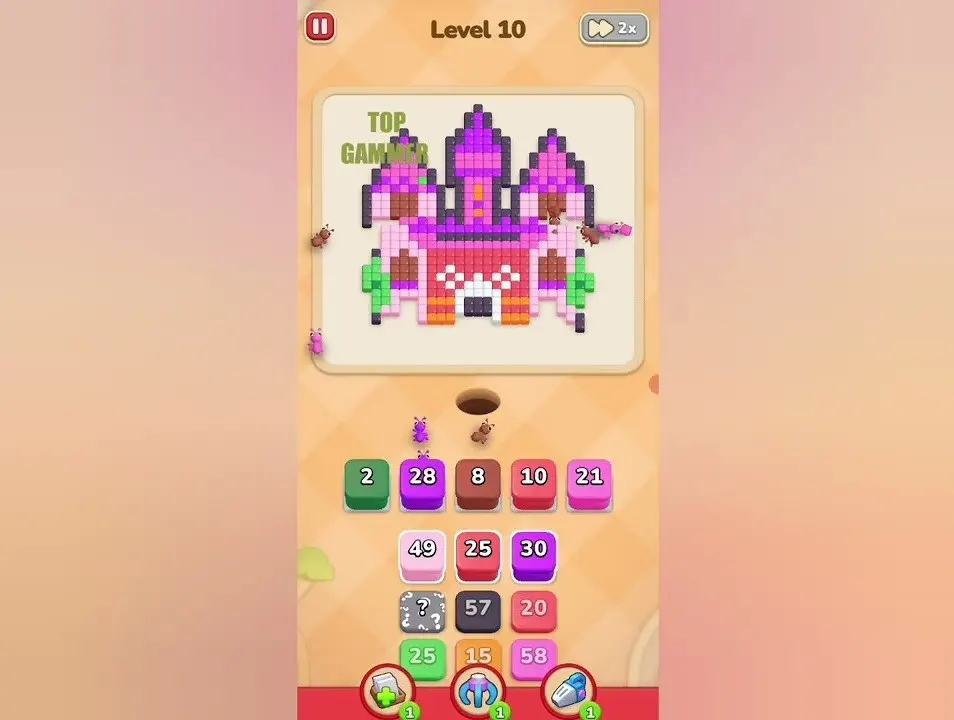
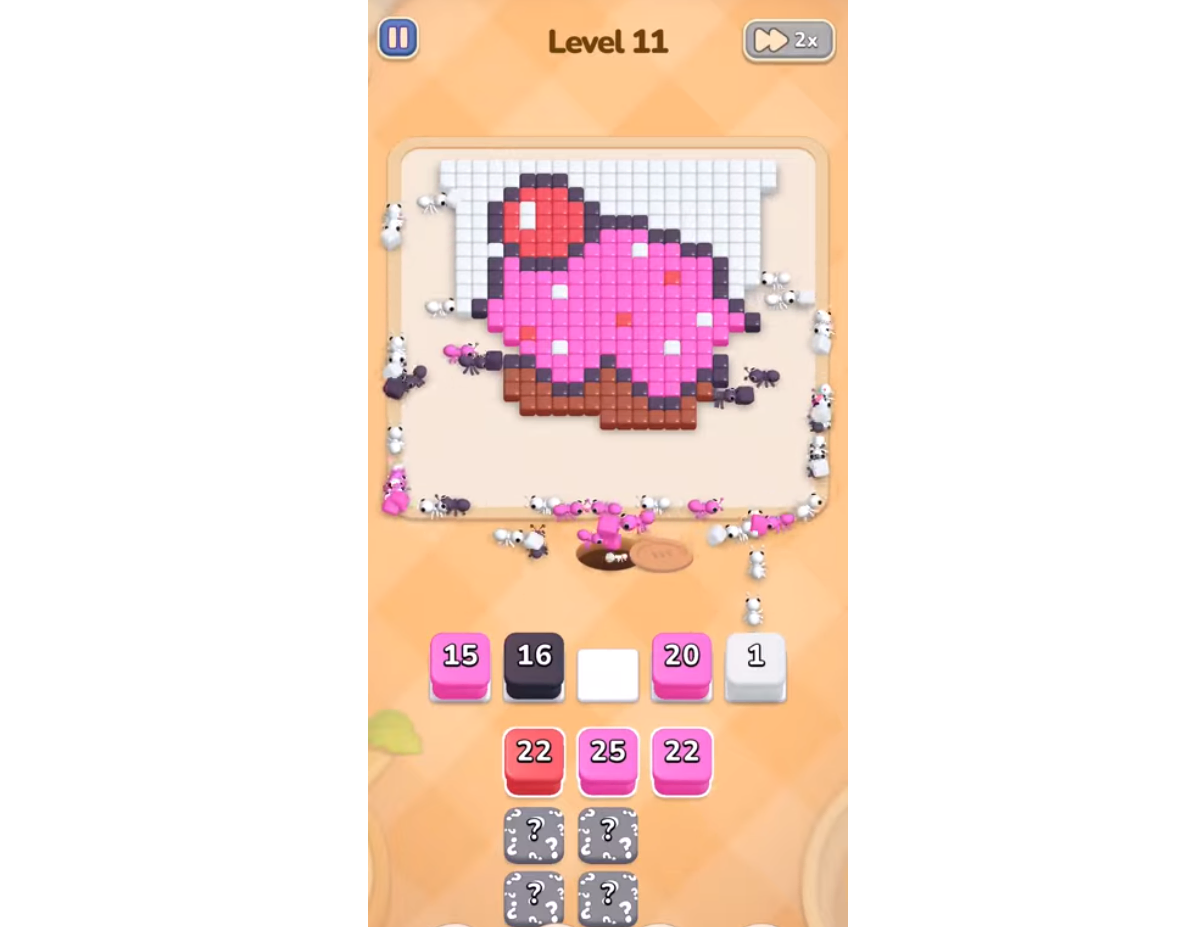
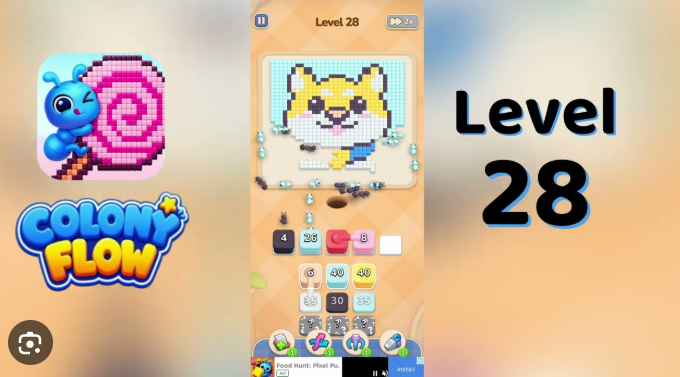
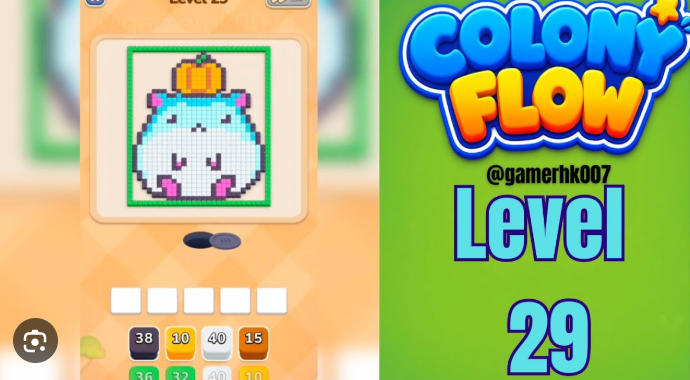
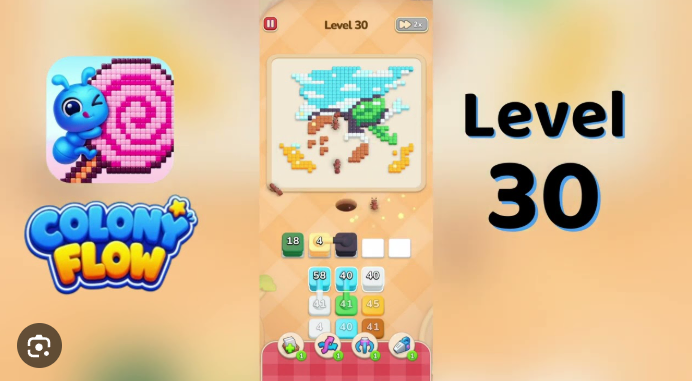
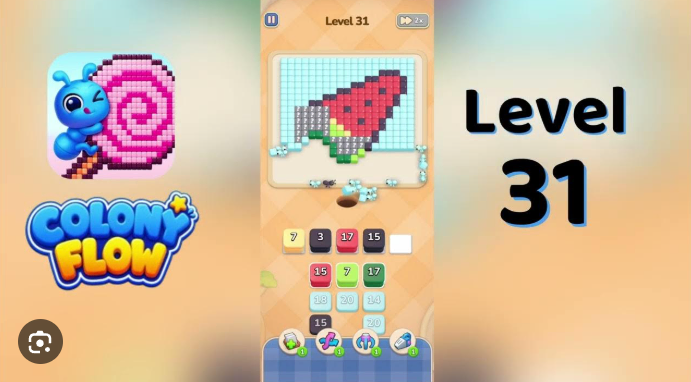
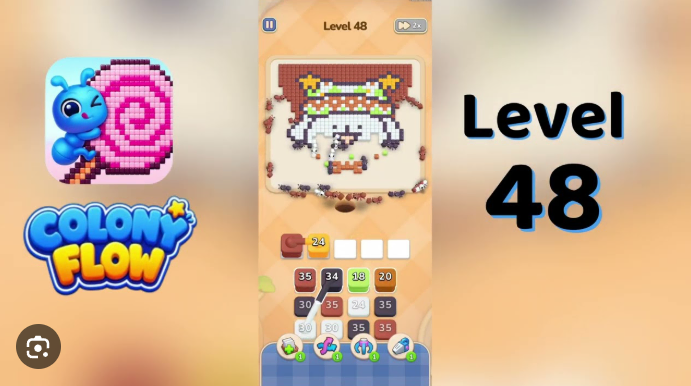
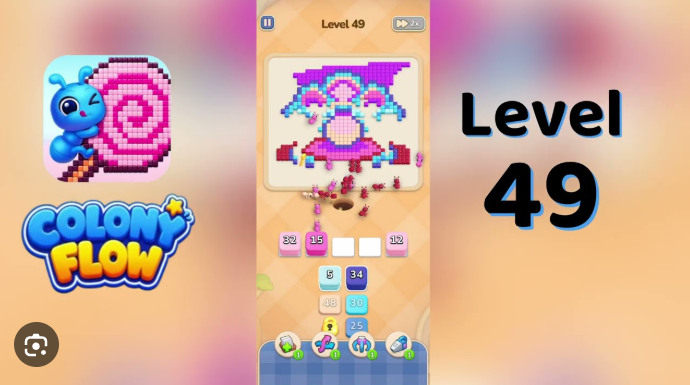
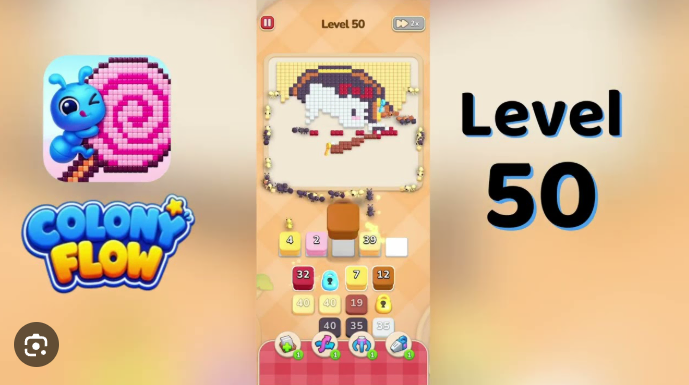
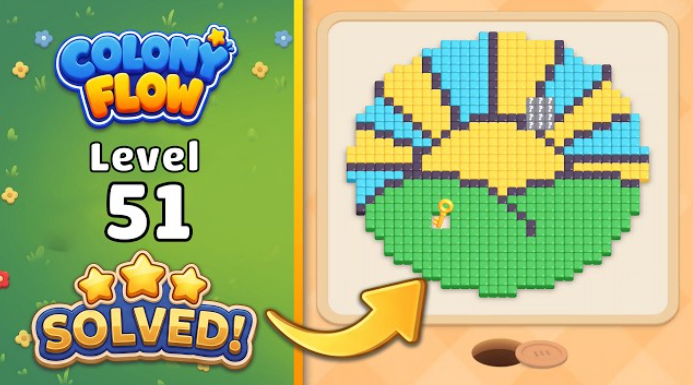
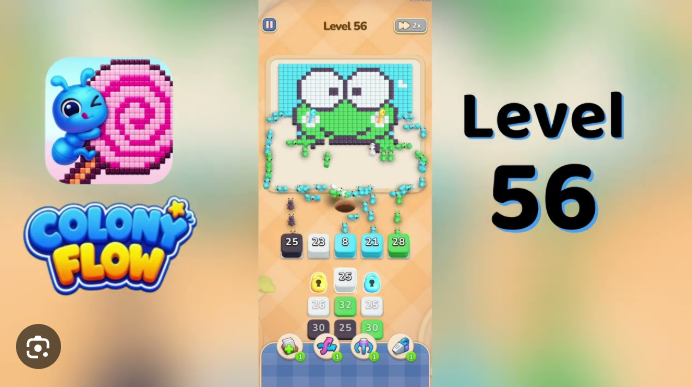
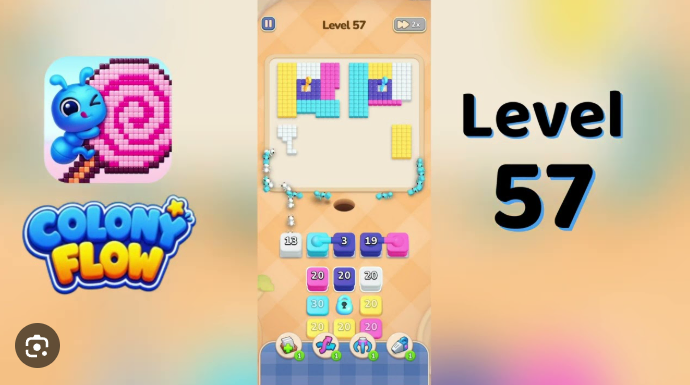
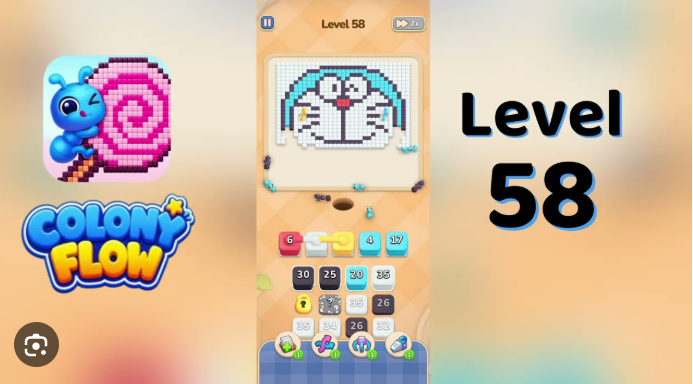
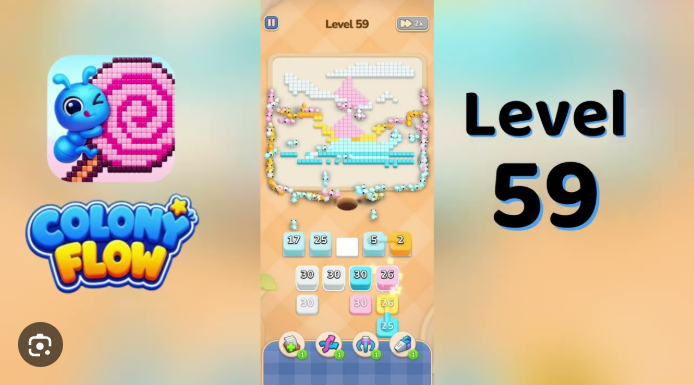
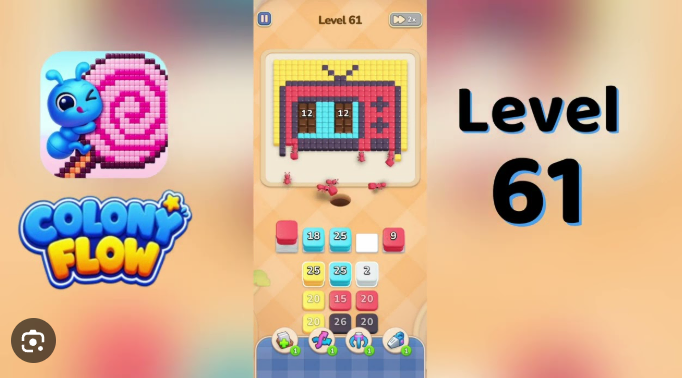
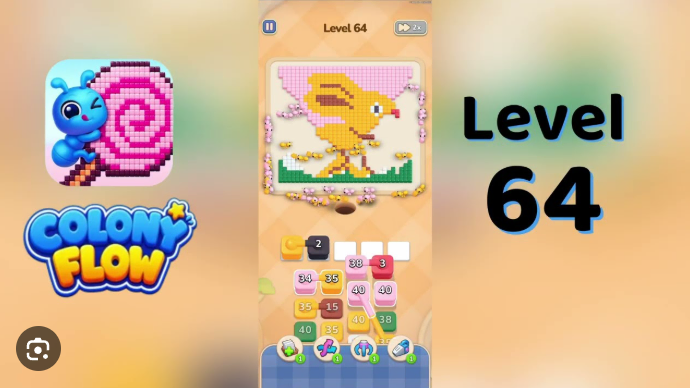
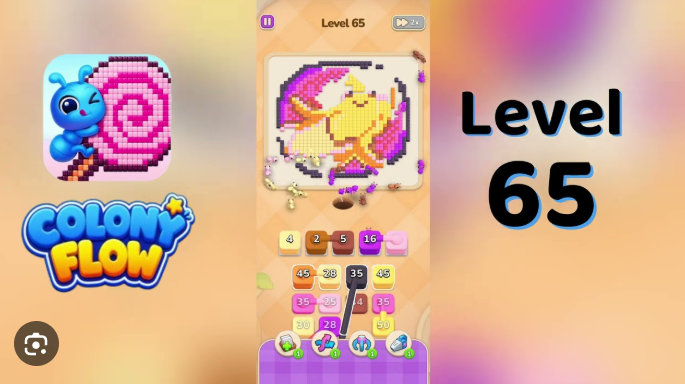
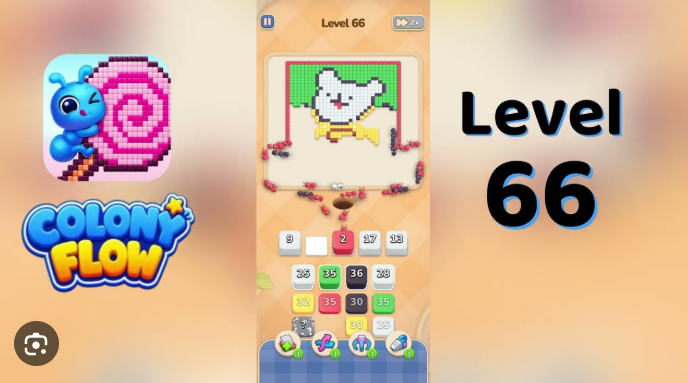
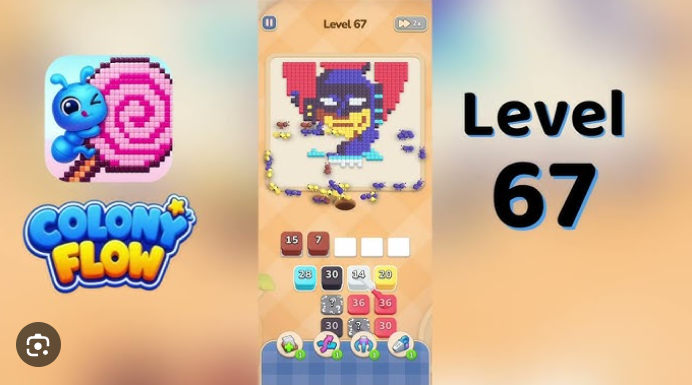
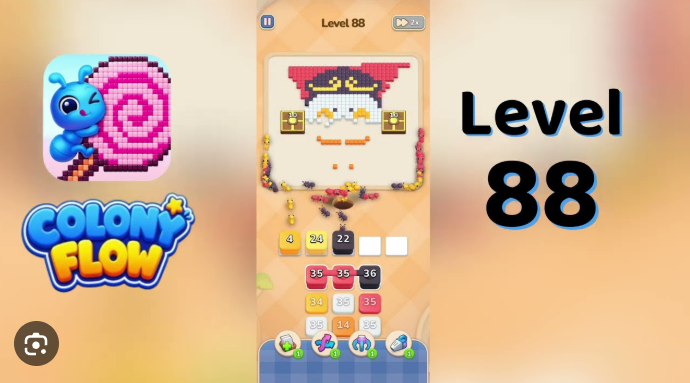
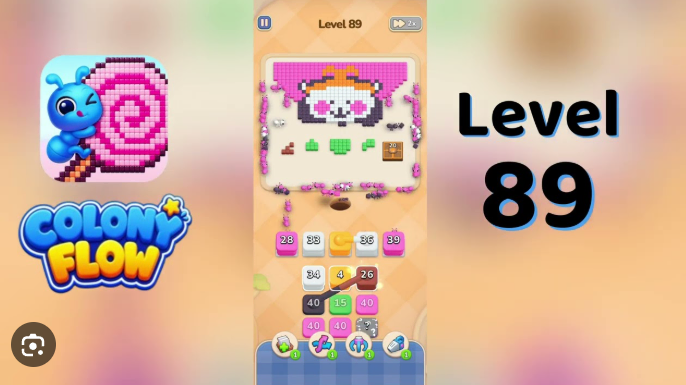
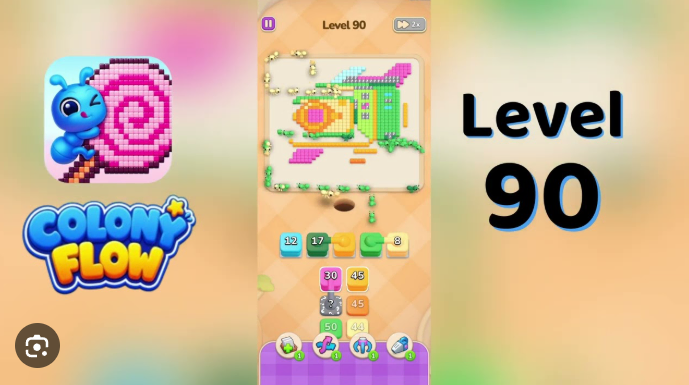
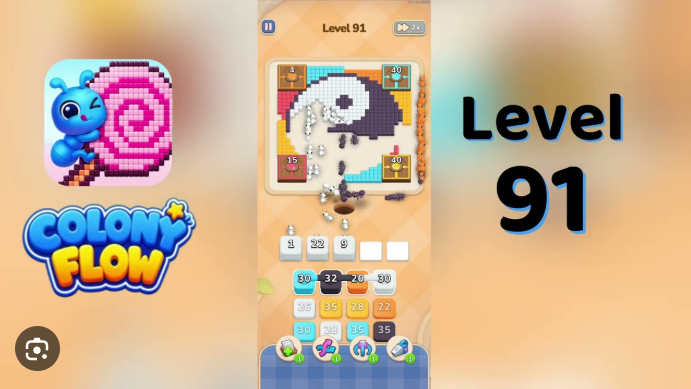
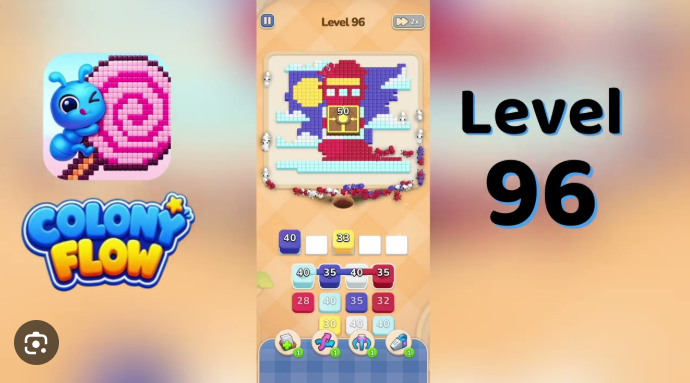
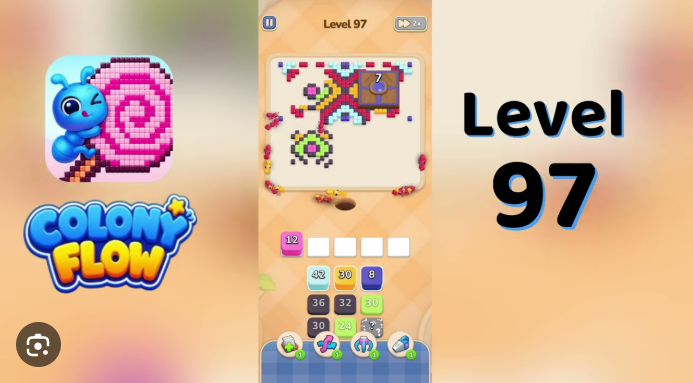
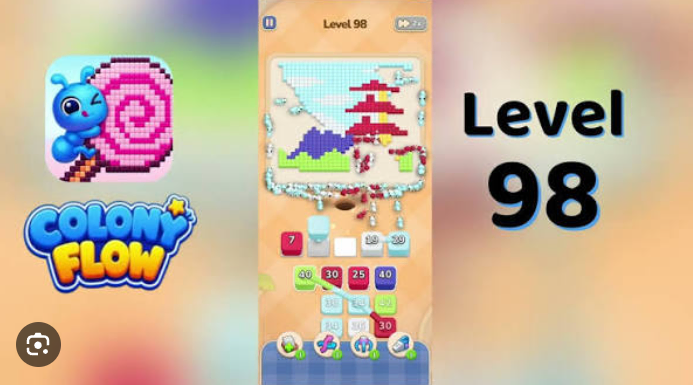
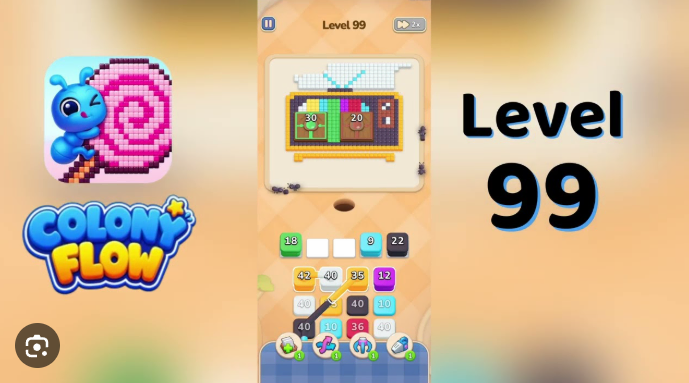
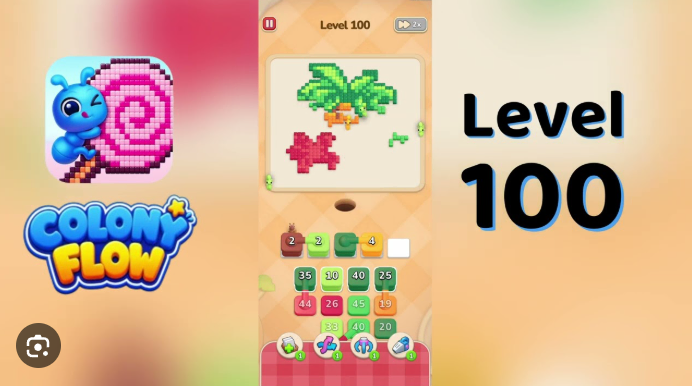
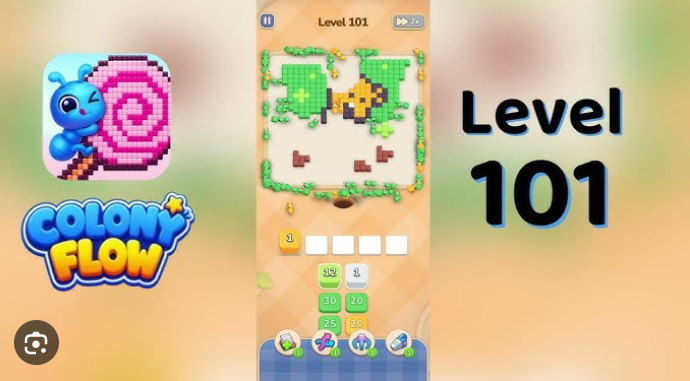
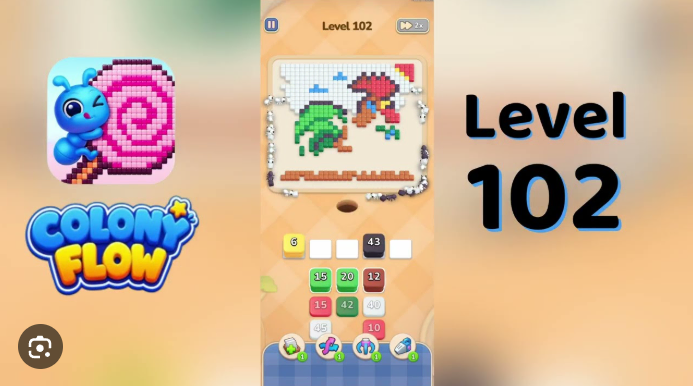
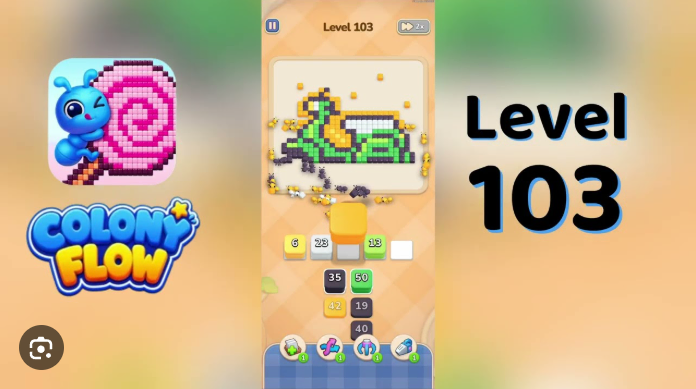
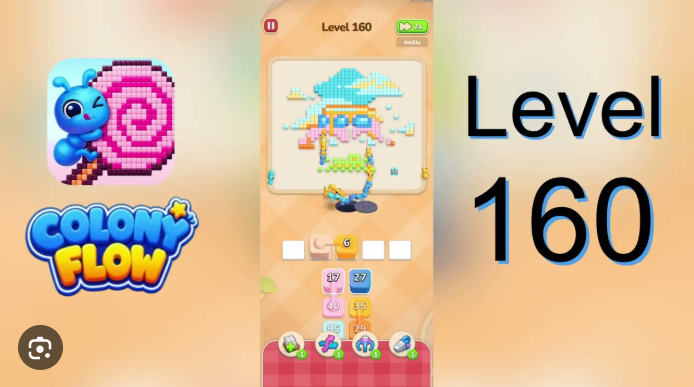
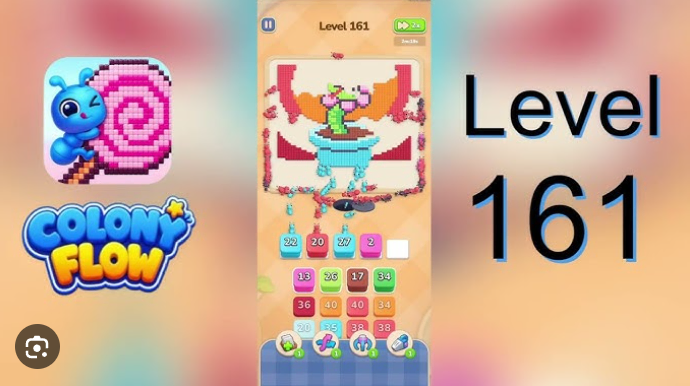
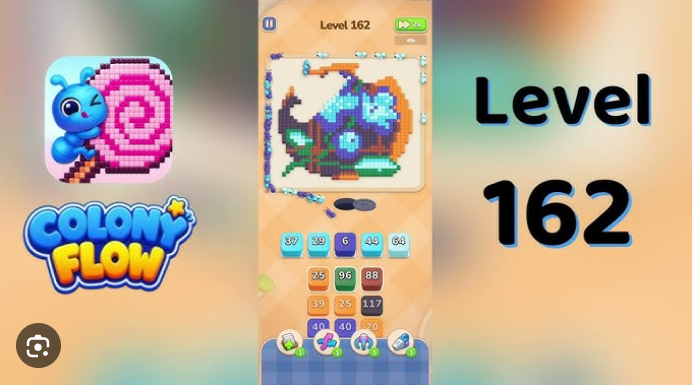
Colony Flow Level 61 is a retro-TV themed puzzle board where five colored panel groups—pink body, blue screen, cyan band, yellow border, and brown 100 panels—all funel through a single shared ant hole.
The core challenge is timing: you must clear the red 18 and yellow 24 source openers before sending the pink 25 accent wave, or the shared pathway becomes blocked and the level stalls. This walkthrough focuses on the specific play sequence, opener timing, and panel routing mechanics that make Level 61work.
You’ll find practical answers on managing the shared ant hole, coordinating multi-color clears, and avoiding the most common stall points.
Colony Flow Level 61 Walkthrough
Colony Flow Level 61 is a retro-TV board where the pink body, blue screen, cyan band, yellow border, and brown 100 panels share one ant hole. Clear the red 18 and yellow 24 source openers first, then send the pink 25 accent wave only after the perimeter clears.
Tap red 18 in source row 1, column 1 as it rises into the first empty white buffer pad. Red ants walk the dirt path up to the pink TV body and start clearing the lowest cells. Wait for red ants to reach the bottom edge before tapping the next stack.
Tap yellow 24 in source row 2, column 1. Yellow ants clear the yellow pixel border along the bottom edge. Leave one beat between red and yellow so the TV body is mostly cleared before the border starts.
Tap blue 18 in source row 1, column 2. Blue ants clear the screen cells. Leave one beat after yellow so the border is at least half-cleared before the screen starts.
Tap blue 20 in source row 2, column 2. Blue ants continue clearing the screen and reach the blue cross accent on the right edge. Leave one beat so the left screen cells are mostly cleared before the cross accent starts.
Tap cyan 25 in source row 1, column 3, then yellow 24 in source row 2, column 3, then blue 16 in source row 3, column 1. Cyan clears the highlight band, yellow clears the antenna cells, and blue finishes the screen. Leave one beat between each wave so the screen is at least half-cleared before the cyan band starts.
Tap pink 25 in source row 3, column 2, then blue 24 in source row 3, column 3. Pink ants clear the small accent cells along the lower TV base. Blue ants clear the last screen cells and the cross accent. Leave one beat between them so the screen is mostly cleared before the pink base accents start.
Tap the late red, yellow, blue, cyan, pink, and brown refill waves as they rise into empty white buffer pads. Each refill clears the next TV body cell, screen cell, border cell, or brown 100 panel. Leave one beat between each refill so the cleanup ants do not stall on remaining screen cells.
Finish by draining the last cleanup refills into whichever empty white buffer pad is open. The board clears once the last matching cube is routed off.
Common Mistakes
Firing pink 25 before the red 18, yellow 24, blue 18, and blue 20 source waves have cleared the perimeter sends pink ants across the screen that blue still has to clear. This stalls them on the remaining pink base cells and blocks the late pink refills that need to clear the lower TV accents.
Tapping cyan 25 while red ants are still walking the dirt path strands cyan ants on the remaining highlight band and blocks the late cyan refills that need to clear the middle screen stripe.
Letting blue 16 rise into the active row before blue 18 and blue 20 have cleared the screen strands blue ants on the remaining cross accent cells and blocks blue 24, which needs to clear the rest of the screen.
Quick Tips
Tap red 18, then yellow 24, then blue 18, then blue 20 before you touch cyan 25, pink 25, or any source row 3 stack. The pink TV body, the yellow border, and the blue screen are the three highest-traffic color regions and have to clear together before the cyan band or the pink base accents are allowed onto the dirt path.
Treat the five empty white buffer pads as the only staging space. Every early tap has to rise from the source grid into an empty buffer pad, so drain the openers first, then the cyan 25, yellow 24 in column 3, blue 16, pink 25, and blue 24 in that order.
Save the last empty white buffer pad for the late cleanup refills. Filling it with a cyan 25 or pink 25 source click strands the refill waves and leaves the brown 100 panels, the cyan band, and the pink base accents empty.
Which stack should I lead with?
Lead with red 18 in source row 1, column 1, then yellow 24 in source row 2, column 1, then blue 18 in source row 1, column 2, then blue 20 in source row 2, column 2. This dispatches the red, yellow, and blue ants up the dirt path in that order and clears the pink TV body, the yellow border, and the blue screen together before cyan 25, pink 25, or any late brown refill is allowed onto the dirt path. Tap cyan 25, yellow 24 in column 3, blue 16, pink 25, and blue 24 only after the four opener waves have cleared.
Related Games
- Colony Flow Level 18 Walkthrough — This guide is a useful follow-up for players who want to practice the early red-wave timing and shared-path routing used to open Level 61’s TV board.
- Colony Flow Level 20 Walkthrough — Level 20 is a relevant next read for mastering staggered color releases and buffer-pad management before attempting Level 61’s tightly ordered cleanup waves.
- Colony Flow Level 25 Walkthrough — Players struggling with Level 61’s cyan and pink 25 stacks can use this walkthrough to reinforce careful high-count wave sequencing.
Why does pink25 jam the route?
Pink 25 in source row 3, column 2 is the only stack that can clear the small pink accent cells along the lower TV base. Those pink cells only clear cleanly while the red 18, yellow 24, blue 18, and blue 20 source waves are still clearing the TV body and the blue screen. If pink ants are sent before those four opener waves have at least started their color regions, they stall on the remaining pink base cells, the late pink refill waves cannot reach the rest of the base accents, and the brown 100 panels never get their final pink cleanup wave. Hold pink 25 until the four opener waves have cleared the perimeter.